
Clipboard Block
The Clipboard block lets you read from or write to the system clipboard within your workflow.
Actions
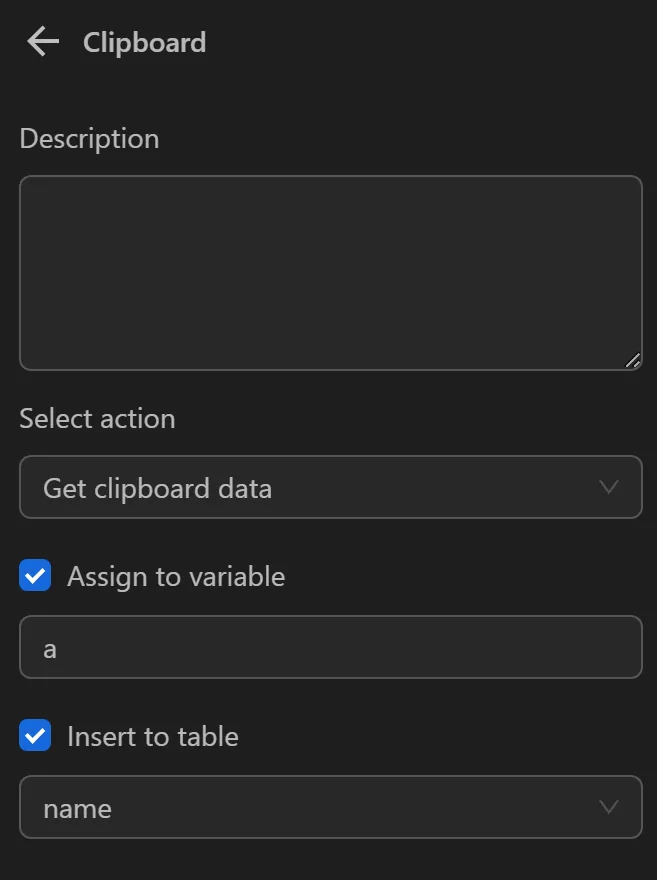
Get Clipboard Data
Retrieves data from the clipboard and assigns it to a variable or table for use later in the workflow. This is especially useful when a value is not fully visible on the page and must be copied first.
- Assign to Variable
Assign the value to a variable
- Variable Name
The name of the variable to assign the value to
- Insert into Table
Insert the value into a column in a table
- Select Column
The column where the value is inserted.
Example
You can use the function in cases like the following.
For example, here you need to click on this icon to copy the wallet address

After clicking it, the wallet address is saved to the clipboard. To retrieve that value, you configure the Clipboard node as follows
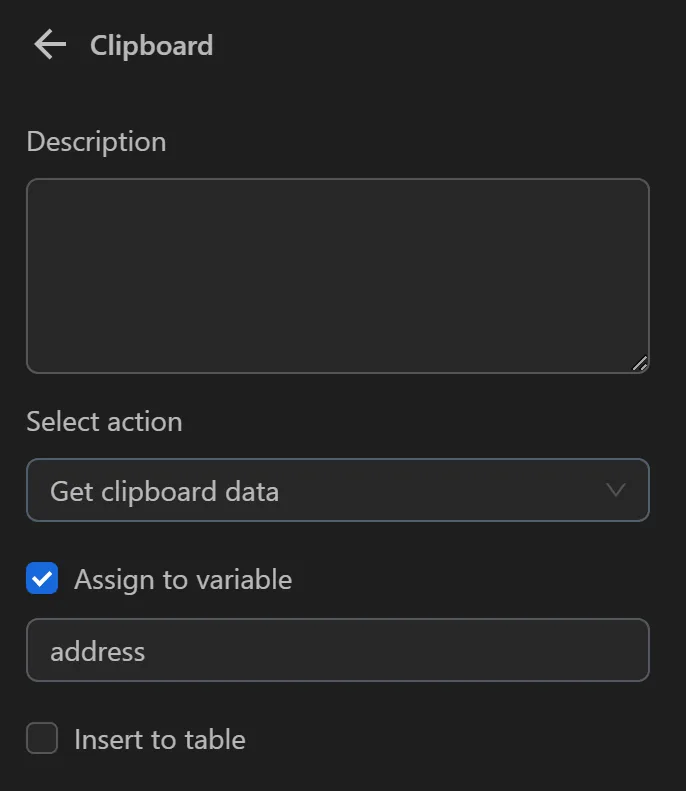
The result returned will be as follows

- The value assigned to the
addressvariable is the value, you just saved to the clipboard. Now you can use that variable in the process
Insert Text into Clipboard
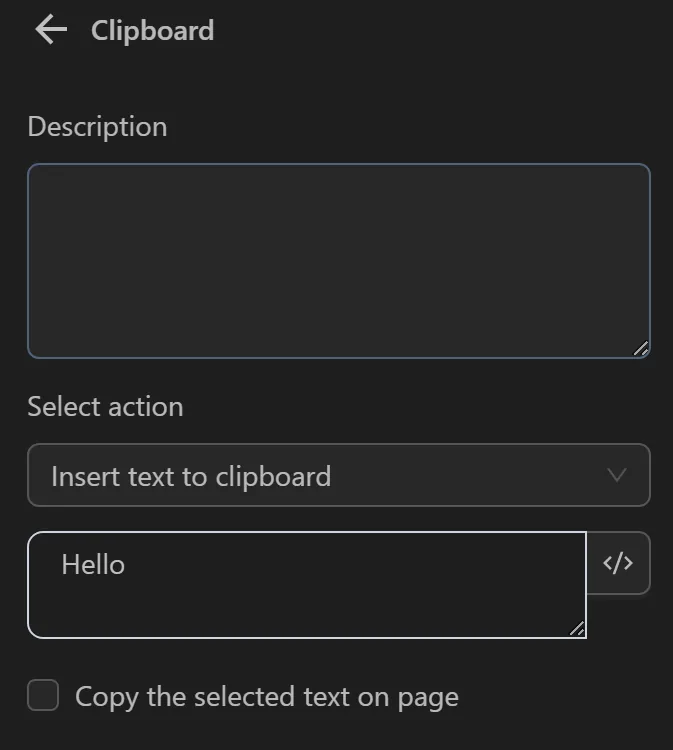
When selecting this option, you can insert a value into the clipboard. You typically use this function when you want to fill in a common value for all profiles.
Text: The text to insert into the clipboard
Copy selected text on the page: Option to copy the selected text on the page into the clipboard.
Example
You can use the function in cases like the following.
For example, here, you want to assign a value to the clipboard to use across all profiles. Therefore, you configure the Clipboard node as follows
Then you can insert that data into a variable for use by configuring it as follows
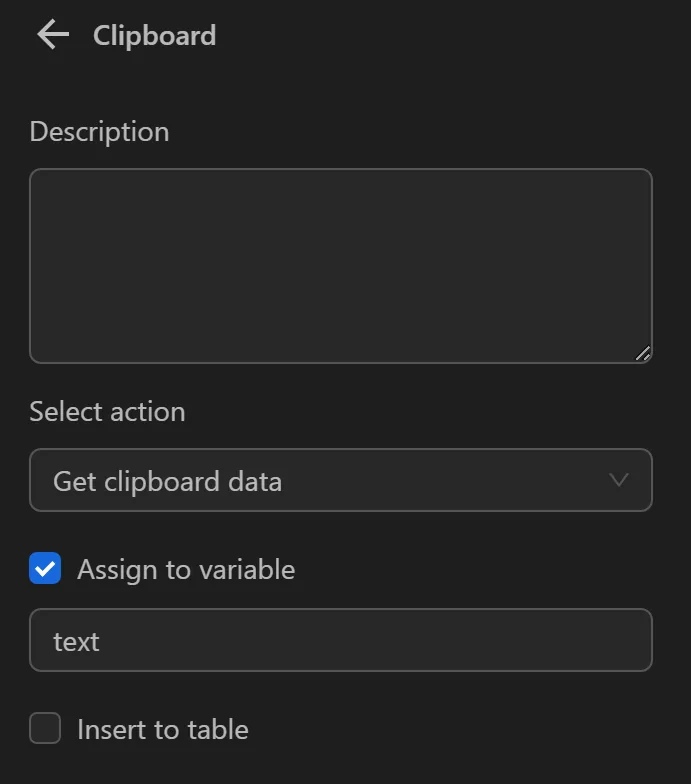
The result returned will be as follows
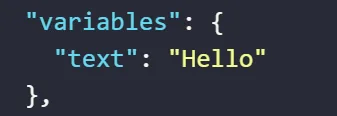
- The value assigned to the
textvariable is the value, you just saved to the clipboard. Now, you can use that variable in the process