Billing & Plans
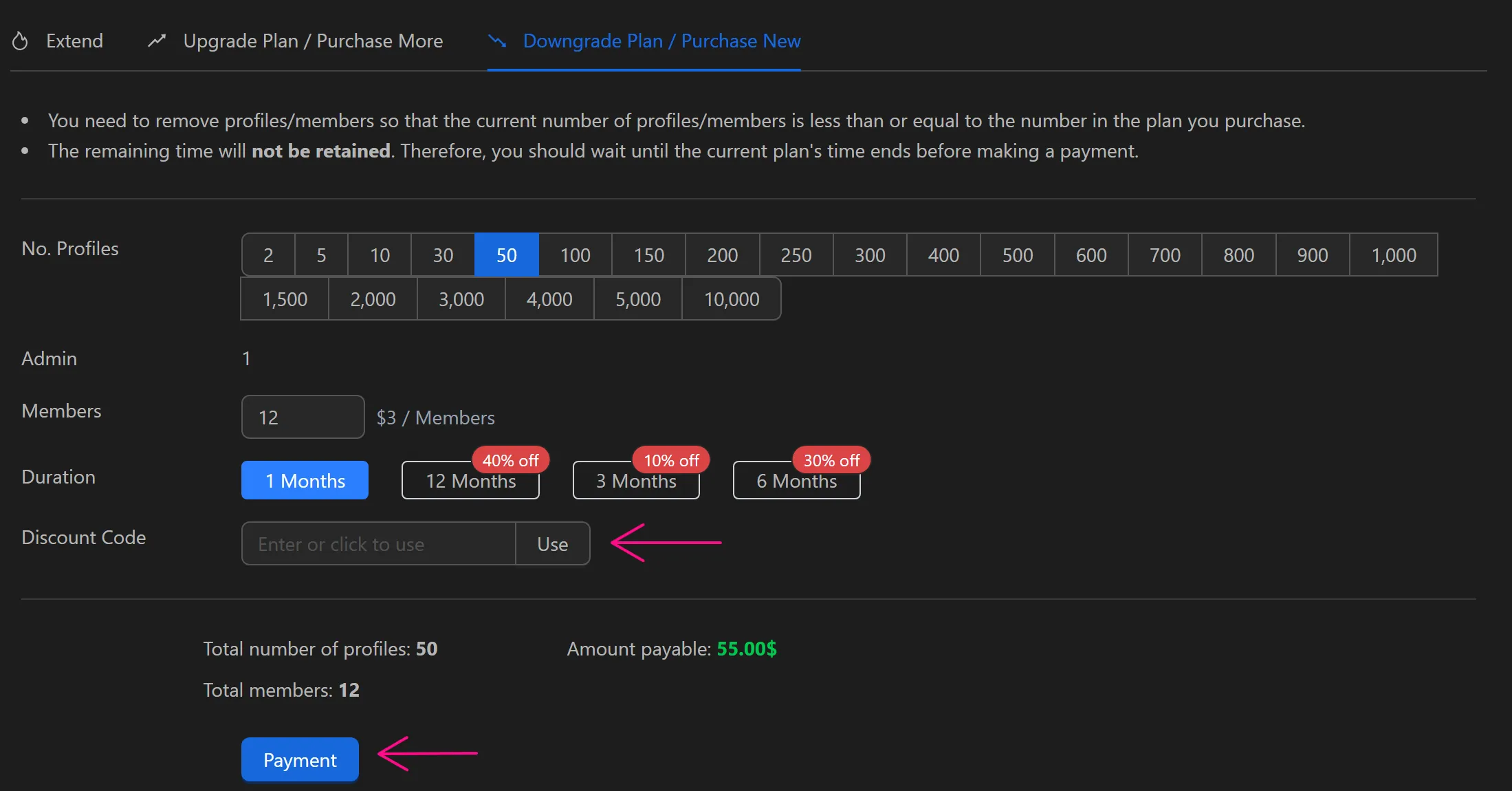
The Billing/Plans page lets you manage your subscription, view transaction history, deposit funds, and adjust your plan. You can renew your current plan, upgrade to add more resources (cumulative), or downgrade to a different plan (note: remaining time on the current plan is not retained when downgrading).
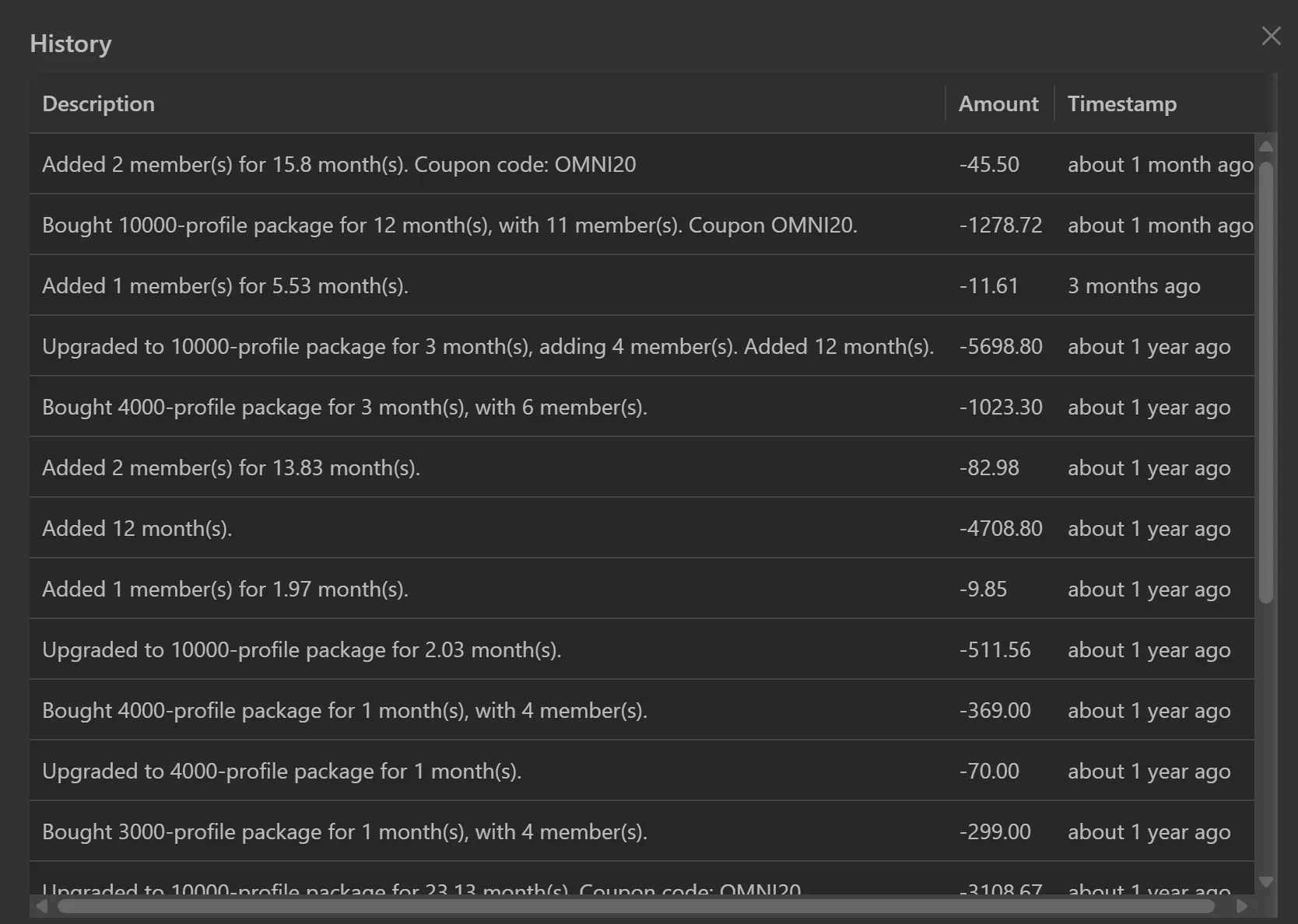
History
Display description information, amount, time of account package purchases
Deposit Funds
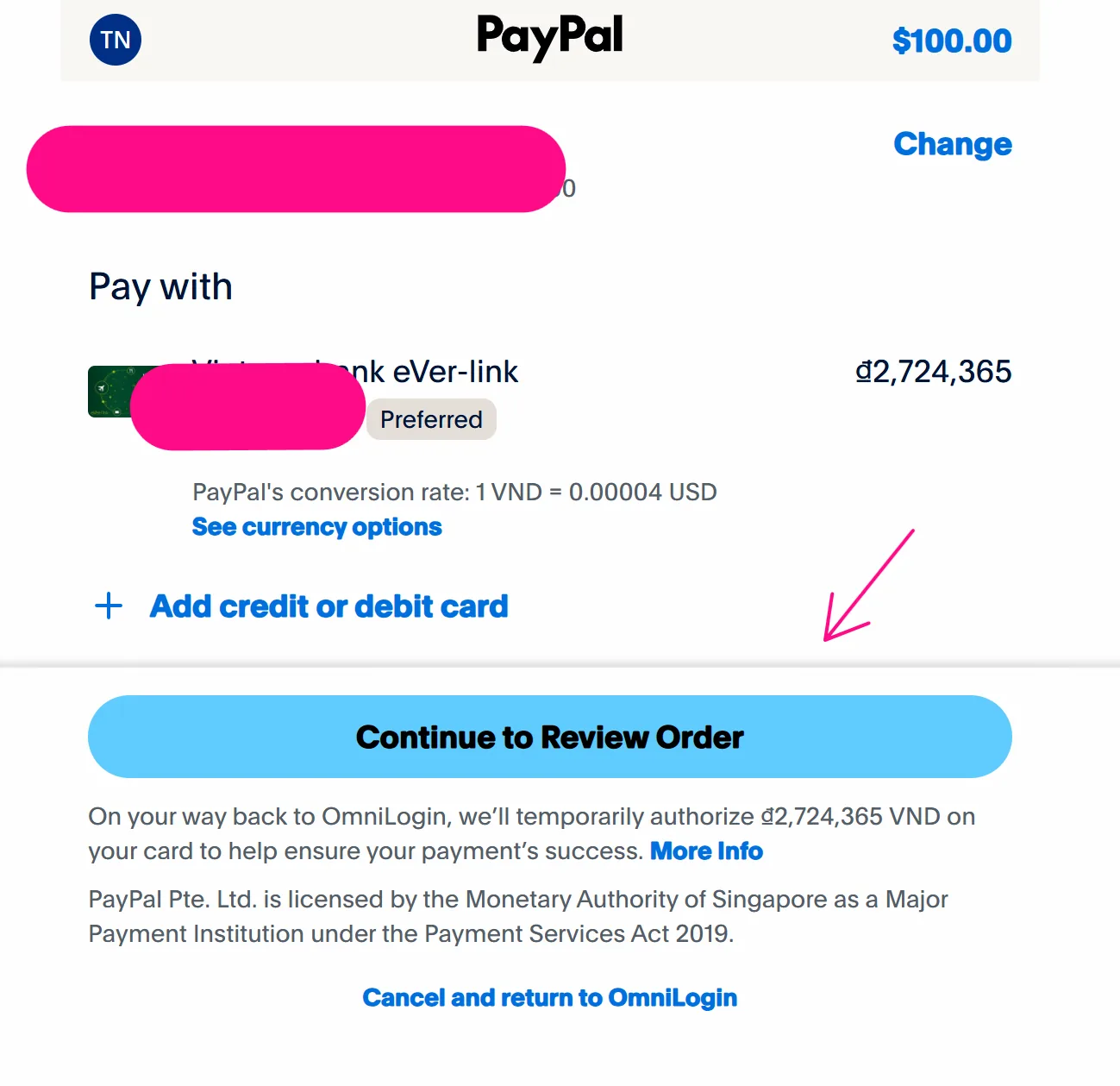
Deposit money to buy profile plans at $1 = 22,000 VNĐ. Steps:
- Click
Add Funds.

- Select the amount (minimum $1), choose PayPal, then click
Pay Now.
For PayPal, click Pay Now, then Continue to Review Order to complete payment.
Plan Details
- No.Profile: Created vs maximum allowed
- Members: Created vs maximum allowed
- Limit Profile creating today: Daily cap (plan profiles x 30), resets at 12:00 AM
- Days Remaining: Days left on the plan
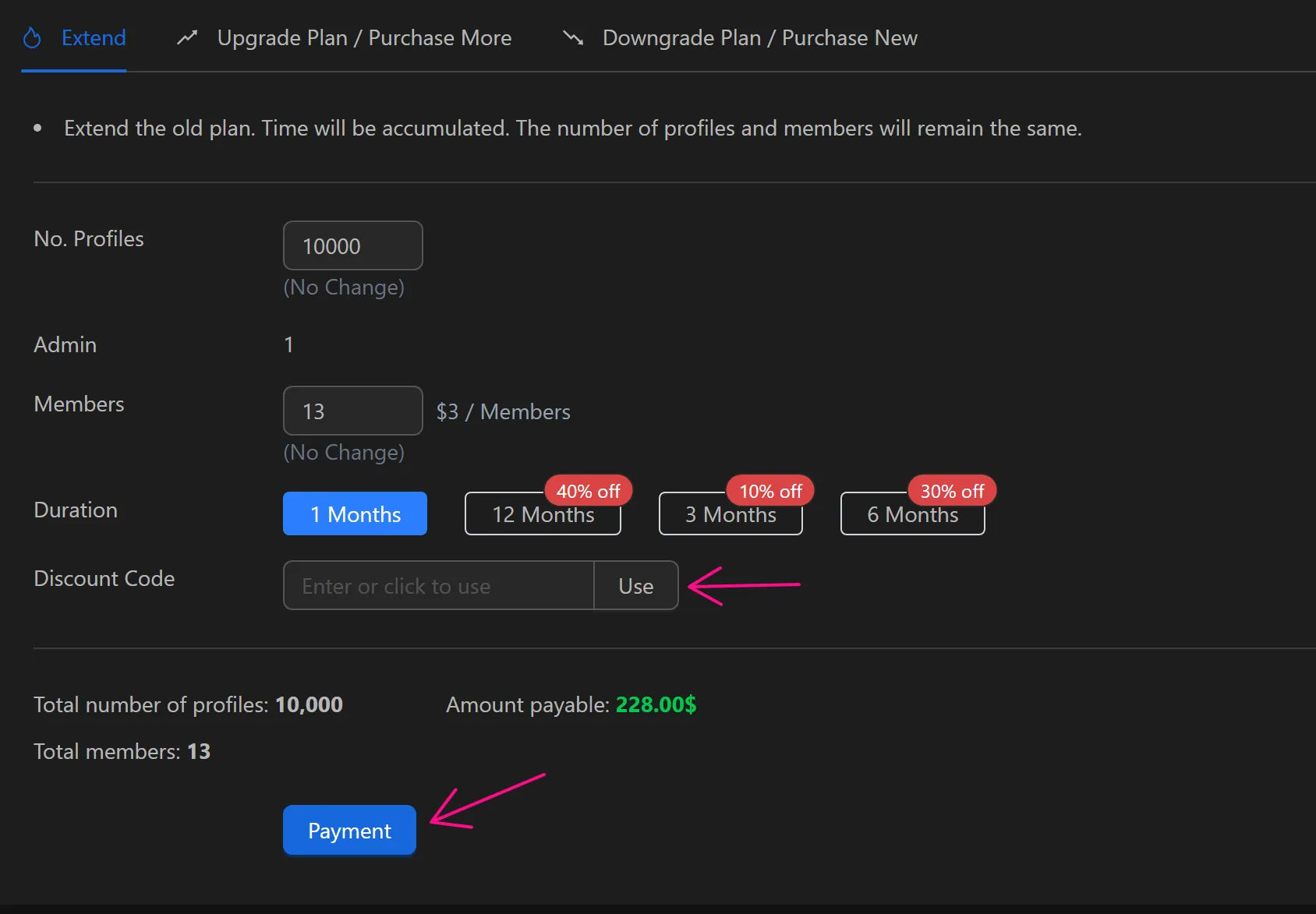
Extend
Use this to renew an expired plan or add time to the current plan. Profiles and members remain unchanged.
Example: Add 1 year (12 months) to the current plan. Select Time as 12 months, click Pay. Use a discount code in Coupon Code, click Apply, then Pay.
Note
For 10+ members, price drops to $3 each (from $5).
Upgrade Plan / Purchase More
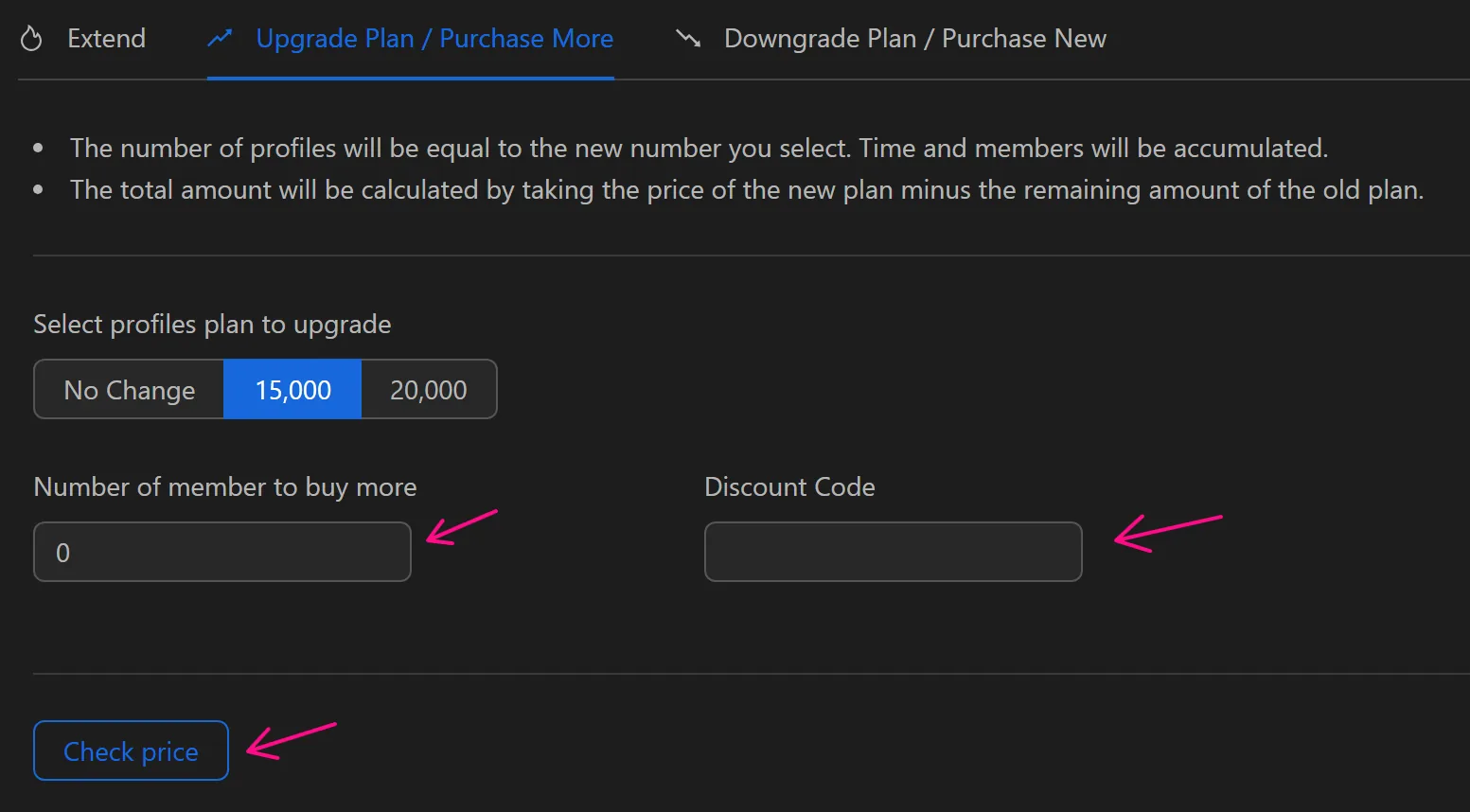
Use this to upgrade to a higher profile plan or add members. New profile count applies; time and members are cumulative. Cost is new plan price minus remaining old plan value.
Example: Upgrade to 15,000 profiles and add 2 members. Enter details, apply a coupon (if any) with Check Price. Cost is lower due to existing plan.
Downgrade Plan / Purchase New
Use this to downgrade to a lower plan or purchase a new one. Reduce profiles/members to match or be below the new plan. Remaining time is not retained. Wait for the current plan to expire before paying, or export data via Export for re-import after upgrading.
Example: Downgrade to 5,000 profiles with 9 members after expiration. Ensure profiles ≤ 5,000 and members ≤ 9, then click Pay.