
Bulk Import Phantom Wallets in Omnilogin
This tool automates importing multiple Phantom wallets from an .xlsx file into separate browser profiles. It also supports bulk export of wallet data. Designed for Solana ecosystem operations at scale. For creating new wallets, see Create Phantom Wallet.
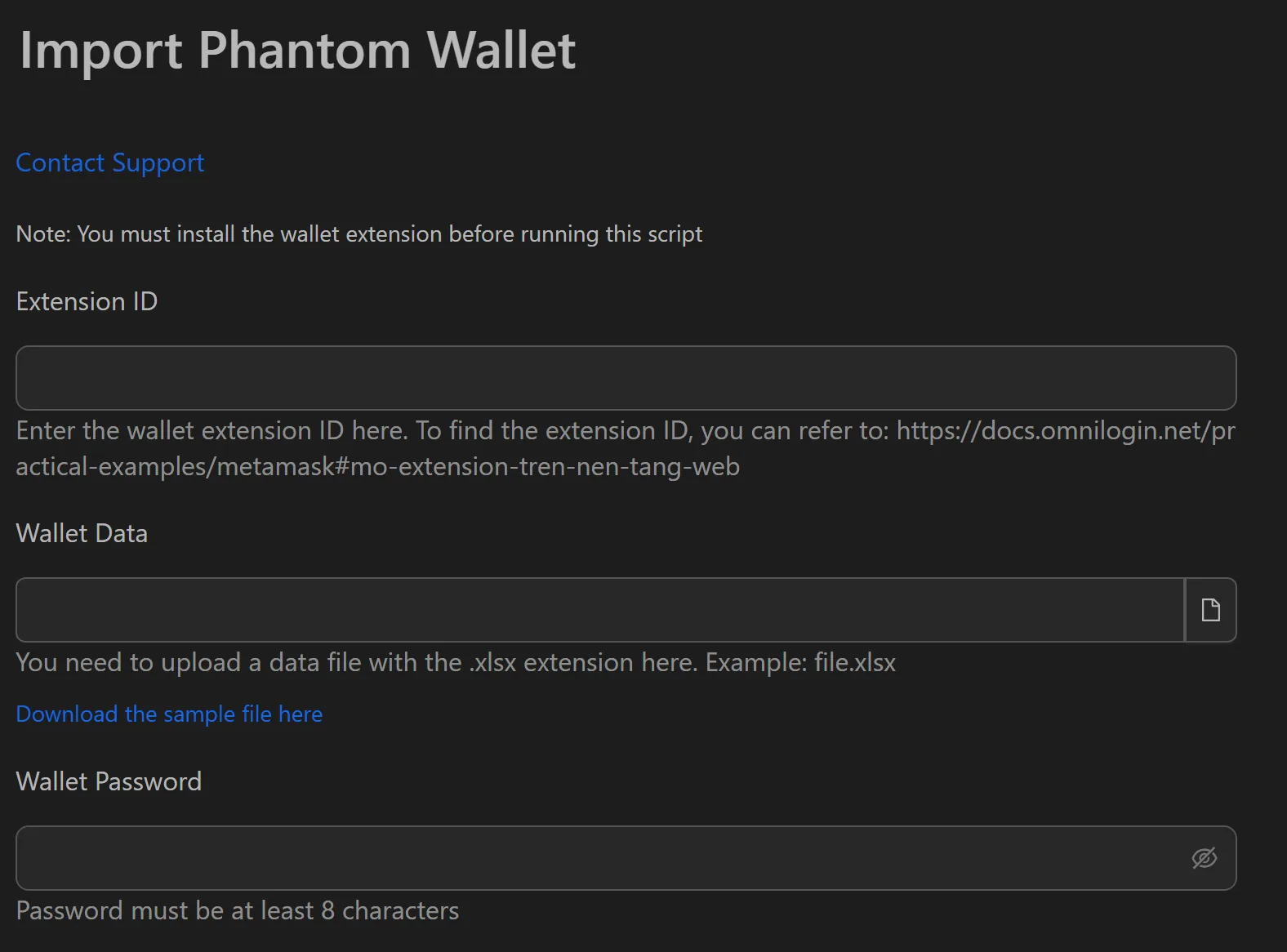
How to Import Phantom Wallets in Bulk
- Install the Phantom extension in each target browser profile.
- Prepare an
.xlsxfile with seed phrases (one wallet per row). - Open the Phantom import workflow in Omnilogin.
- Enter the path to the
.xlsxfile in the Input section. - Click Run to start the import.
Features
- Bulk wallet import -- reads seed phrases from
.xlsxand restores wallets automatically, saving 99% of manual time - Bulk information export -- extract profile names and seed phrases for backups or eligibility checking on Solscan/SolanaFM
- Per-profile isolation -- each wallet runs in a separate browser profile with its own fingerprint
Use Cases
Airdrop Hunting
Import hundreds of wallets quickly to complete airdrop tasks (swap, stake, lend) across your full wallet list. Early setup secures "early user" positioning for reward eligibility.
NFT Minting
Pre-load wallets into profiles before mint time. When the countdown hits zero, you have dozens of wallets ready instead of scrambling to log in one by one.
Staking at Scale
Import wallets into profiles, then distribute staking across different validators. Manage multiple staking strategies in parallel with an organized system from the start.
Related: Import Solflare for another Solana wallet option | Import MetaMask for EVM chains.