
Personal Workflow Store
The Personal Workflow Store manages workflow repositories that you are authorized to use. This is ideal for accessing shared or rented workflows from other creators.
To add a shared workflow repository to the Personal workflow store, the user needs to select Add Personal Store.
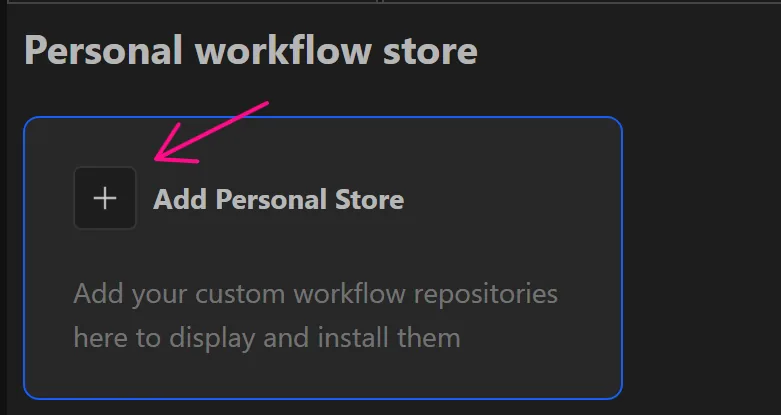
Add API
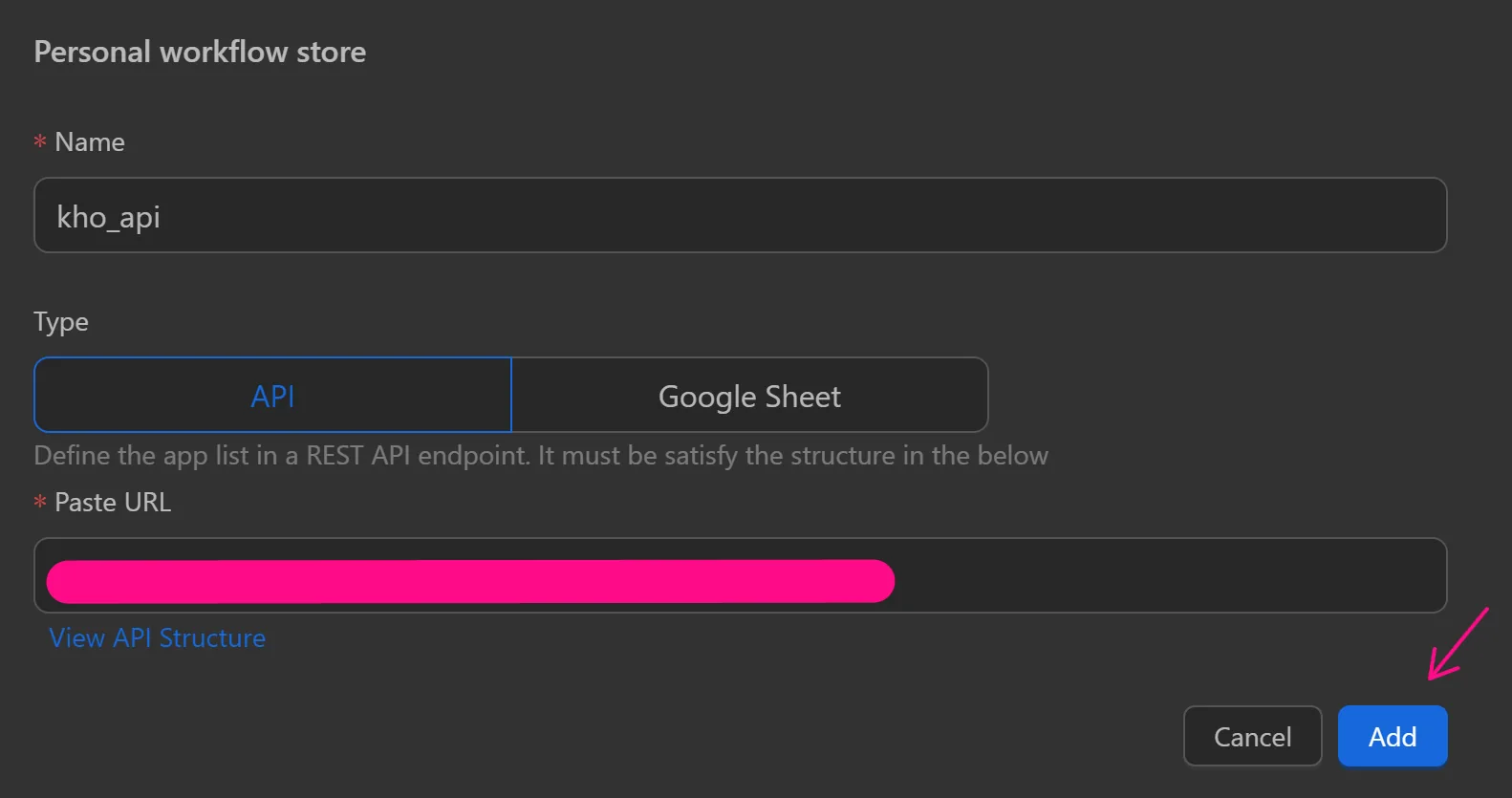
Then fill in the repository information such as Name, select the repository type API, paste the URL into the blank box and select Add.
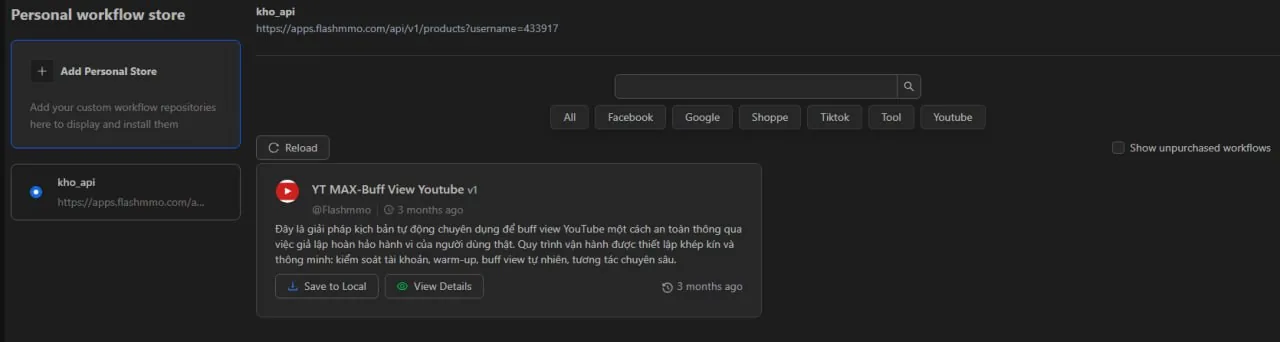
For a personal repository added via API, purchased workflows will display an additional Save to local option.
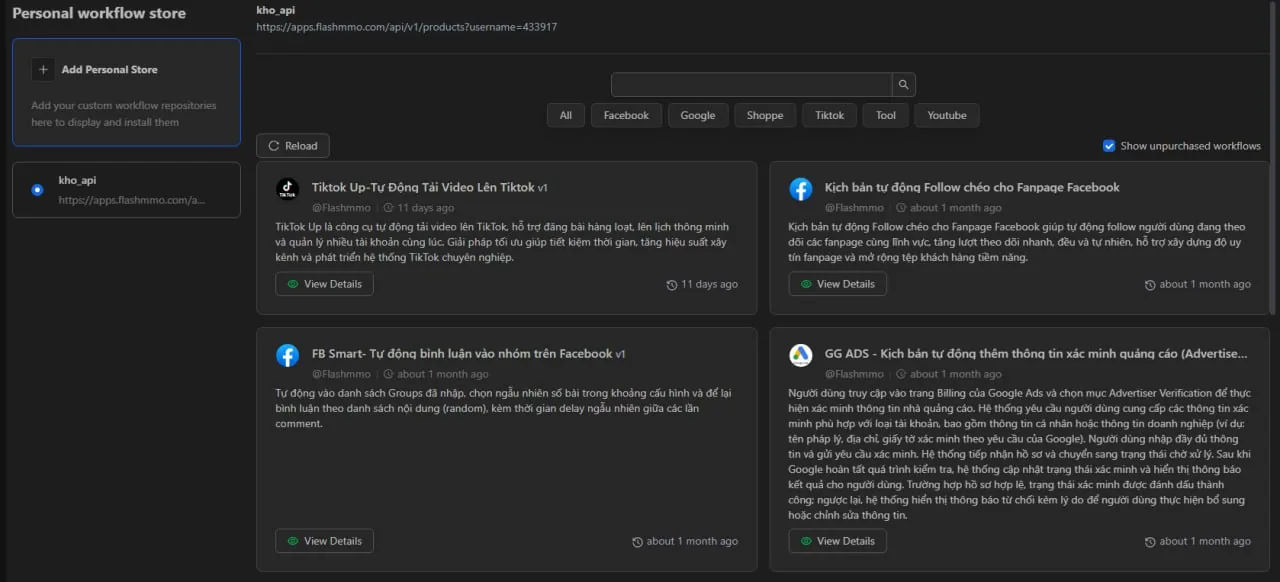
If not yet purchased, it will display a View details option.
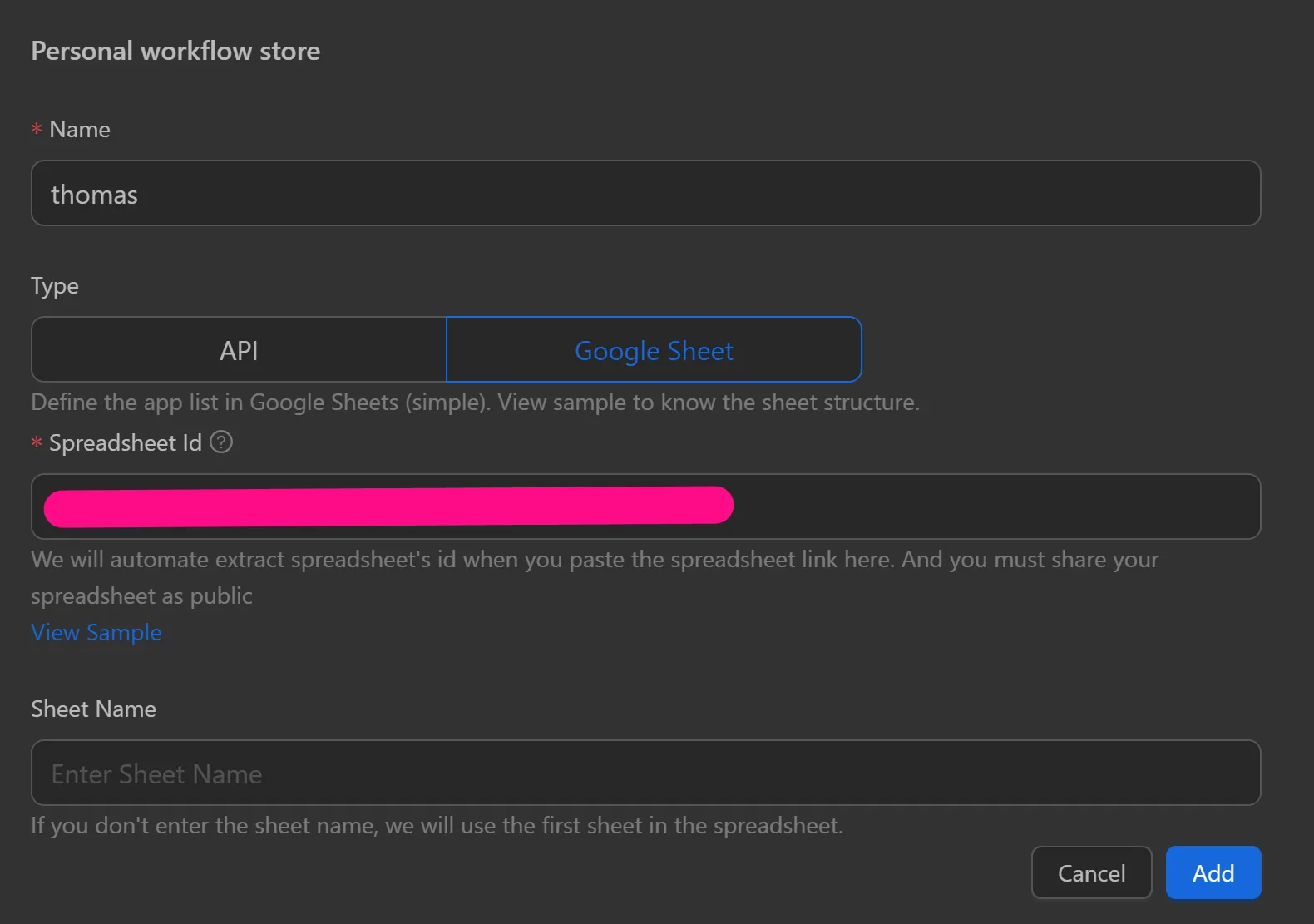
Add Google Sheet
Then fill in the repository information such as Name, select the repository type Google Sheet, paste the URL into the blank box, choose Sheet Name or leave it blank to get the first sheet.
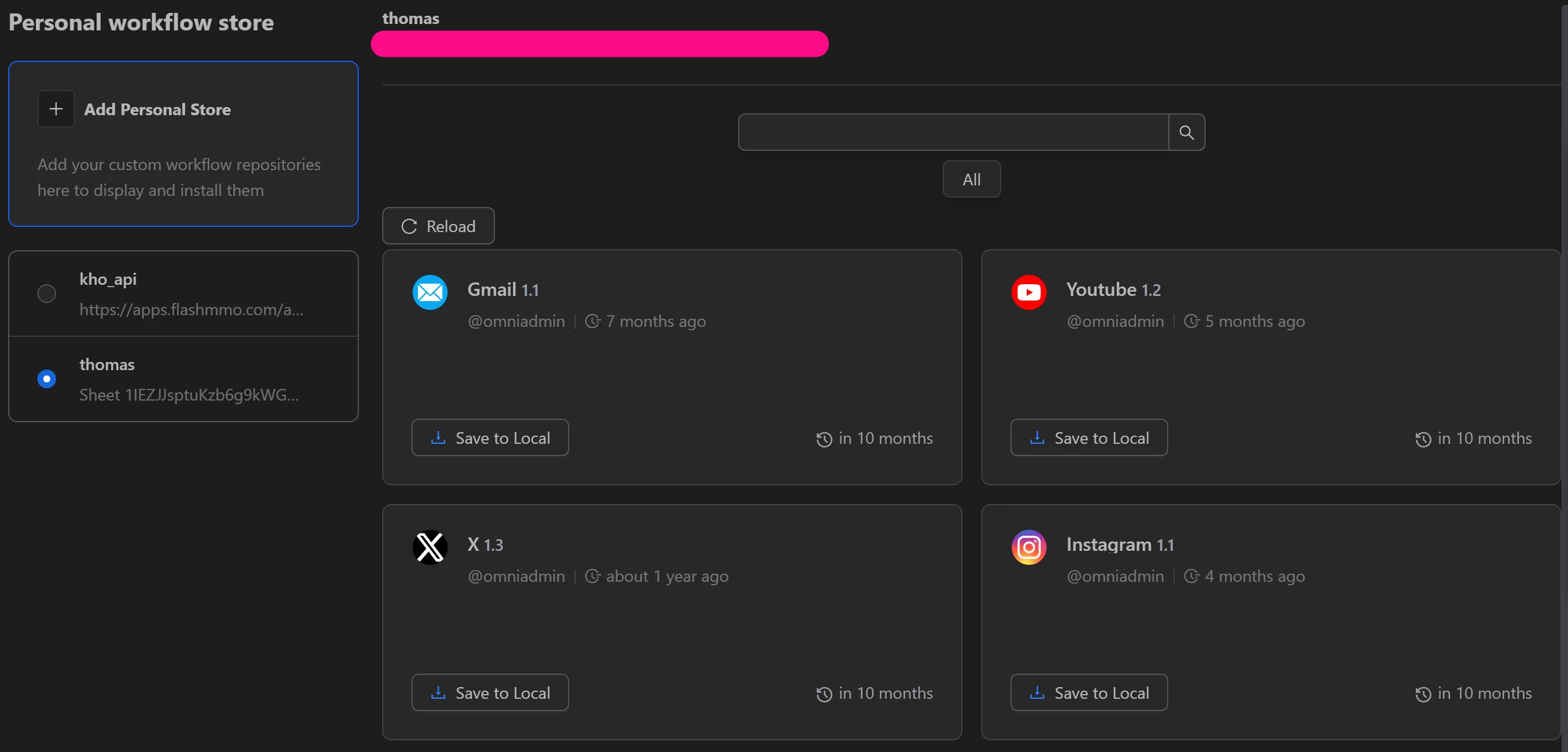
Here you can select Save to local to download the workflows you are allowed to use.
Sheet Configuration
To be able to display, download workflows, and use them, the sheet must be in Share mode.

Next, fully configure according to the following template:
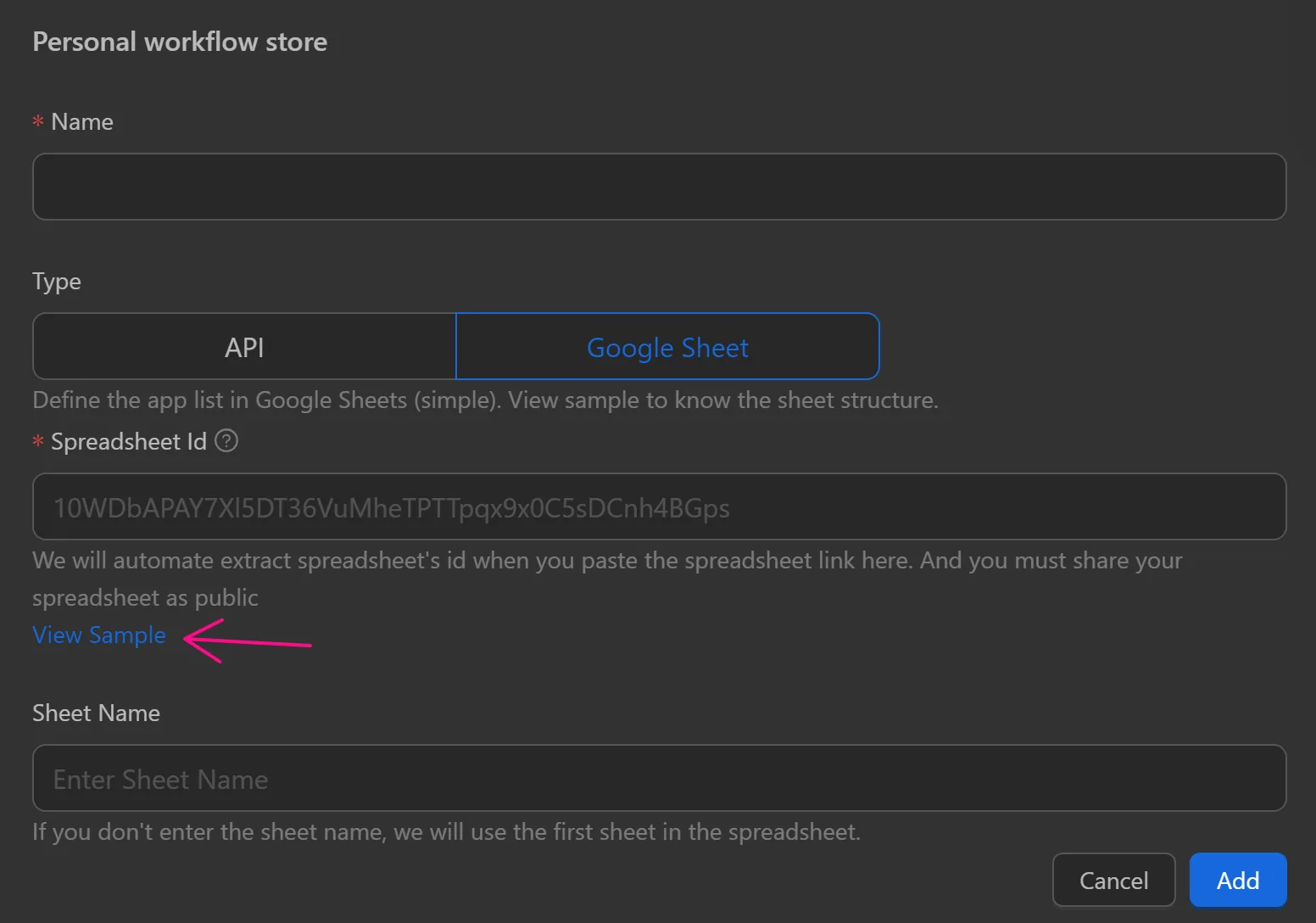

The seller must configure the columns id (workflow ID), title (workflow name), and urlDownload (the link to where the uploaded workflow is stored) to be able to load and display the workflow in the repository. The remaining columns such as version (workflow version), owner (owner), description (workflow description), icon (workflow icon), releaseDate (expiration date), createdDate (creation date), and categories (workflow categories) are not mandatory.