
Free Workflows
The Free Workflows section provides a library of pre-built workflows created by the Omnilogin team. These ready-to-use automations cover common tasks like account creation, login, and data management - saving you from building them from scratch.
Search for a workflow
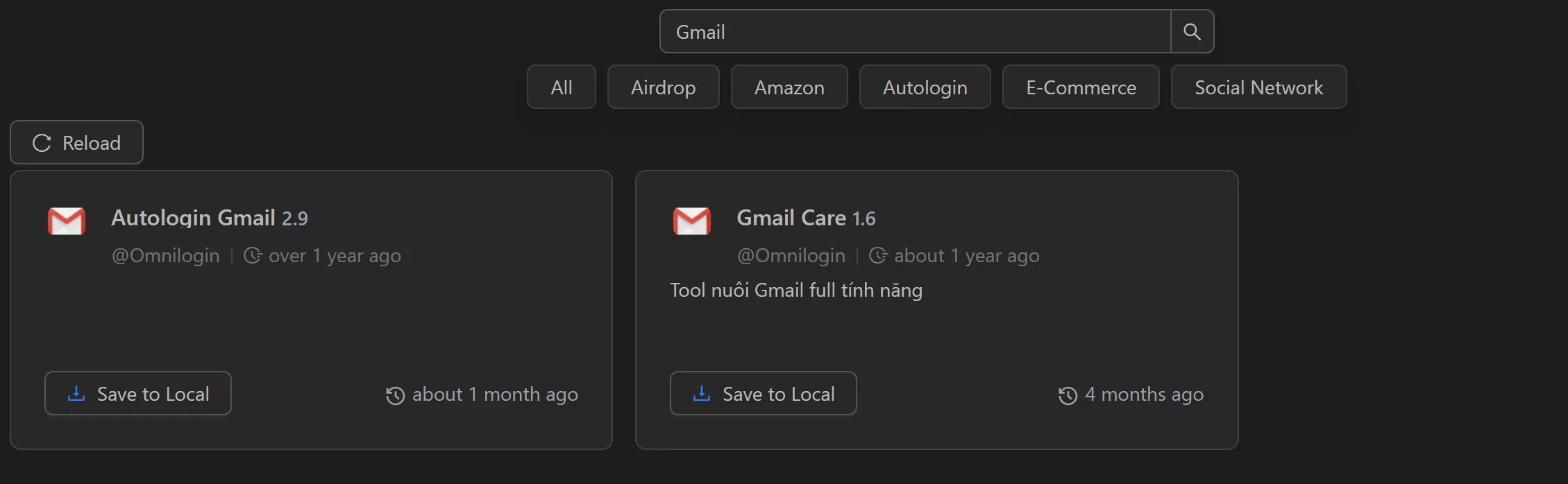
Users can search for the workflows they want to use as follows:
Click on the search box, enter the name of the workflow you want to search for, and press Enter.

Then the workflows with names corresponding to the search keyword will be displayed.
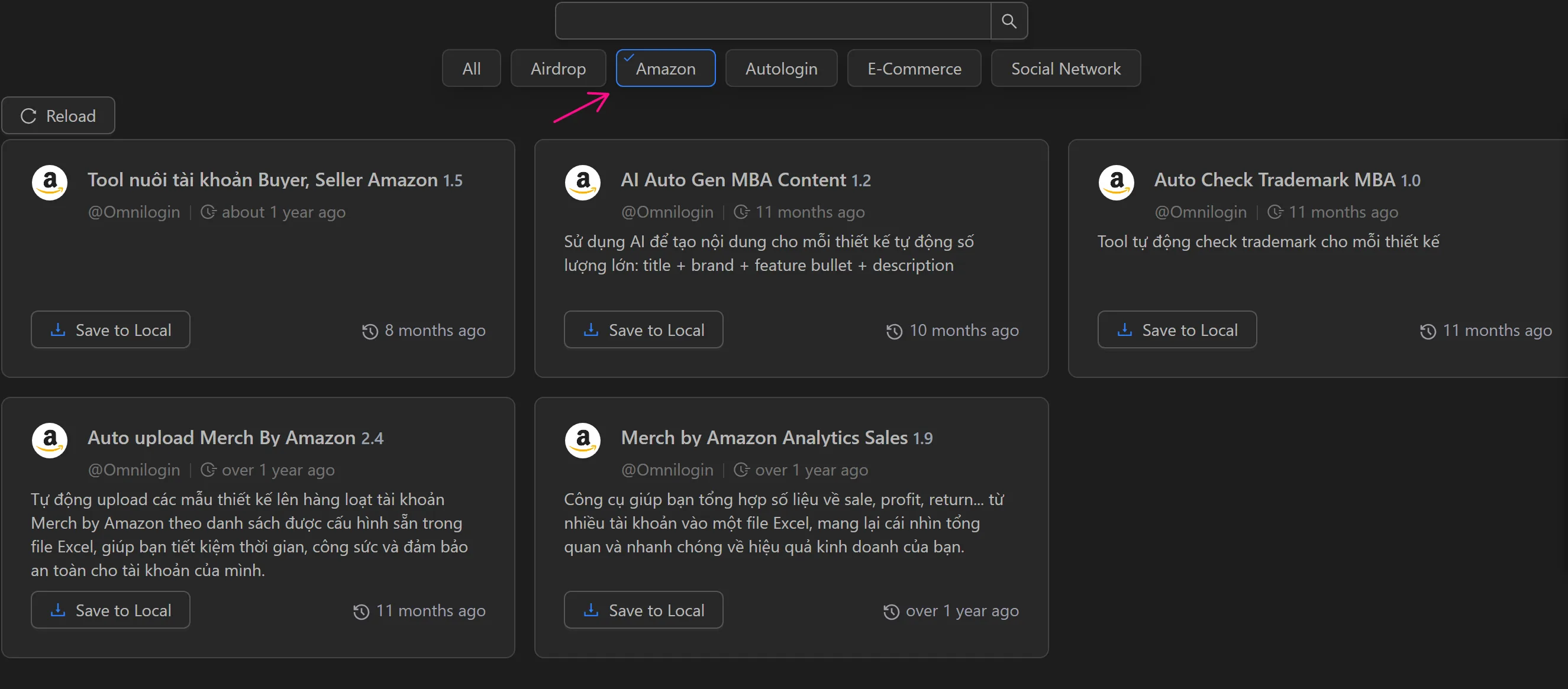
Alternatively, click on the category tags to show workflows related to those tags.
How to download a workflow
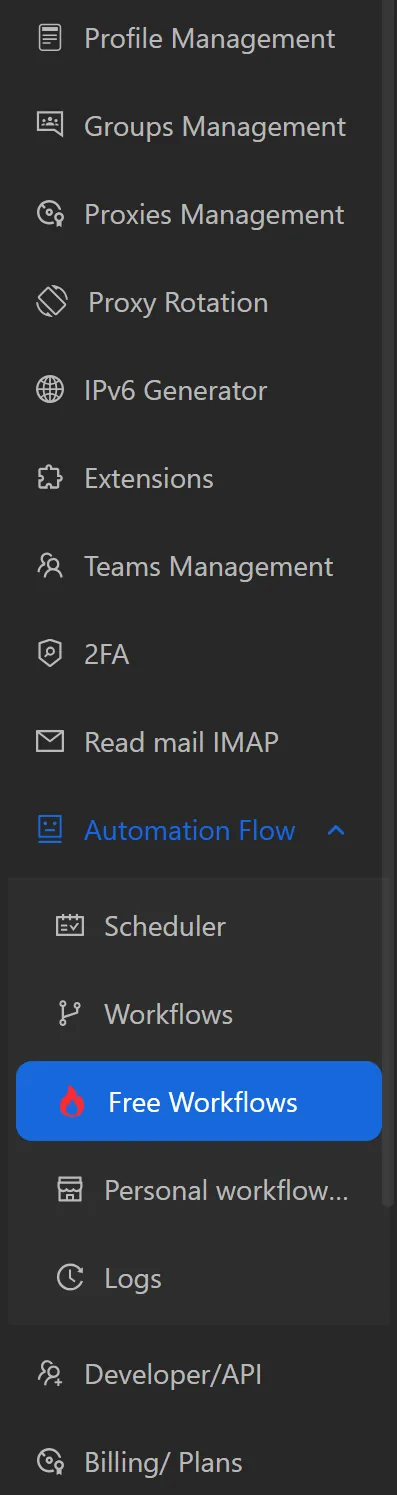
- Select
Free workflows, then a list of free workflows will appear.
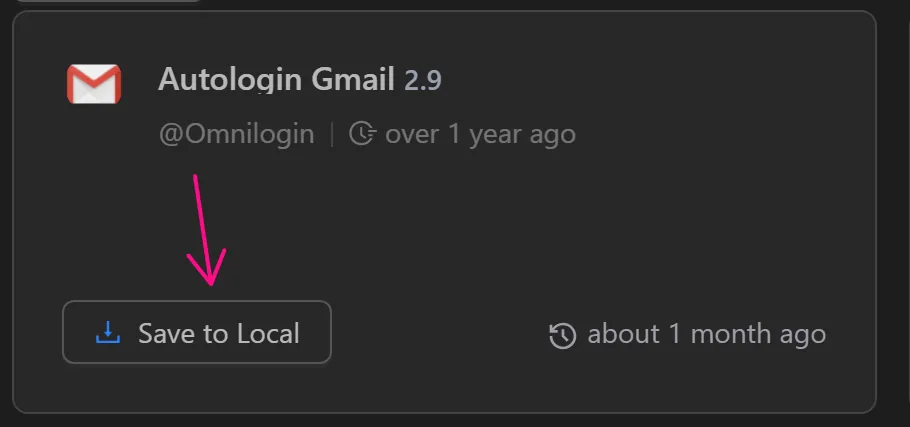
- Select a workflow you want to download and choose
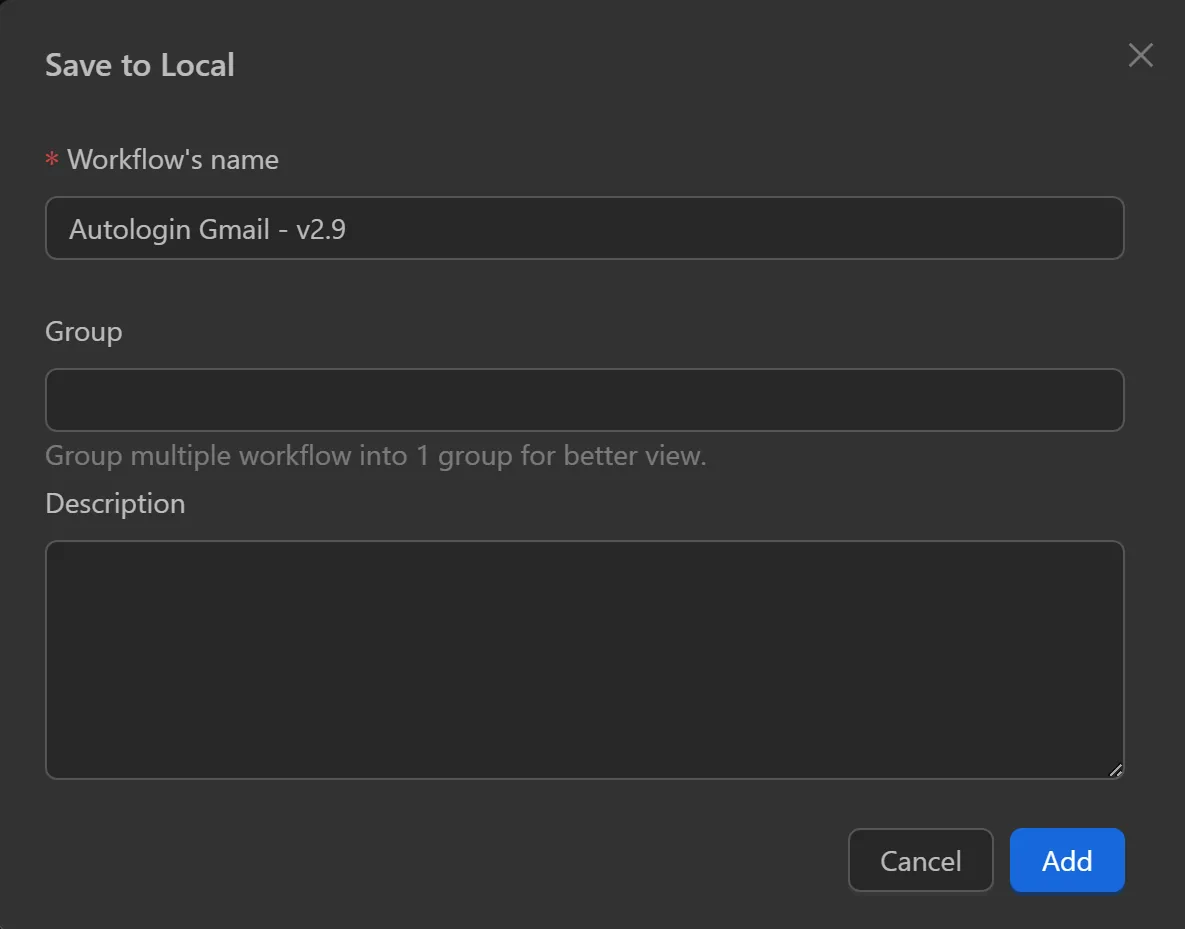
Save to local.
- Change the name, group, and description for that workflow, then select
Copy.
After downloading, users can configure the workflow and then run it.