
Bulk Import Ronin Wallets in Omnilogin
This tool automates importing multiple Ronin wallets into browser profiles using seed phrases. It supports multi-threaded parallel processing for fast setup. Built for gaming guilds, airdrop hunters, and developers in the Ronin ecosystem. For creating new wallets, see Create Ronin Wallet.
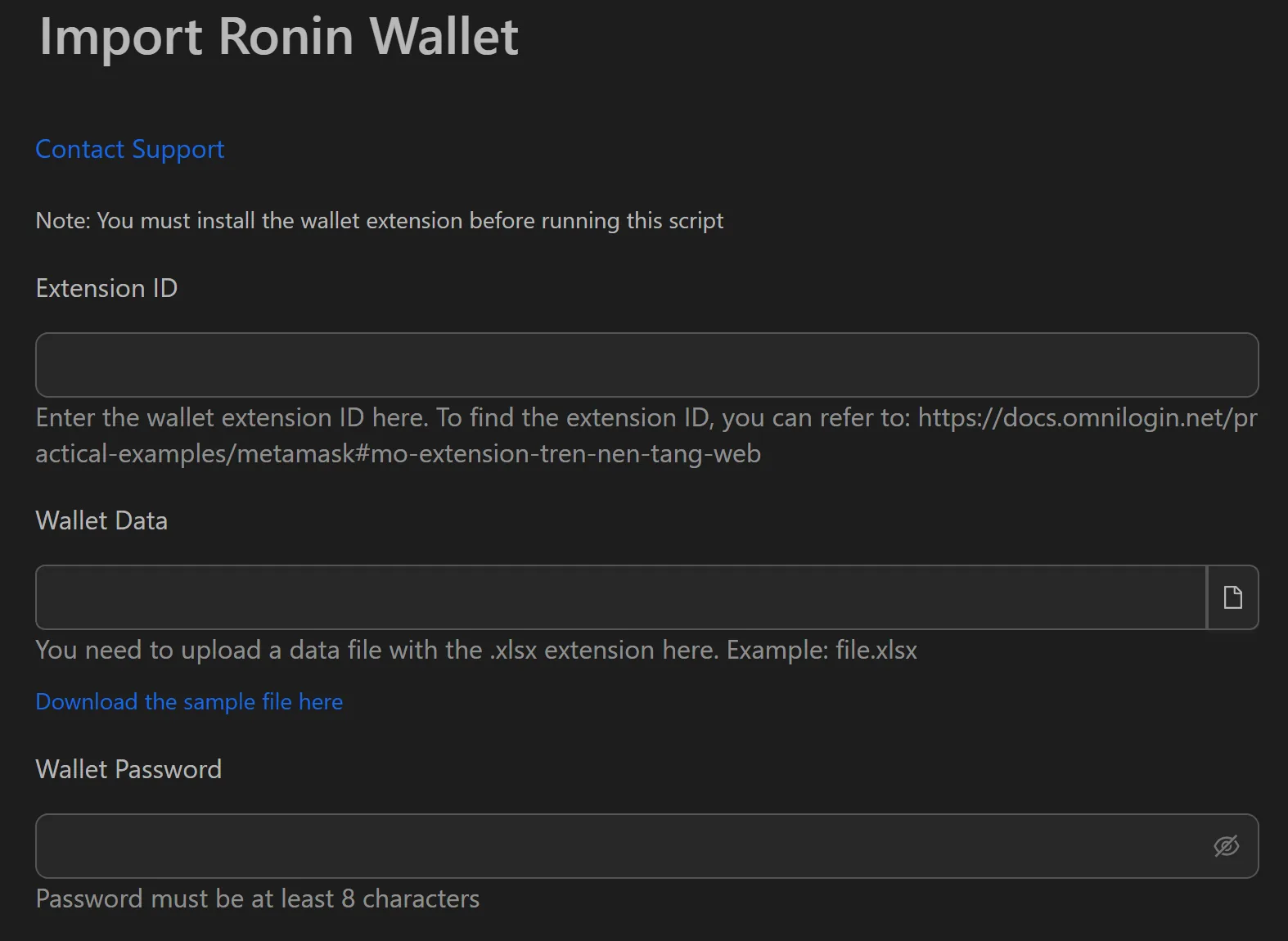
How to Import Ronin Wallets in Bulk
- Install the Ronin Wallet extension in each target browser profile.
- Prepare an
.xlsxfile with one seed phrase per line. - Open the Ronin import workflow in Omnilogin.
- Set Number of concurrent profiles (e.g., 10-20 threads).
- Provide the path to the
.xlsxfile. - Set the wallet password.
- Click Start to begin.
How the Automation Works
- Opens the browser with Ronin Wallet extension installed.
- Selects "I already have a wallet" then "Import with secret recovery phrase."
- Pastes the seed phrase into the 12 required fields.
- Fills in the configured password.
- Completes the import and repeats for the next wallet.
The entire process runs without user intervention after pressing Start.
Features
- Multi-threaded processing -- import 10-20 wallets simultaneously. 100 wallets in ~10-15 minutes instead of 100 minutes.
- Simple data format --
.xlsxfile with one recovery phrase per line - Minimal interface -- thread count, file path, password. No unnecessary complexity.
- Full automation -- no manual steps after clicking Start
Use Cases
- Gaming guilds -- onboard 100 new scholars in under an hour: import wallets, then transfer NFTs and assets
- Airdrop hunting -- restore hundreds of wallets into separate profiles for early interaction with new Ronin projects
- Developer testing -- set up 50+ wallets for testing transactions, smart contracts, and game logic
Related: Import MetaMask | Import Phantom for non-Ronin wallet imports.