
Go Back Block
The Go Back block navigates the active tab to the previous page in the browser history - equivalent to clicking the browser's back button.
Example
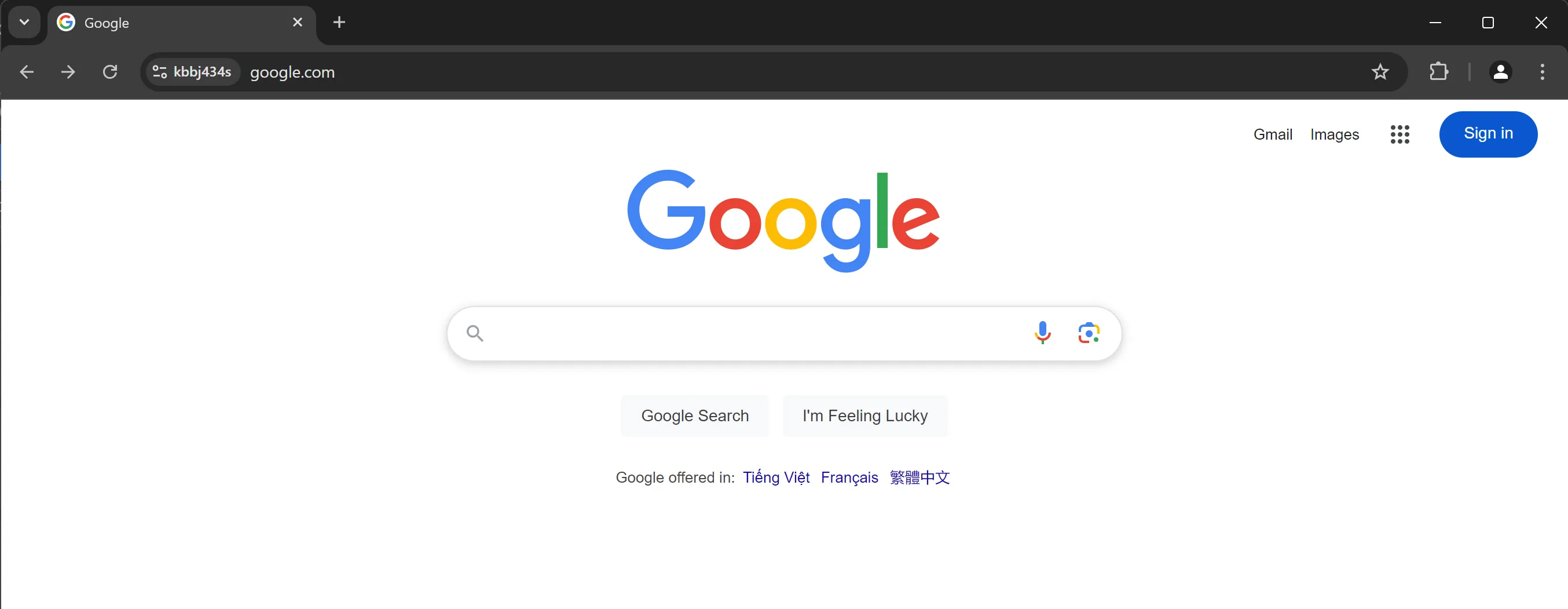
The initial page is the Google homepage:
After clicking the Sign in button, the browser navigates to the Google Sign-in page:
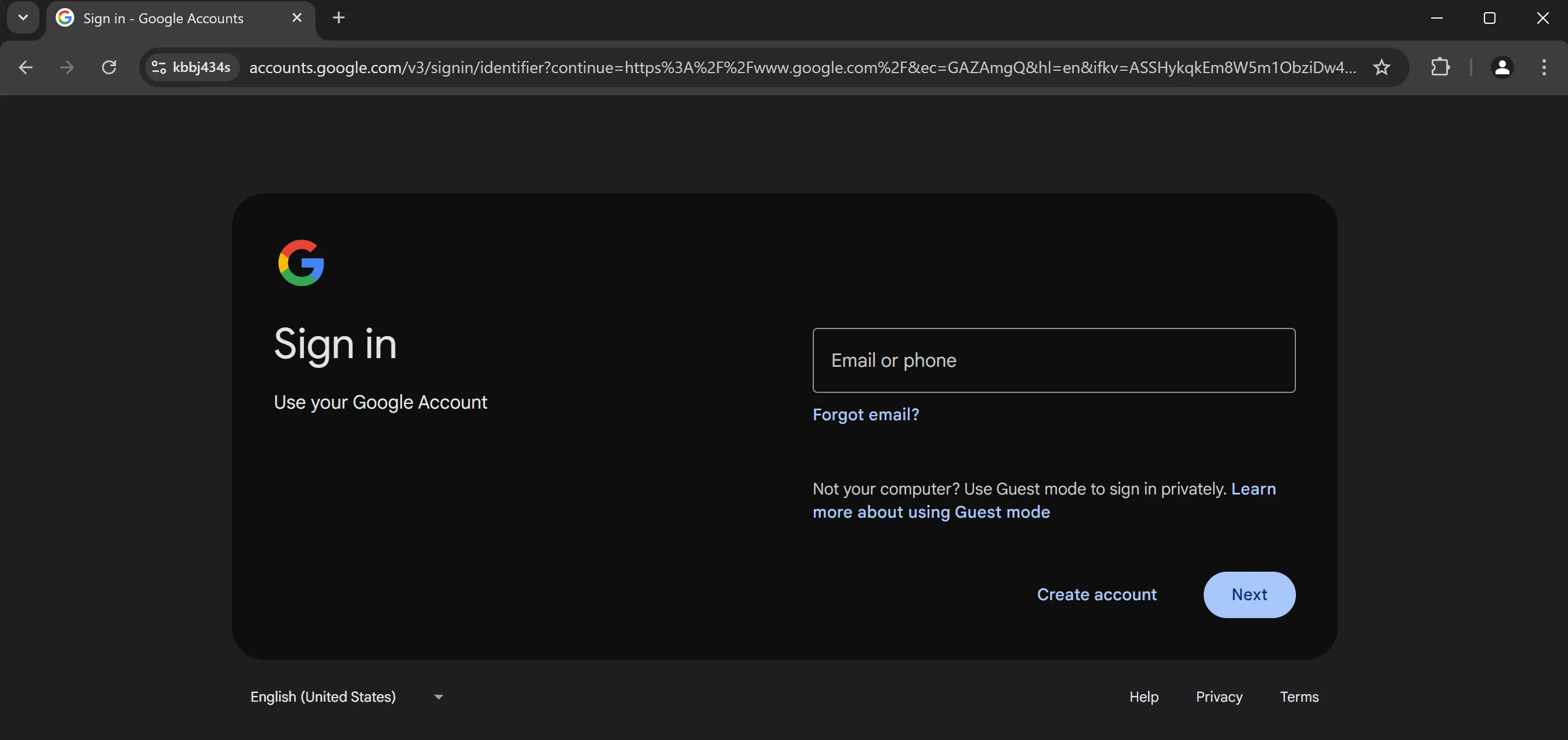
To return to the initial Google page, add a Go Back block:
Tips
- Use
Go Backwhen you need to return to a previous page without knowing its exact URL. - If you need to navigate to a specific URL instead, use the
New Tabblock with the desired URL.