
Handle Dialog Block
The Handle Dialog block manages JavaScript dialog boxes (alert, confirm, prompt) by automatically accepting or dismissing them during workflow execution.
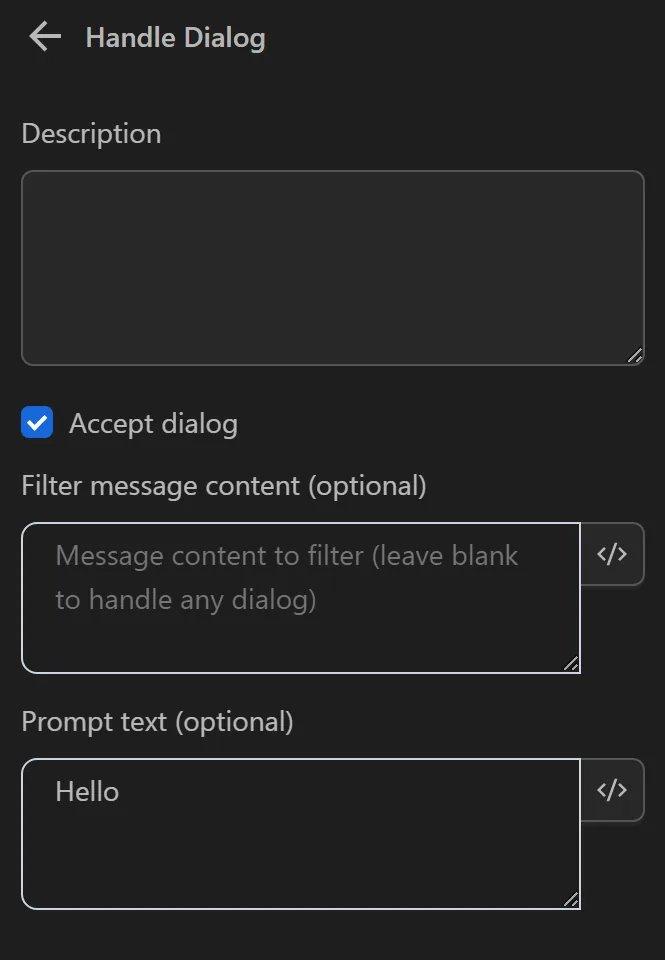
Accept Dialog
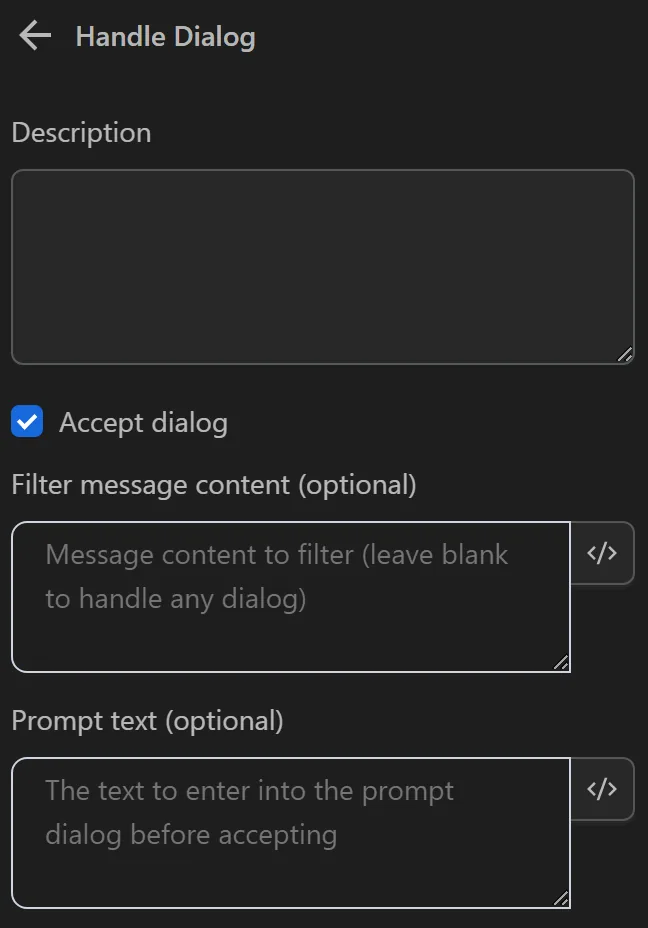
Choose whether to accept the dialog box that appears.
Filter message content (optional)
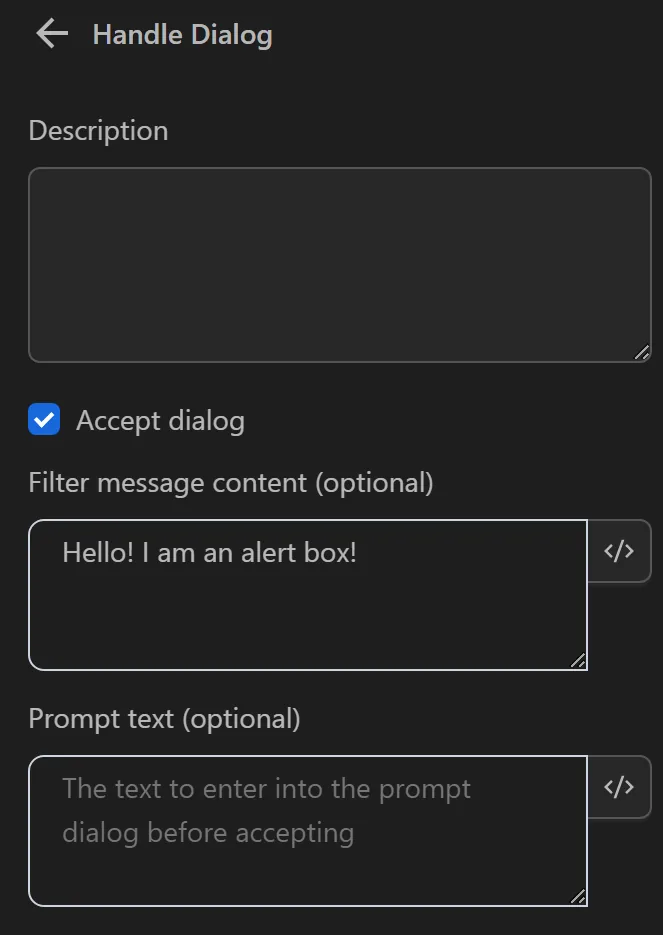
Only accept dialog boxes with the specified content. If left blank, all appearing dialog boxes will be accepted.
Prompt text (optional)
Select content to input before accepting.
Practical Example
During the workflow, you need to click the Try it button.
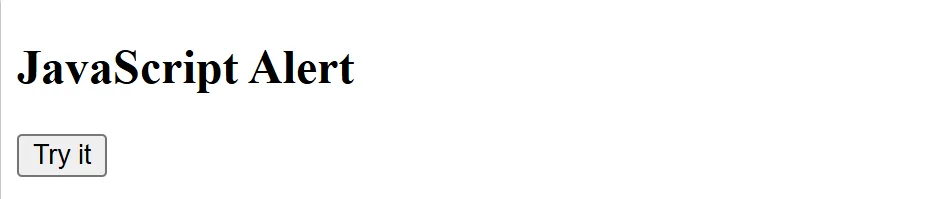
However, a dialog box then appears.
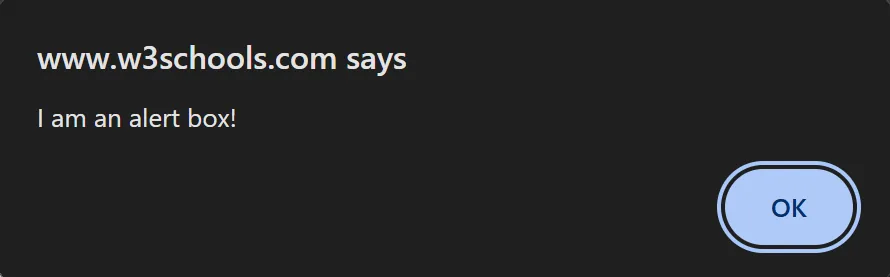
To dismiss this dialog box, configure the node as follows:
You can specify which dialog boxes to accept based on the desired content.
Additionally, if you want to input a value into the dialog box, you can enter text in the Response Content field.
To dismiss the dialog box when it appears, you need to connect the nodes as follows:

TIP
You need to use this node before the node that triggers the dialog box.