
Create Ronin Wallets in Bulk with Omnilogin
Omnilogin's bulk Ronin Wallet creation tool automates wallet generation for the Ronin ecosystem. All data stays local -- no information is sent externally during creation.
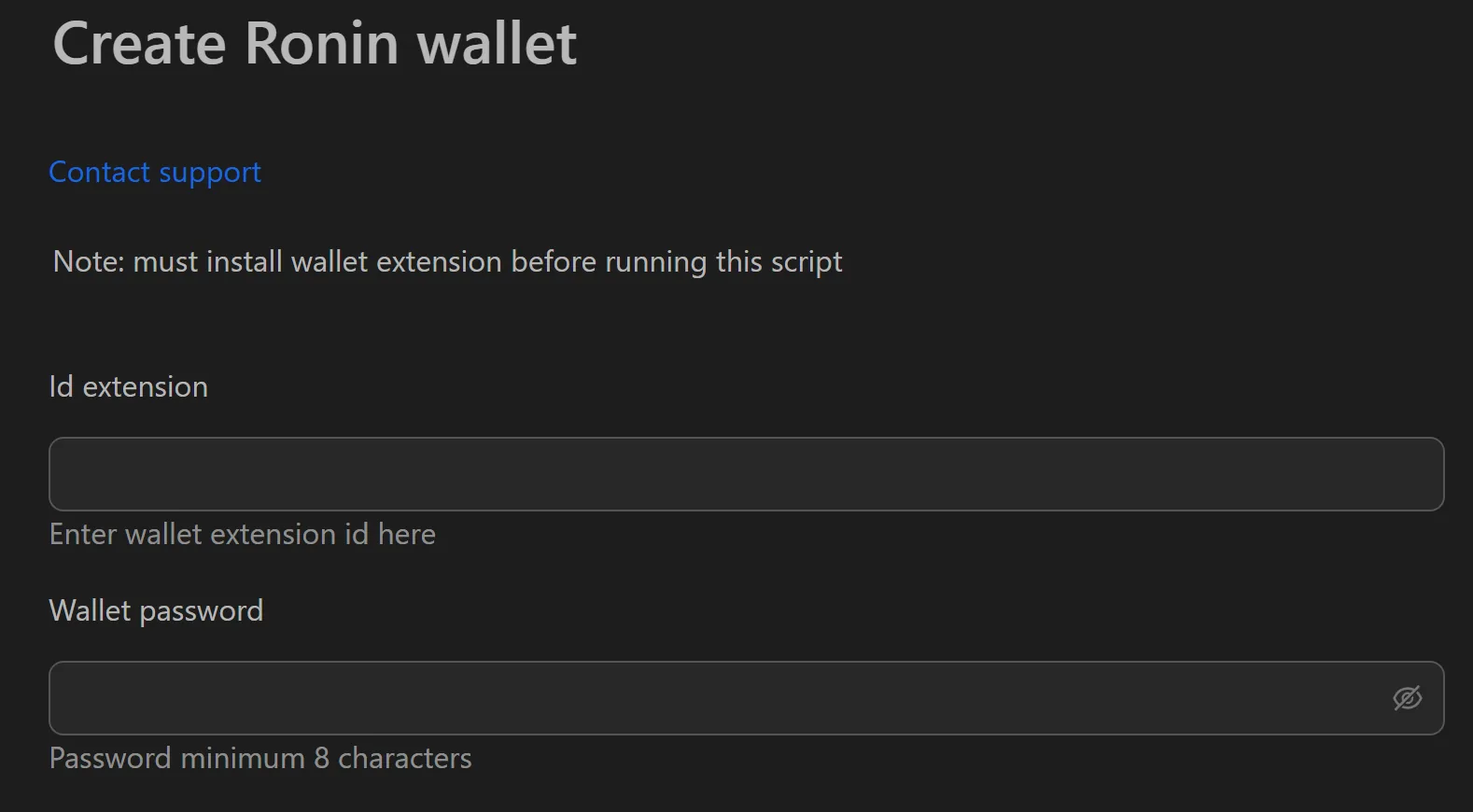
How to Create Ronin Wallets in Bulk
- Open the Ronin Wallet creation tool in Omnilogin.
- Enter the Extension ID and wallet password.
- Set the number of wallets to create.
- Click Run to start generation.
- Export all wallet data (password, recovery phrase) to CSV.
Key Features
- Local-only processing -- wallets are generated on your machine; no data leaves your device
- Structured CSV export -- columns for password and recovery phrase, ready for Excel or Google Sheets
- Fast bulk creation -- generate hundreds of wallets in minutes
Use Cases
- Token distribution events -- own multiple wallets to maximize eligibility for per-wallet token distributions on Ronin
- Game guild management -- create wallets for scholars in Axie Infinity and similar games; onboard new members instantly
- Risk diversification -- spread assets across multiple wallets to reduce exposure if one is compromised
Note: Pair with Omnilogin browser profiles and unique proxies for each wallet. For extension setup, see Install browser extensions. You can also create Rabby wallets for EVM-based strategies.