
Repeat Task Block
The Repeat Task block re-executes one or more connected nodes a specified number of times. You can enter a fixed integer or use a dynamic expression like {{$randint(1,2)}} to randomize the repeat count.
Practical Example
This example demonstrates repeating the mouse scroll action to view videos after searching on YouTube.
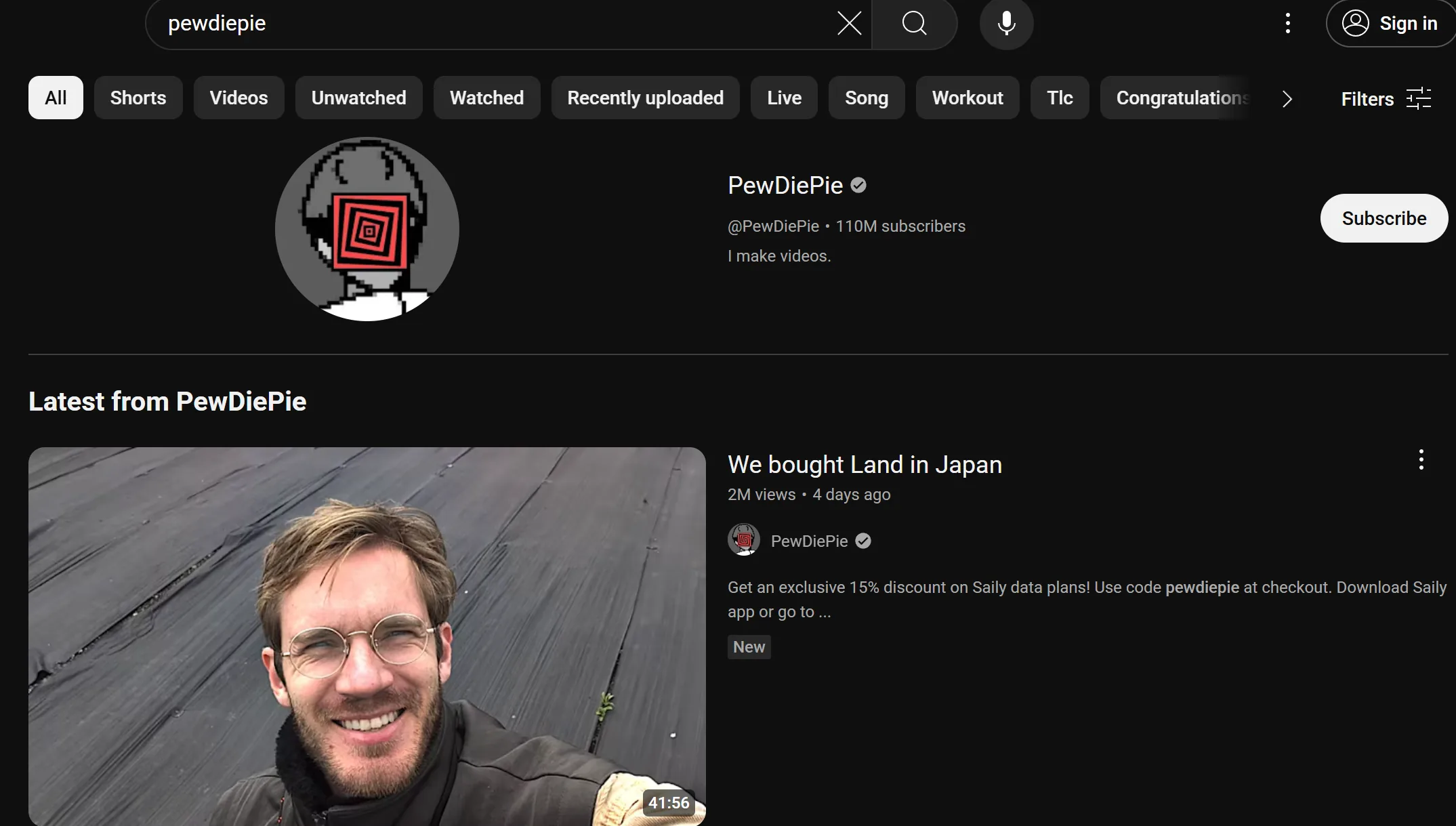
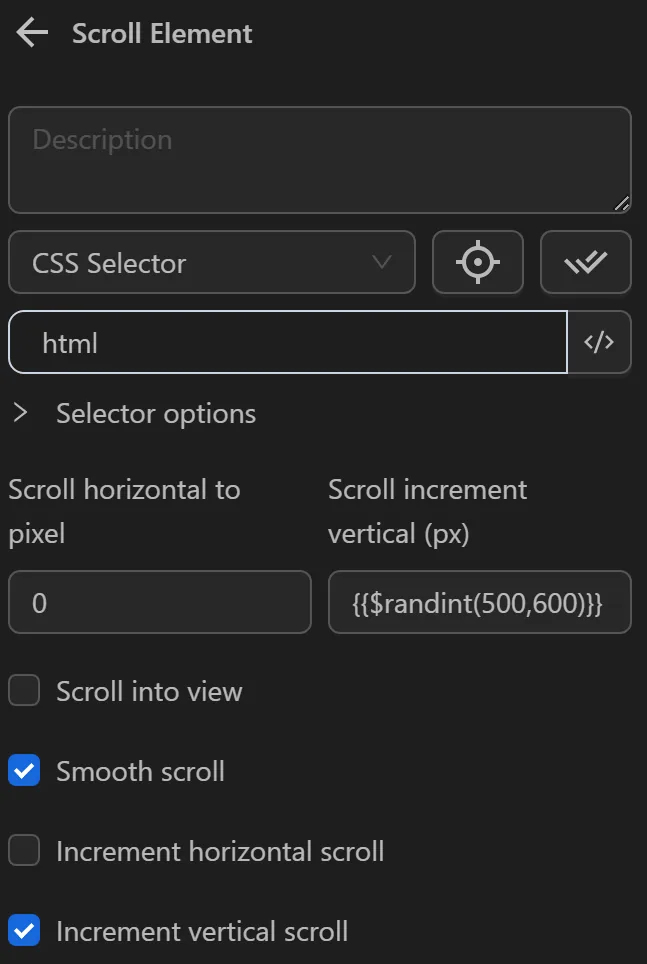
To achieve this, first configure the Scroll element node to scroll through the videos. You will set it to scroll a random distance between 500 and 600 as follows
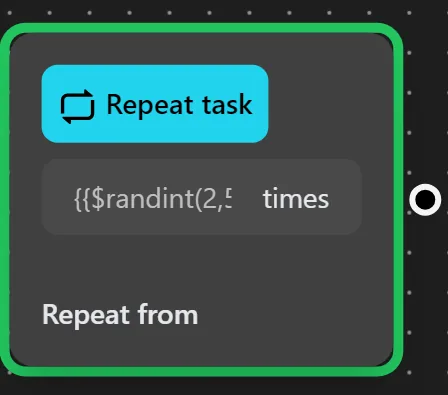
Next, connect to the Repeat Task node and set it to repeat the action randomly using the {{$randint(2,5)}} function instead of a fixed integer
Then, you will connect the Repeat from point output to the Scroll element node to reuse the scroll node for the desired number of times. After repeating the specified number of times, the process will continue with the nodes at the remaining output.
The node cluster will look like this
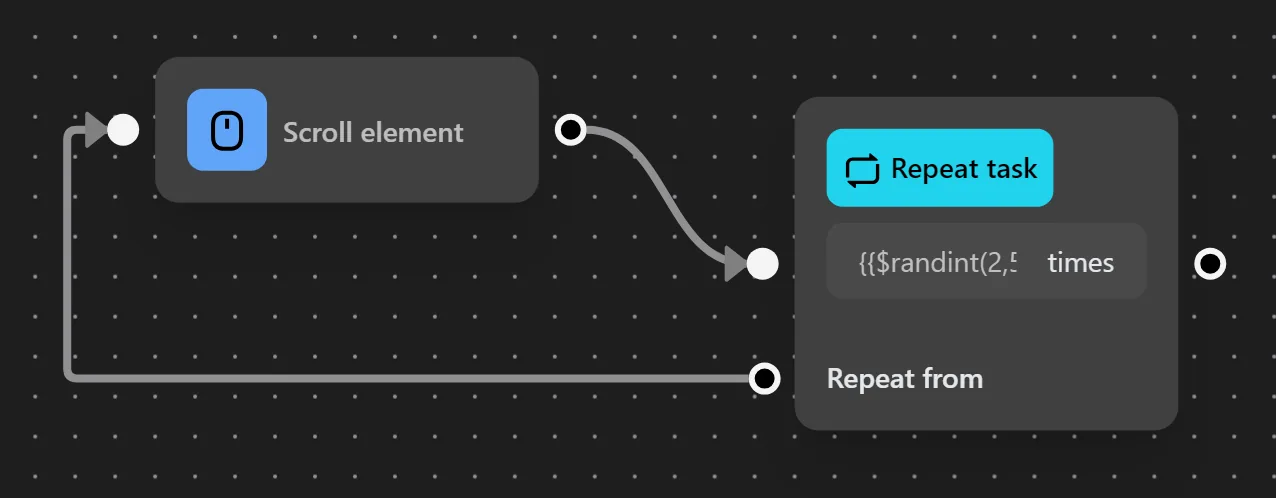
When running this node cluster, the process scrolls through the videos as intended.