
Display Columns
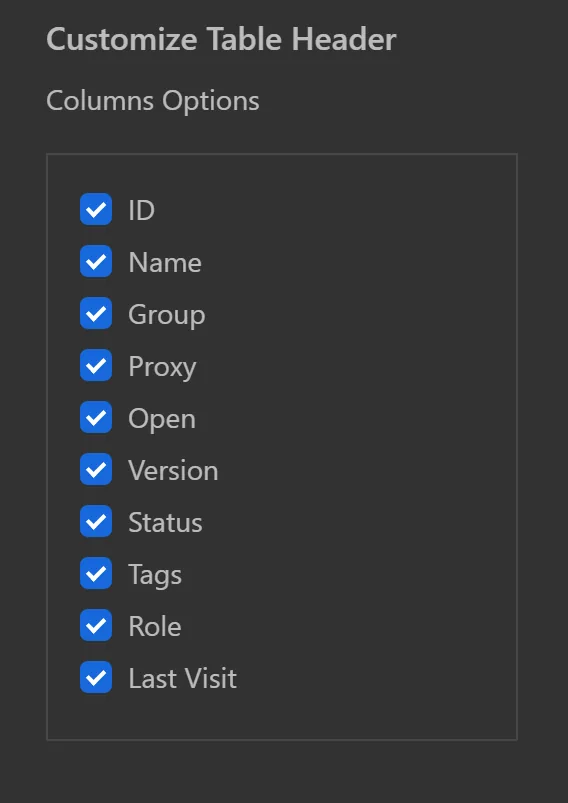
The Display Columns feature lets you choose which data columns appear in the profile list. Customize the view to show only the information you need - such as profile name, proxy, tags, status, or last used date.
Click the column selector to choose which columns to display:
Tips
- Show the Proxy and Status columns when troubleshooting connection issues.
- Hide unnecessary columns to reduce clutter when managing hundreds of profiles.
- The Tags column is useful for quickly filtering profiles by category.