
Bulk Import Sui Wallets in Omnilogin
This tool automates importing multiple Sui wallets into browser profiles using seed phrases. It supports multi-threaded parallel processing for fast setup. Built for retroactive hunters, testnet participants, and developers on the Sui ecosystem. For creating new wallets, see Create Sui Wallet.
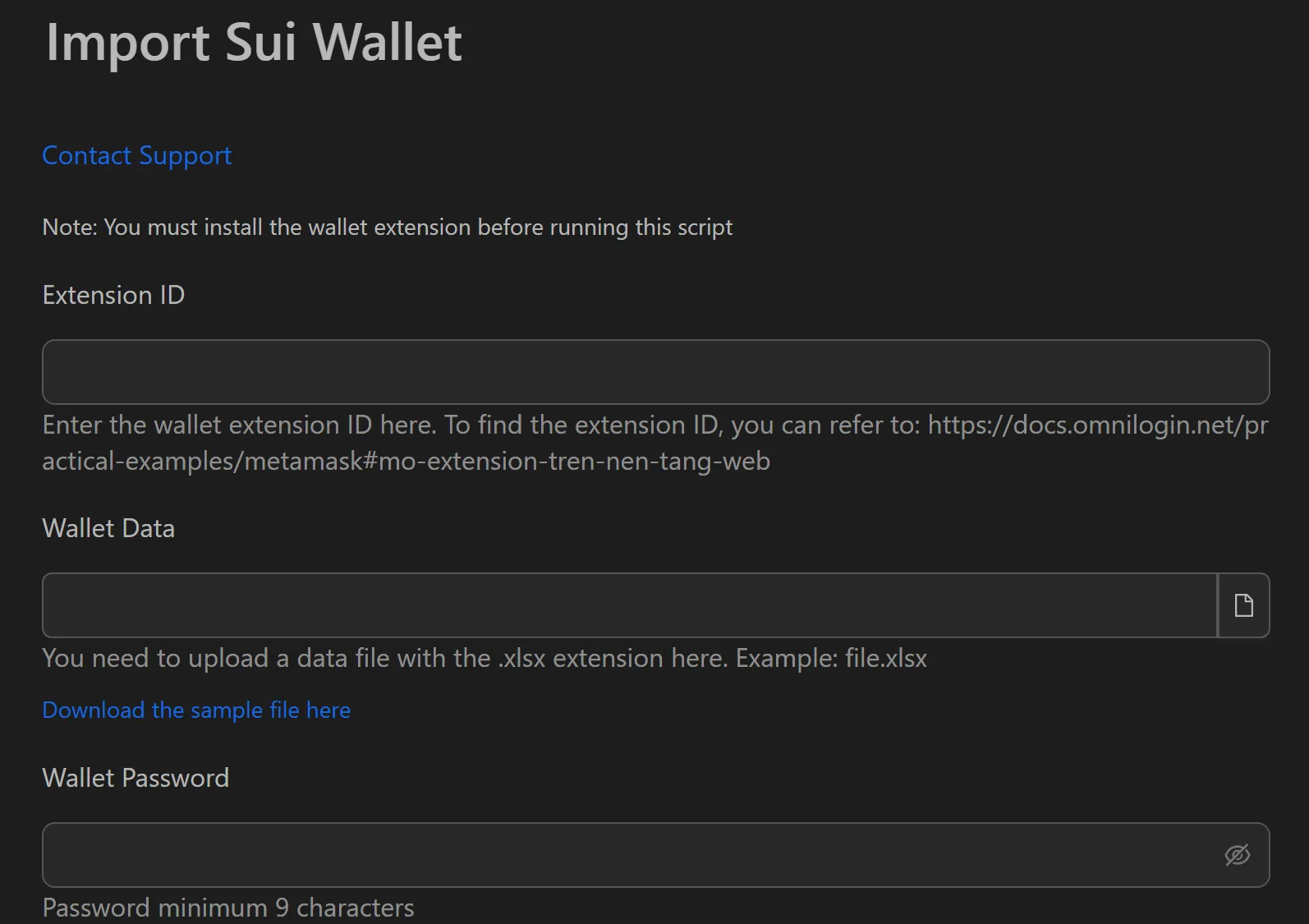
How to Import Sui Wallets in Bulk
- Install the Sui Wallet extension in each target browser profile.
- Prepare a file with seed phrases (one per line).
- Open the Sui wallet import workflow in Omnilogin.
- Enter the path to the seed file.
- Set Number of running threads (e.g., 20).
- Set the wallet password.
- Click Start to begin.
How the Automation Works
- Opens the browser with the Sui Wallet extension installed.
- Navigates to the restore-from-seed-phrase option.
- Copies and pastes the seed phrase into the corresponding fields.
- Sets the pre-defined password.
- Completes the wallet and starts the next one immediately.
Features
- Multi-threaded processing -- 20 threads reduce a 200-wallet import from 3+ hours to ~10-15 minutes
- Minimal setup -- only three inputs: file path, thread count, password
- Full automation -- no manual intervention after clicking Start
- Accurate data entry -- eliminates human error when handling hundreds of seed phrases
Use Cases
- Retroactive hunting -- import 500 wallets into separate profiles (each with its own proxy), then run interaction workflows (swap, provide liquidity) to build on-chain history
- Incentivized testnets -- quickly create large numbers of testnet wallets to test every workflow and meet program requirements
- DApp development -- set up hundreds of wallets to simulate real user activity for load testing and security verification
Related: Import Keplr | Import MetaMask for other blockchain ecosystems.