
Create Sui Wallets in Bulk with Omnilogin
Omnilogin's bulk Sui wallet creation tool automates wallet generation for the Sui ecosystem. Create hundreds of wallets with full seed phrase export, ready for airdrop hunting and testnet participation.
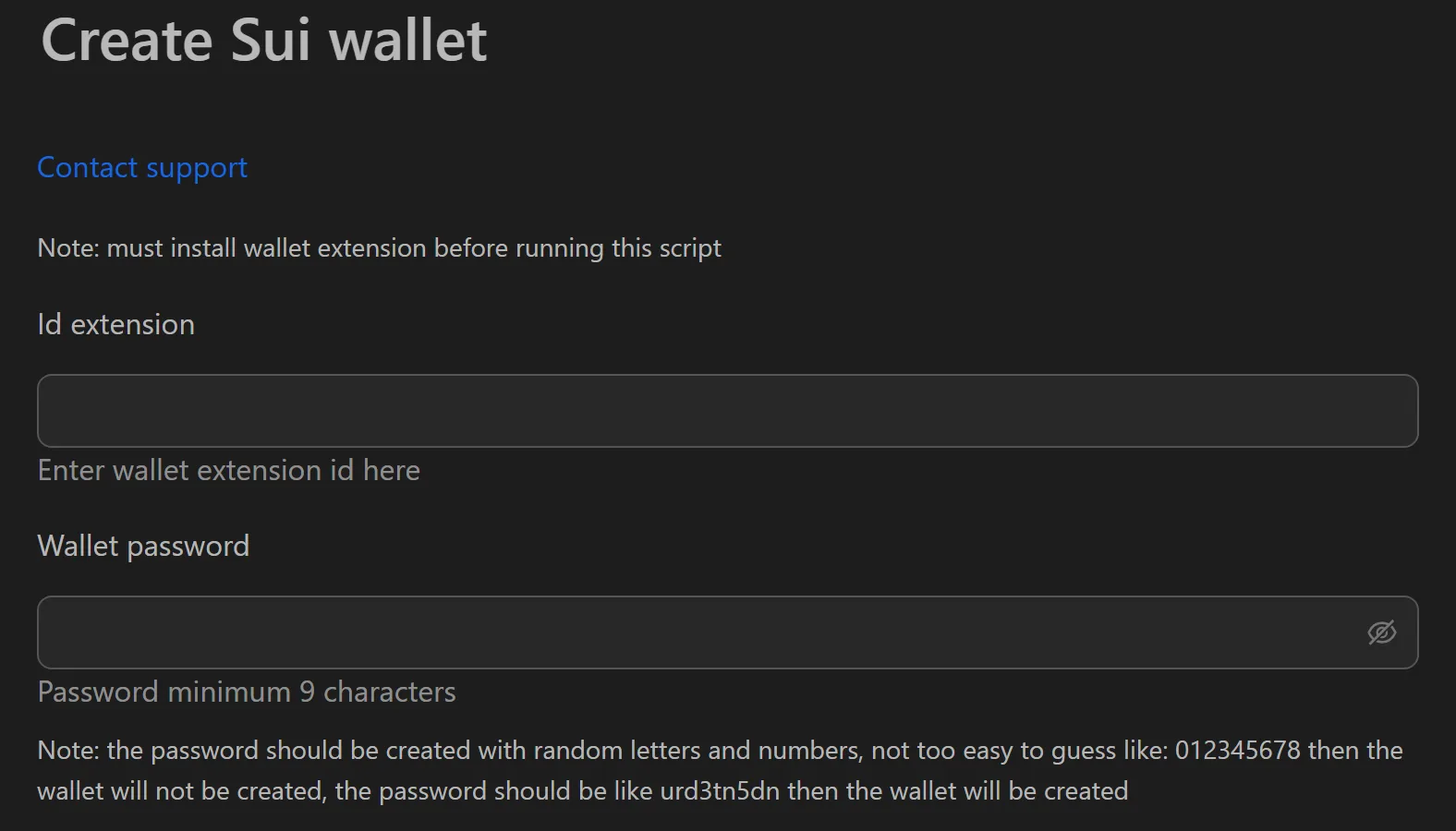
How to Create Sui Wallets in Bulk
- Open the Sui wallet creation tool in Omnilogin.
- Enter the Extension ID and wallet password.
- Set the number of wallets to create.
- Click Run to start multi-threaded generation.
- Export wallet data (password, seed phrase) to TXT or CSV.
Key Features
- Multi-threaded creation -- parallel processing maximizes CPU usage for fast generation
- Complete security set -- each wallet outputs password and seed phrase for full control
- File export -- save to CSV or TXT for offline storage, Excel tracking, or automation input
- Import flexibility -- use seed phrases to restore wallets in mobile apps or integrate with scripts
Use Cases
- Retroactive airdrop hunting -- distribute SUI gas to sub-wallets, then interact with DEXes, lending platforms, and NFT marketplaces to build diverse transaction history
- Testnet participation -- generate wallets to stress-test networks, simulate complex user interactions, and maximize testnet rewards
- Scalable DeFi operations -- manage multiple wallets for swapping, liquidity provision, and staking across Sui protocols
Note: Combine with Omnilogin browser profiles for isolated identities. For extension setup, see Install browser extensions. Also available: Solflare wallet creation for Solana-based strategies.