
Two-Factor Authentication (2FA)
The 2FA feature generates time-based authentication codes from your stored 2FA keys - so you can quickly complete two-factor verification without switching to a separate authenticator app.
How to Use 2FA
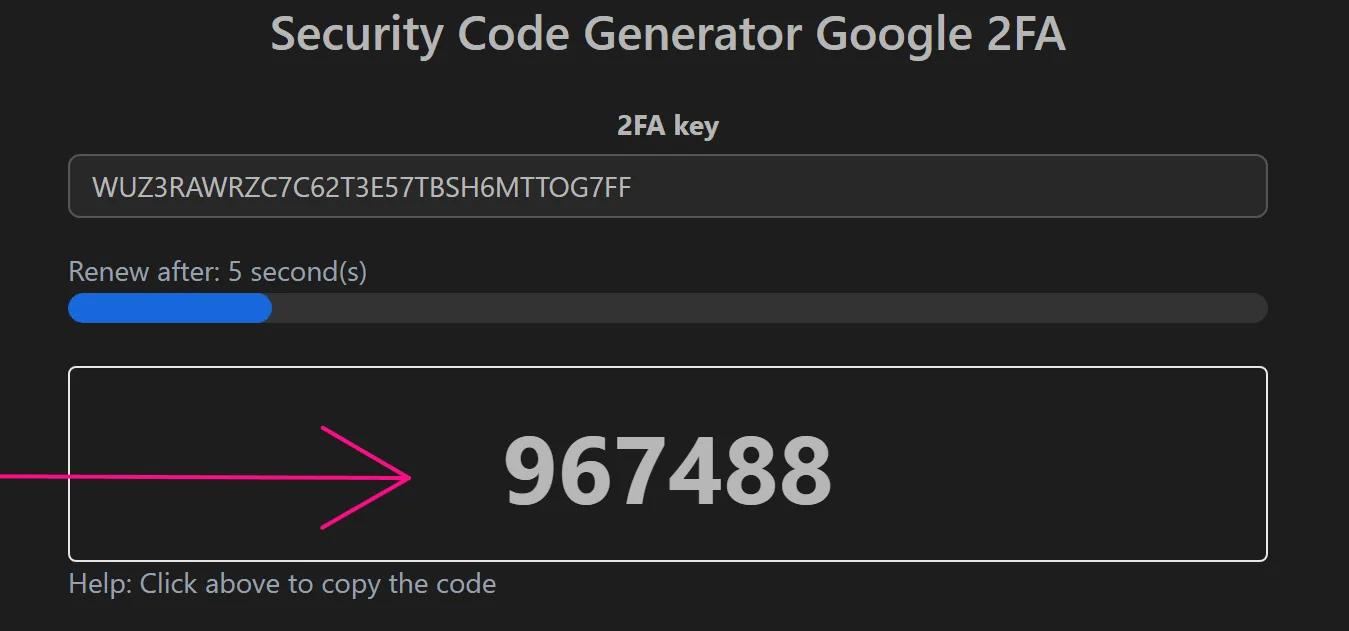
- Enter your 2FA key in the input field:

- Copy the generated code and paste it into the verification prompt:
Important Notes
- Codes refresh every 30 seconds. Make sure to use the code before it expires.
- Your machine's system clock must be synchronized with the current time for codes to be valid. You can verify your system time at time.is.
- If codes are consistently rejected, check that your system clock is accurate and that the 2FA key was entered correctly.