
Create Tonkeeper Wallets in Bulk with Omnilogin
Omnilogin's bulk Tonkeeper wallet creation tool automates TON wallet generation. Enter your parameters, click Run, and export all wallet data to CSV for organized management at scale.
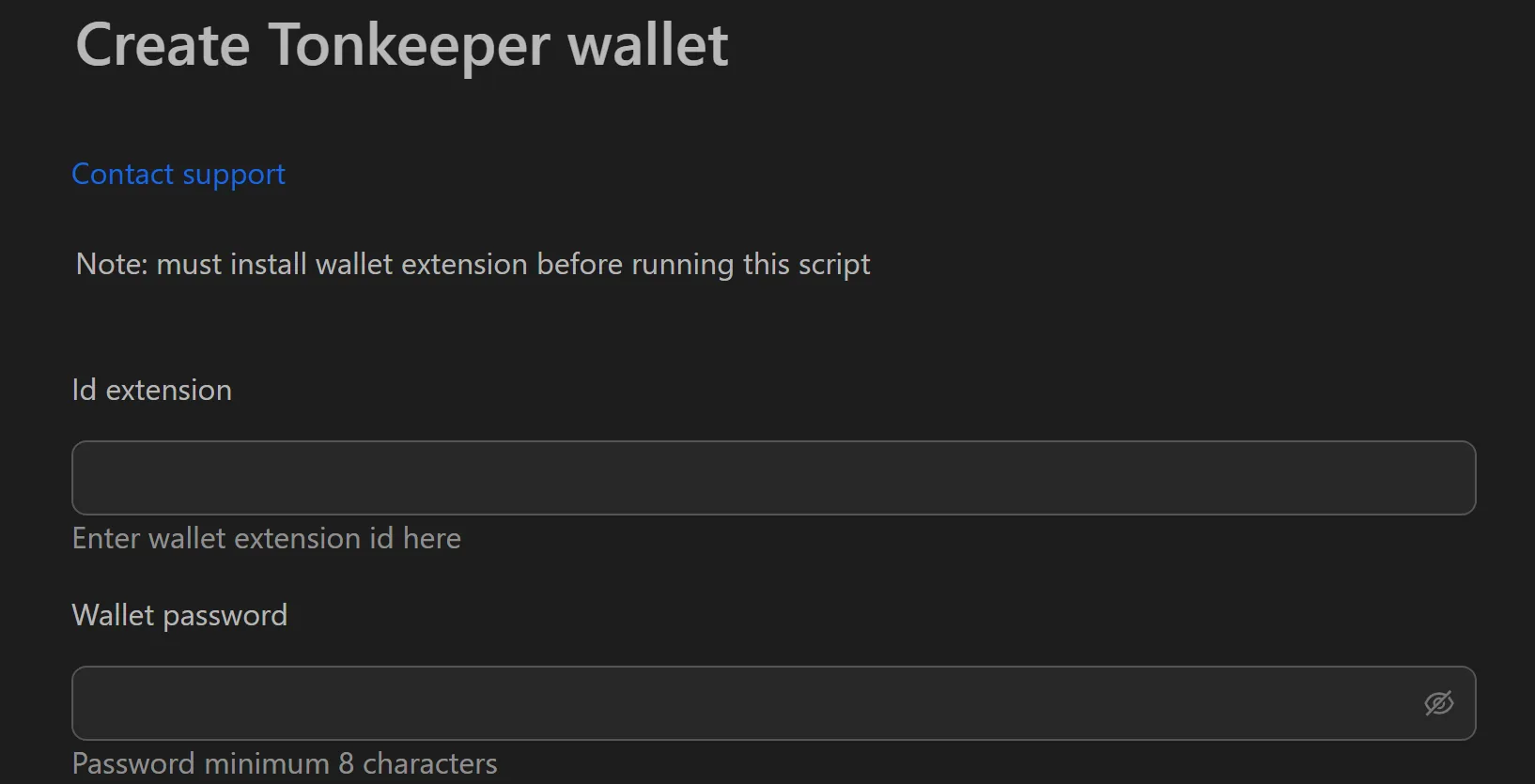
How to Create Tonkeeper Wallets in Bulk
- Open the Tonkeeper wallet creation tool in Omnilogin.
- Enter the number of profiles, Extension ID, and wallet password.
- Click Run to start bulk creation.
- Export all wallet data (password, seed phrase) to CSV.
Key Features
- One-click bulk creation -- generate hundreds of wallets in seconds by setting count and password
- Structured CSV export -- each wallet on its own row with password and seed phrase columns; compatible with Excel and Google Sheets
- Automation-ready -- CSV output serves as input for gas distribution scripts, DeFi interaction tools, and other workflows
Use Cases
- DeFi participation -- distribute Toncoin gas fees to all wallets, then run automated swaps, liquidity provision, and NFT minting across the TON ecosystem
- Testnet participation -- create dozens of wallets to simulate diverse user interactions and test DApps before mainnet launch
Note: Pair each wallet with an Omnilogin browser profile and unique proxy. For extension setup, see Install browser extensions. See also Keplr wallet creation for Cosmos-based strategies.