
Delay Block
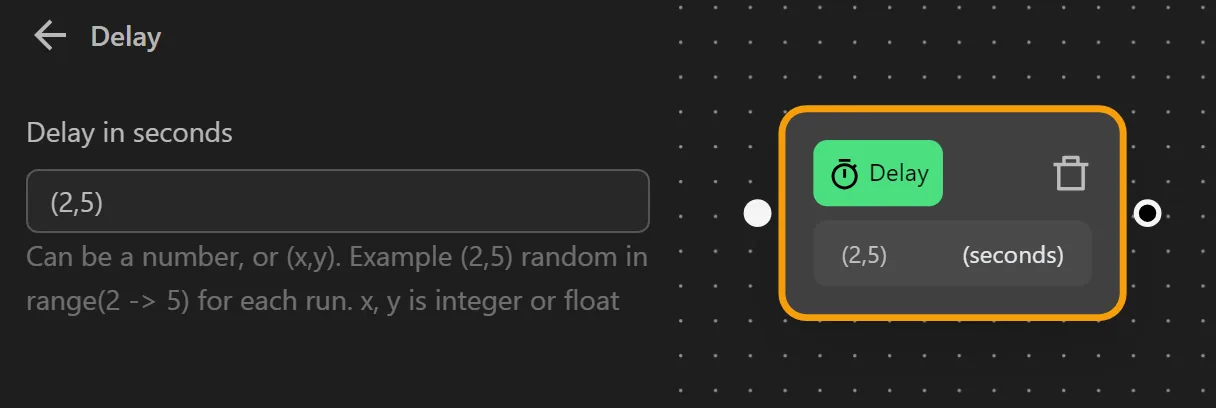
The Delay block pauses the workflow for a specified number of seconds before executing the next node. Use it to maintain natural interaction pacing, wait for pages to load, or manage request timing.
Fixed Delay
Enter a number to pause for that exact duration. For example, 2 pauses for 2 seconds.
Random Delay
Enter a range in the format (x,y) to generate a random pause between x and y seconds each time the block runs. For example, (2,5) pauses for a random duration between 2 and 5 seconds.
When to Use Delay
- Simulating human behavior - Random delays between actions make your automation less detectable.
- Waiting for content to load - Add a short delay after page navigation if the content loads dynamically.
- Rate limiting - Prevent your workflow from sending requests too quickly to a website.
Tips
- Prefer random delays
(x,y)over fixed delays for more natural behavior. - For page-load waits, consider using the
Browser Event(Tab Loaded) block instead of a fixed delay - it is more reliable.