
Bulk Import Rabby Wallets in Omnilogin
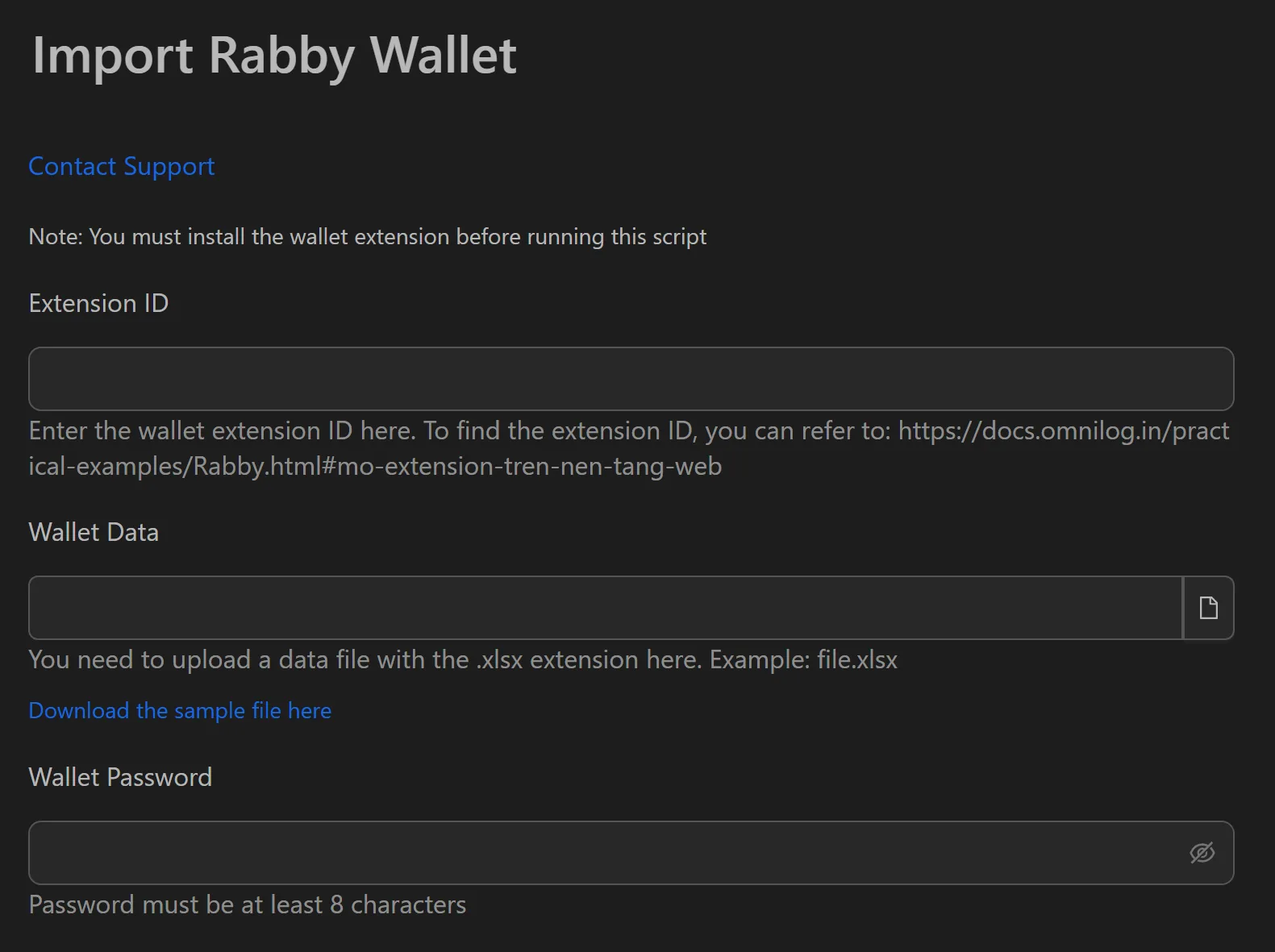
This tool automates importing multiple Rabby wallets from seed phrases into separate browser profiles. Each profile gets its own fingerprint and proxy, making it ideal for secure multi-wallet management for DeFi participation. All processing is local.
Responsible Use: This workflow is designed for legitimate business operations. Please ensure your use complies with the relevant platform's terms of service.
How to Import Rabby Wallets in Bulk
- Install the Rabby extension in each target browser profile.
- Prepare a
.txtfile with one seed phrase per line. - Open the Rabby import workflow in Omnilogin.
- Provide the path to the
.txtfile. - Set a common password (or configure per-wallet passwords).
- Click Run to start.
Features
- Automated seed phrase import -- reads each line from a
.txtfile, opens Rabby, pastes the phrase, sets password, and repeats until done - Per-profile wallet isolation -- each wallet runs in a separate profile with unique IP and browser fingerprint:
- Profile 1 (fingerprint A, IP A) -> Wallet A
- Profile 2 (fingerprint B, IP B) -> Wallet B
- 100% local processing -- no seed data leaves your machine
- Error-free automation -- eliminates copy-paste mistakes across hundreds of wallets
Use Cases
- Organized wallet management for DeFi portfolios -- set up hundreds of isolated wallets with unique fingerprints and proxies. Save 99% of setup time and focus on high-quality interactions (swap, bridge, stake).
- Testnet participation -- quickly create large numbers of test wallets to simulate diverse interactions and find bugs, increasing chances of appreciation rewards.
- Yield farming and asset management -- diversify assets across multiple wallets for risk management, then deploy capital flexibly across chains and protocols.
Related: Import MetaMask | Import OKX for other EVM-compatible wallet imports.