
Create Solflare Wallets in Bulk with Omnilogin
Omnilogin's bulk Solflare wallet creation tool generates hundreds of Solana wallets in minutes. Set your parameters, run the tool, and export all wallet data for organized management.
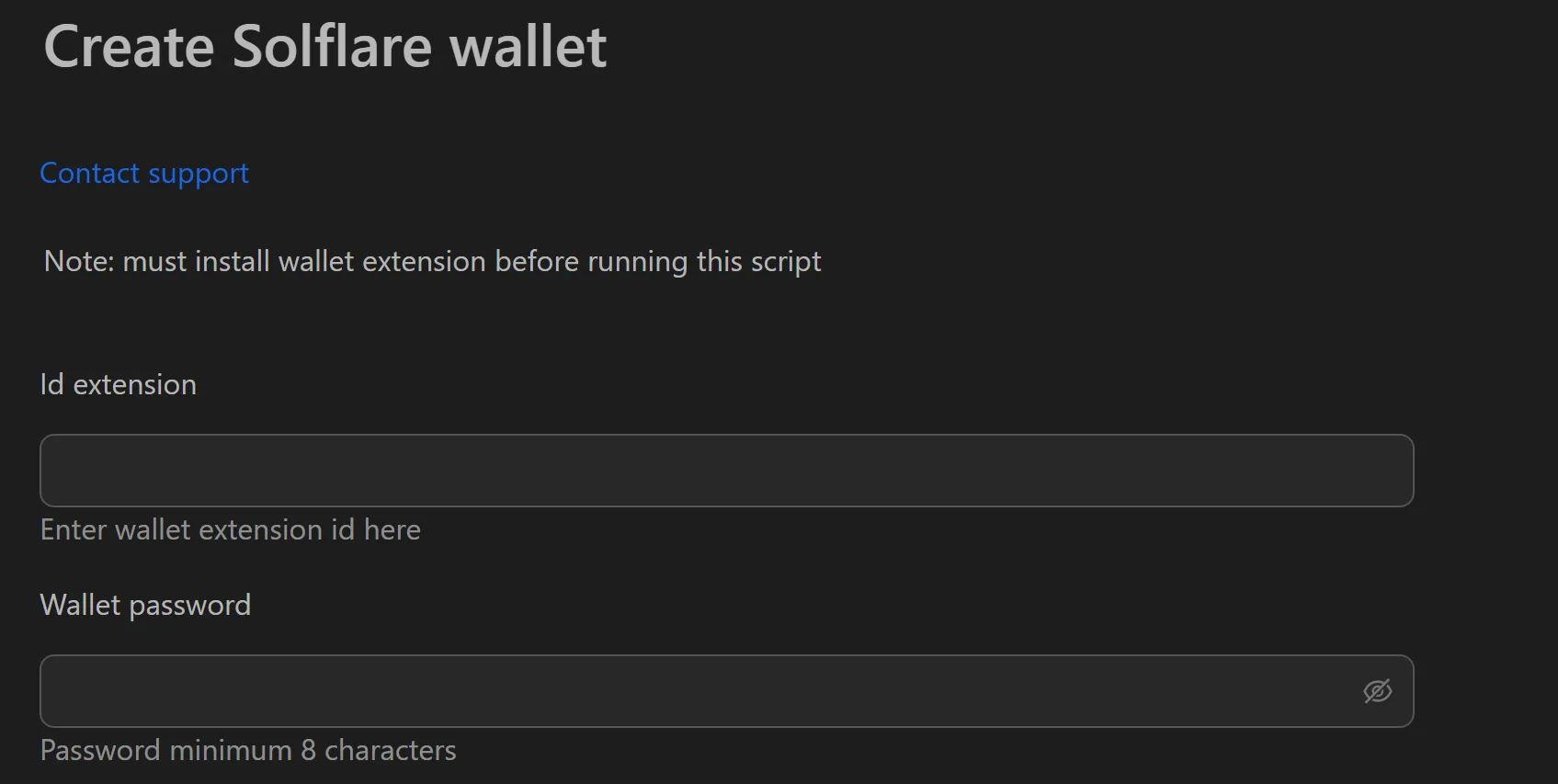
How to Create Solflare Wallets in Bulk
- Open the Solflare wallet creation tool in Omnilogin.
- Enter the Extension ID and wallet password.
- Set the number of wallets and thread count.
- Click Run to start multi-threaded creation.
- Export results to CSV or TXT using Save File.
Key Features
- Multi-threaded generation -- parallel processing creates hundreds of wallets in minutes
- Full security export -- each wallet outputs its password and mnemonic (12/24 words)
- Flexible file formats -- export to CSV or TXT for spreadsheet management or automation input
- Import-ready -- use exported mnemonics to import wallets into mobile apps or other tools
Use Cases
- Retroactive/airdrop campaigns -- create wallets, assign residential proxies, distribute SOL for gas, and interact with Solana DApps
- DApp testing -- generate thousands of testnet wallets for load testing smart contracts
- Community management -- pre-generate wallets for NFT airdrops to community members
Tip: For a complete setup, install the Solflare extension in each Omnilogin browser profile. See also Phantom wallet creation for an alternative Solana wallet.