
Uninstall Chrome Extensions in Bulk
Remove unwanted Chrome extensions from hundreds of Omnilogin profiles at once. The tool reads the extension's Chrome Web Store URL and performs the removal automatically across all selected profiles.
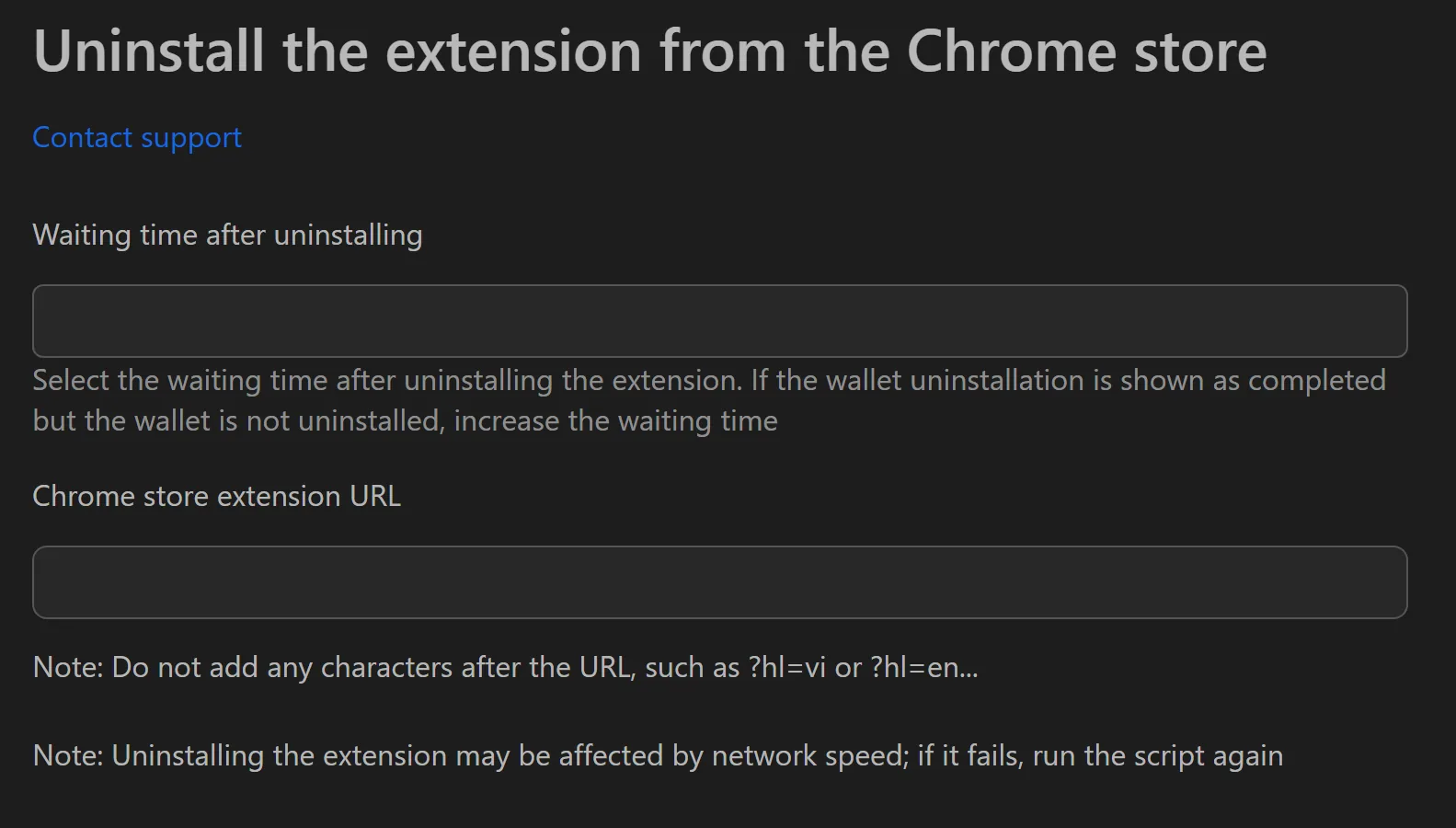
How to Uninstall Extensions
- Copy the Chrome Web Store URL of the extension to remove.
- Paste it into the tool's input field.
- Set the Number of concurrent profiles.
- Click Start.
- Review status messages for each profile.
Key Features
- Bulk removal - Uninstall an extension from all profiles without manual intervention.
- Multi-threading - Process multiple profiles simultaneously for fast cleanup.
- Simple interface - Two inputs (extension URL + thread count) and a start button.
Practical Use Cases
- Post-campaign cleanup - Remove Solflare or Phantom wallets after a Solana airdrop campaign ends, freeing profiles for the next EVM campaign with MetaMask and Rabby.
- Extension updates - Uninstall the old version across all profiles, then use the install extension tool to deploy the new version.
- Performance optimization - Remove unused extensions to speed up browser startup and reduce resource consumption.
- Test environment reset - QA teams can strip extensions before test sessions for a clean, standardized environment.
Tip: After cleanup, use the install extension tool to deploy fresh extensions across your profiles.