
Create Rabby Wallets in Bulk with Omnilogin
Omnilogin's bulk Rabby Wallet creation tool automates EVM wallet generation at scale. Enter your extension ID and password, and the tool creates hundreds of wallets in minutes with full seed phrase and address export.
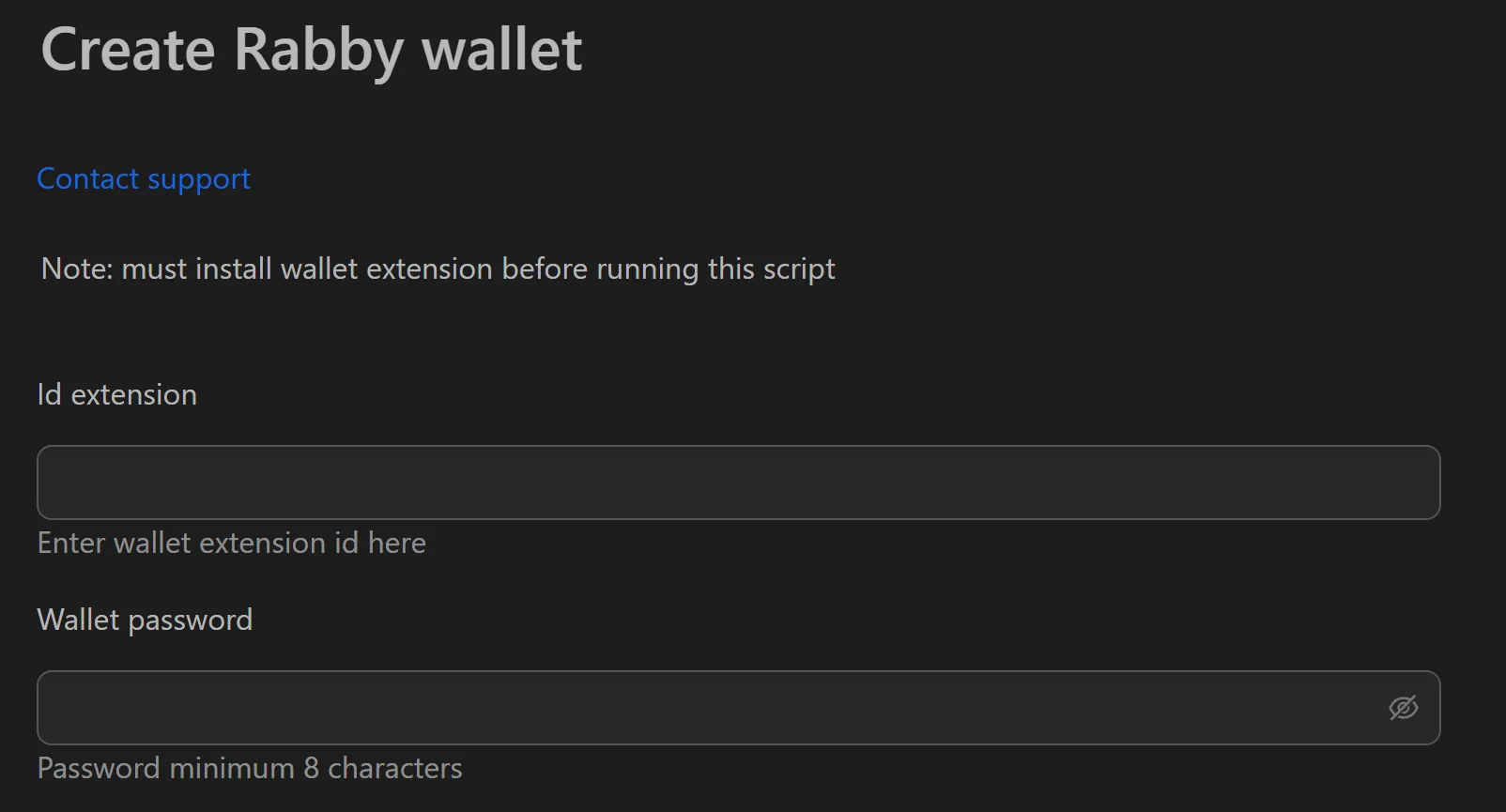
How to Create Rabby Wallets in Bulk
- Open the Rabby Wallet creation tool in Omnilogin.
- Enter the Extension ID and wallet password.
- Set the number of wallets and thread count.
- Click Run to start bulk creation.
- Once complete, click Save File to export data as CSV.
Key Features
- Multi-threaded creation -- generate hundreds of wallets in minutes instead of hours
- Full key export -- each wallet outputs its seed phrase (12/24 words) and public address
- CSV export -- open in Excel or Google Sheets for sorting, notes, and integration with other tools
- Secure local processing -- all wallet generation runs on your machine
Use Cases
- DeFi participation -- create wallet sets, assign each to a browser profile with unique proxy, and interact with target protocols. See also: Install browser extensions for setting up Rabby in each profile.
- DApp testing -- stress-test smart contracts with thousands of concurrent wallets on testnet
- Fund management -- organize wallets by analyst or portfolio, track via exported CSV
Tip: Combine with Omnilogin browser profiles and MetaMask wallet creation for multi-wallet DeFi strategies across different wallet providers.