
Bulk Create MetaMask Wallets
Generate multiple MetaMask wallets automatically with one click. Each wallet includes a public address, private key, and 12/24-word seed phrase - all generated locally with no data sent to external servers. Built for airdrop hunters, DApp developers, and token distribution teams. For Cosmos wallets, see the Keplr wallet creator.
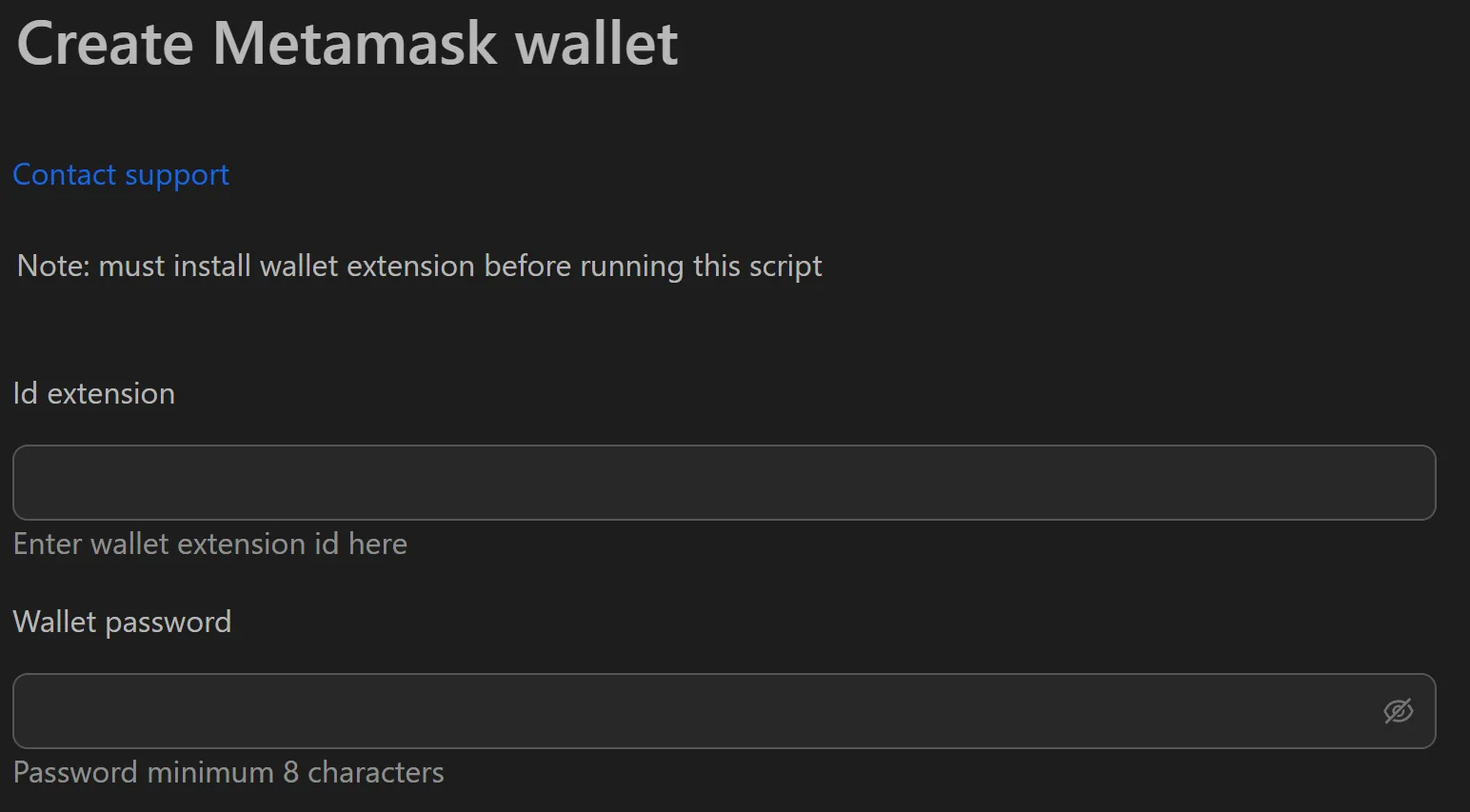
How to Create MetaMask Wallets in Bulk
- Enter the desired number of wallets.
- Click Create Wallets.
- Review the results table (Address, Private Key, Seed Phrase).
- Click Export to Excel to save all data as a
.csvor.txtfile. - Store the exported file securely (encrypted drive or offline USB).
Key Features
- One-click creation - Skip the manual MetaMask setup flow (install, create, agree, set password, record phrase, confirm) for each wallet
- Complete wallet data - Address (
0x...), Private Key, and Seed Phrase provided for maximum flexibility - 100% local processing - All cryptographic generation happens on your machine; no data ever leaves your computer
- Excel export - Structured spreadsheet output for sorting, filtering, and adding tracking columns
Use Cases
Airdrop Participation
- Decide how many wallets you need for a campaign.
- Create wallets and export to Excel.
- Add tracking columns (e.g.,
Joined Telegram?,Followed Twitter?,Notes). - Import private keys/seed phrases into automation tools to interact with target platforms.
DApp Testing
- Create a batch of wallets (e.g., 50) before each testing sprint.
- Share the exported file via secure internal channel.
- QA team imports private keys into MetaMask on testnet for clean-state testing.
- Discard the batch after testing to ensure integrity and repeatability.
Warning: The exported file contains private keys and seed phrases. Store on an encrypted hard drive or offline USB. Never upload to Google Drive, Dropbox, or send via email/messaging apps.
See also: Phantom wallet creator for Solana wallets, Rabby wallet creator for multi-chain wallets.