Group Management
The Group Management feature lets you organize profiles into groups. You can create and update groups (requires main account or management permissions) and delete groups (main account only, and only if the group contains no profiles). Assign group-level permissions to team members - Manager for full editing access, or Reader for view-only access.
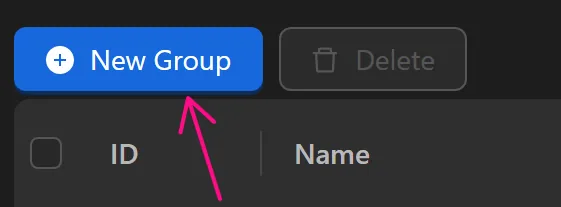
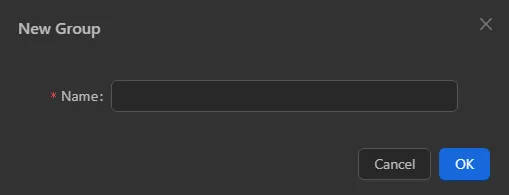
New Group
Create a new group with a desired name. Only the main account and members with management permissions in the Member Management feature can create a group.
Delete
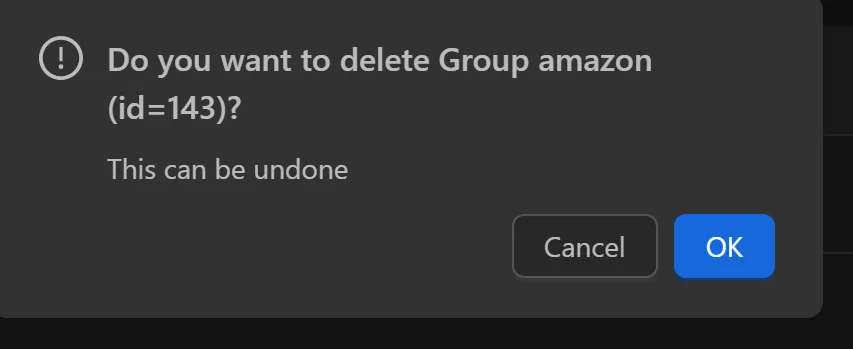
Delete a selected group. Only one group can be deleted at a time, and the group must have no profiles associated with it. Only the main account can delete a group.

Group Member
In the Members column, you can assign permissions of Manage or Reader to member accounts using that group. The Manage permission grants full control over group profiles, including adding, editing, or deleting settings. The Reader permission allows only opening profiles.

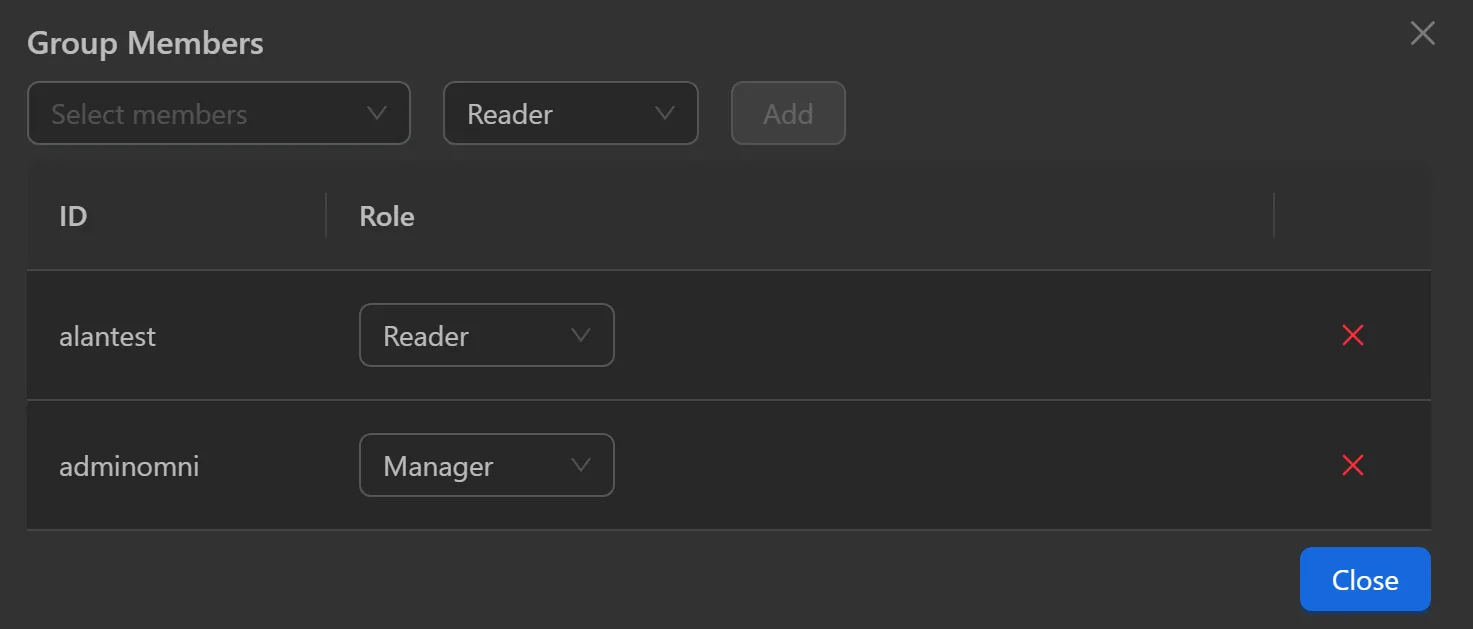
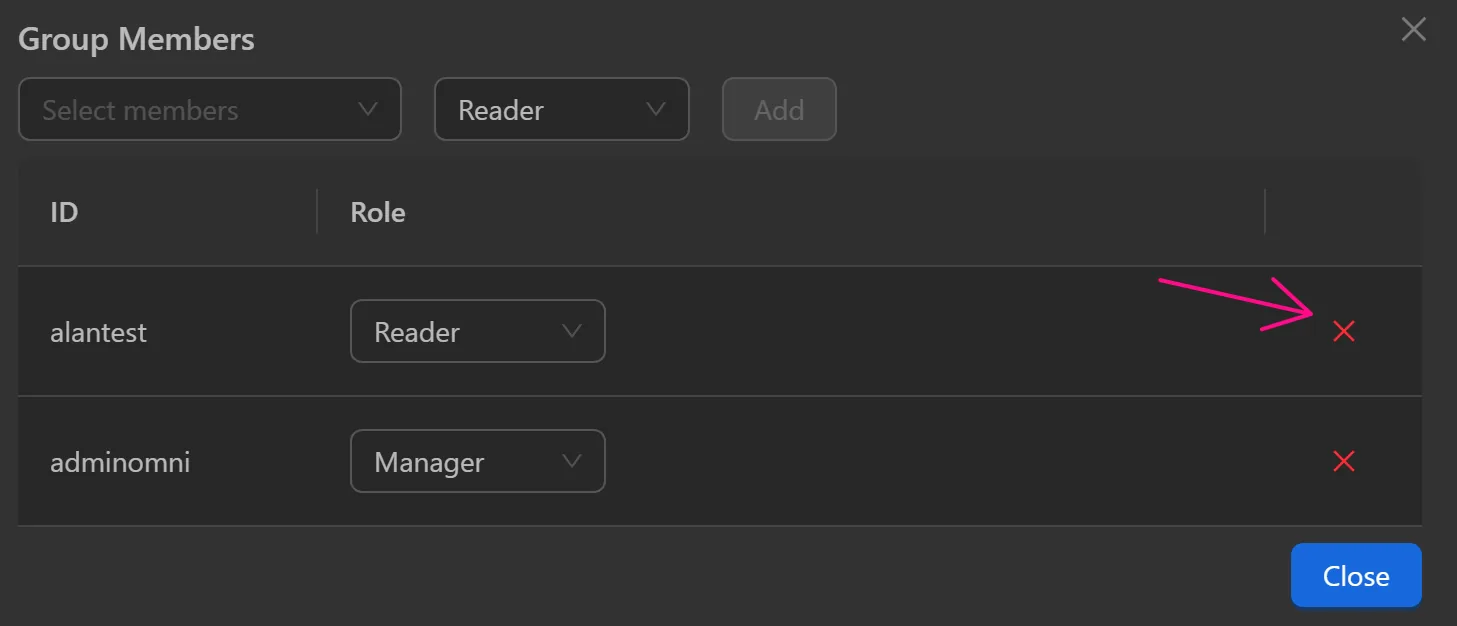
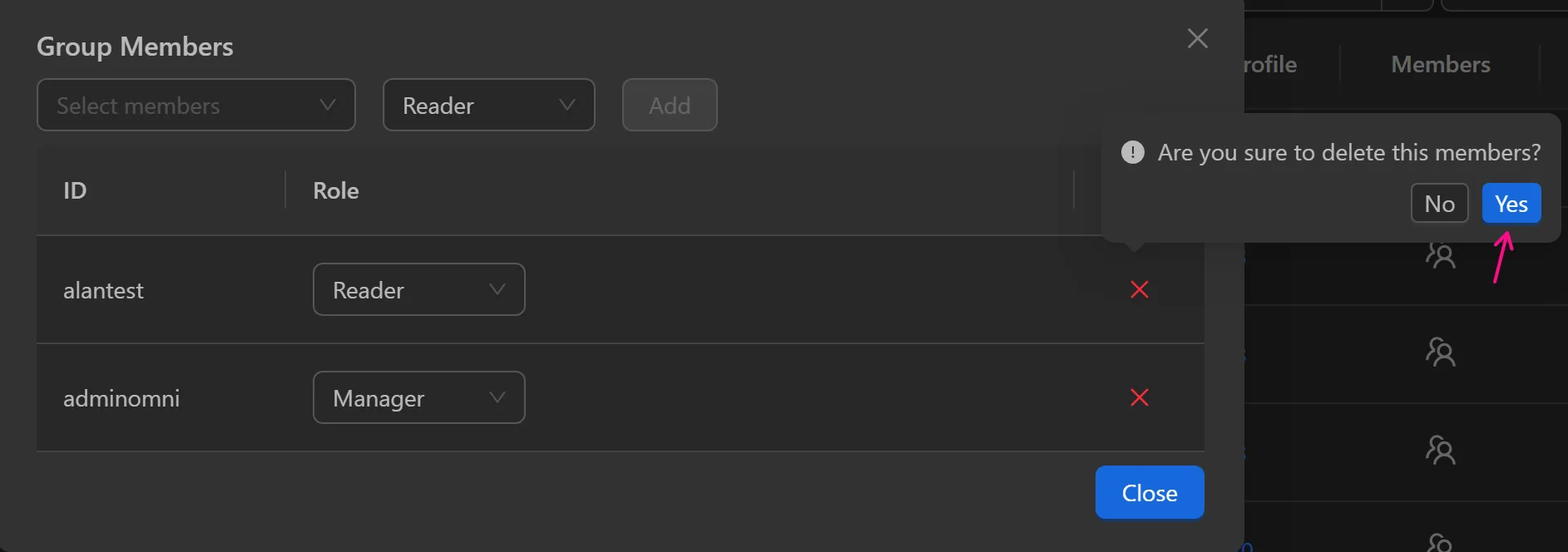
Alternatively, you can remove members who have access to the group.
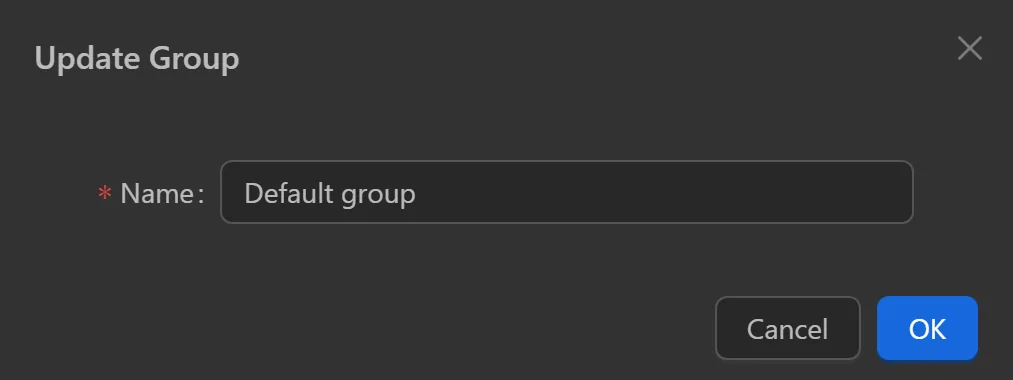
Update Group
Edit the name of an existing group. Only the main account and members with Manager permissions can modify the group name.

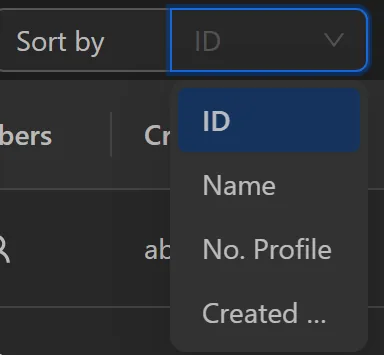
Sort By
You can sort groups by ID, name, number of profiles, or creation date.