
Write Log Block
The Write Log block prints values from variables, tables, or Google Sheets to the workflow log. It is one of the most useful blocks for debugging - use it to verify that your workflow is producing the expected values at each step.
Example
In this example, the variable a has been assigned the value 123. The Write Log block is configured to print its value:
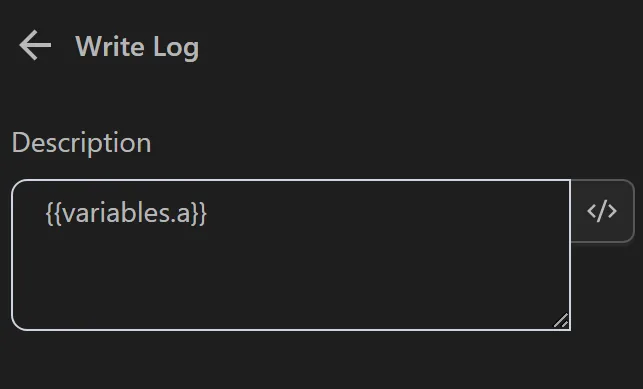
After running the workflow, the log displays the value of a:

When to Use Write Log
- Debugging - Check the value of a variable or table column at a specific point in the workflow.
- Monitoring - Log key values (such as account names or URLs) during long-running automations to track progress.
- Troubleshooting loops - Place a Write Log inside a loop to verify that each iteration processes the correct data.
Tips
- You can print expressions - for example, log the result of a string concatenation or a conditional check.
- Remove or disable Write Log blocks before sharing your workflow to keep the log output clean.