
Profile Tags Block
The Profile Tags block lets you add, replace, or delete tags on a browser profile during workflow execution.
How to update?
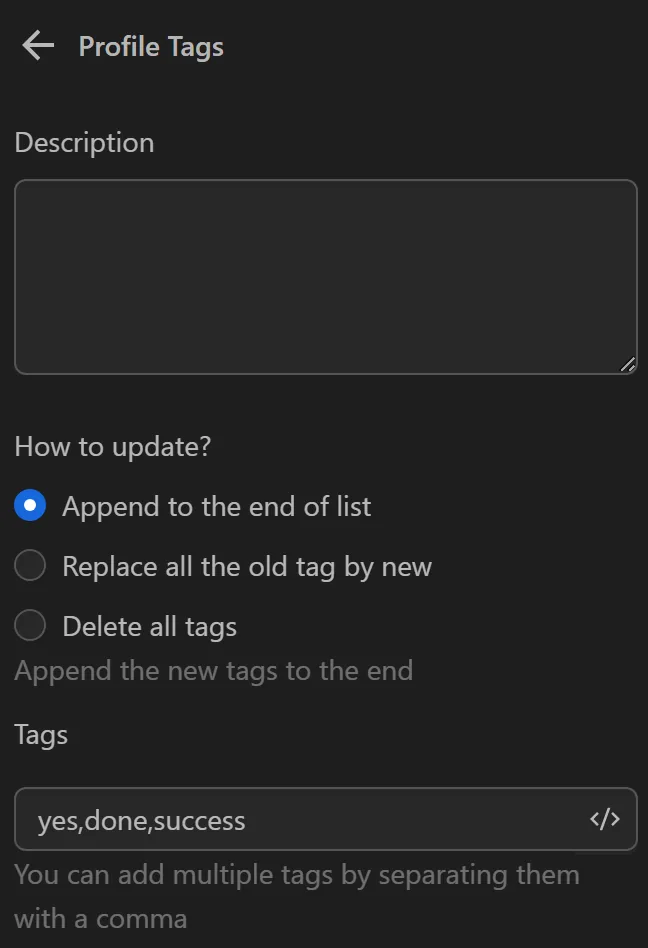
Append to the end of list
When selecting this option you can add tags to the end of the current tag list. You can add one or multiple tags by separating them with a ",".
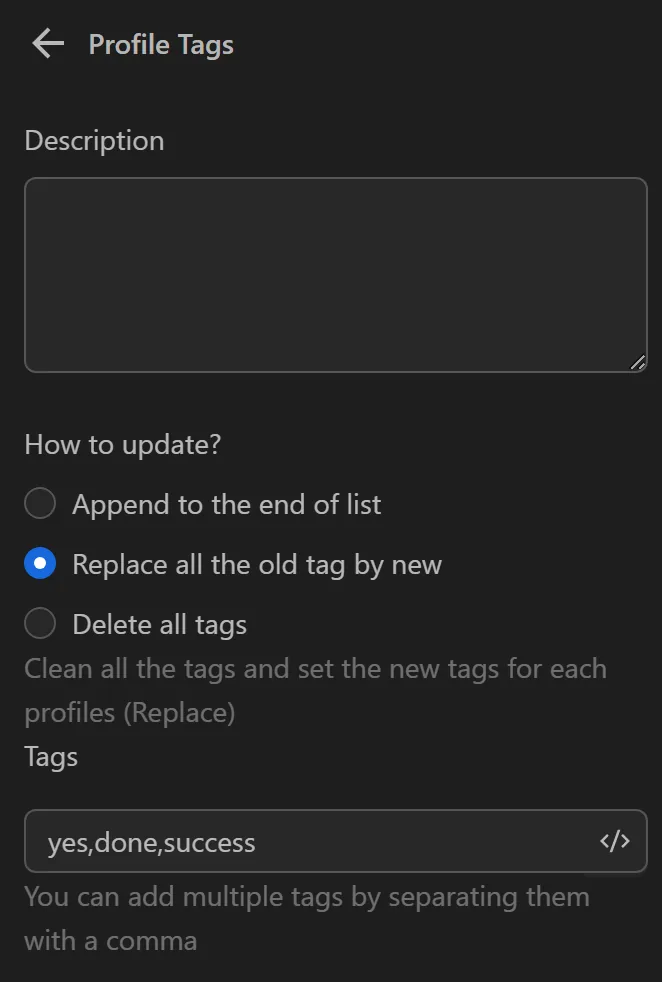
Replace all the old tags by new
When selecting this option you can delete all tags of the selected profiles and then add new ones (completely replacing the old list). You can add one or multiple tags by separating them with a ",".
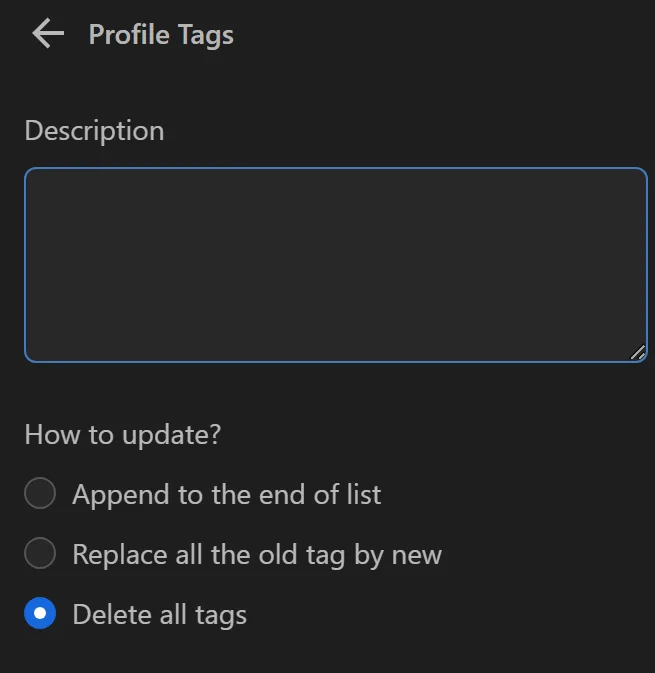
Delete all tags
When selecting this option you can delete all tags of the selected profile.
Tags
You can add multiple tags by separating them with a comma.
Note
Note: Each profile can have up to 10 tags.