
Bulk Import OKX Wallets in Omnilogin
This tool automates logging into and restoring multiple OKX wallets using seed phrases. It works with the OKX Wallet browser extension, supporting bulk import with parallel processing. All seed phrase data is processed locally.
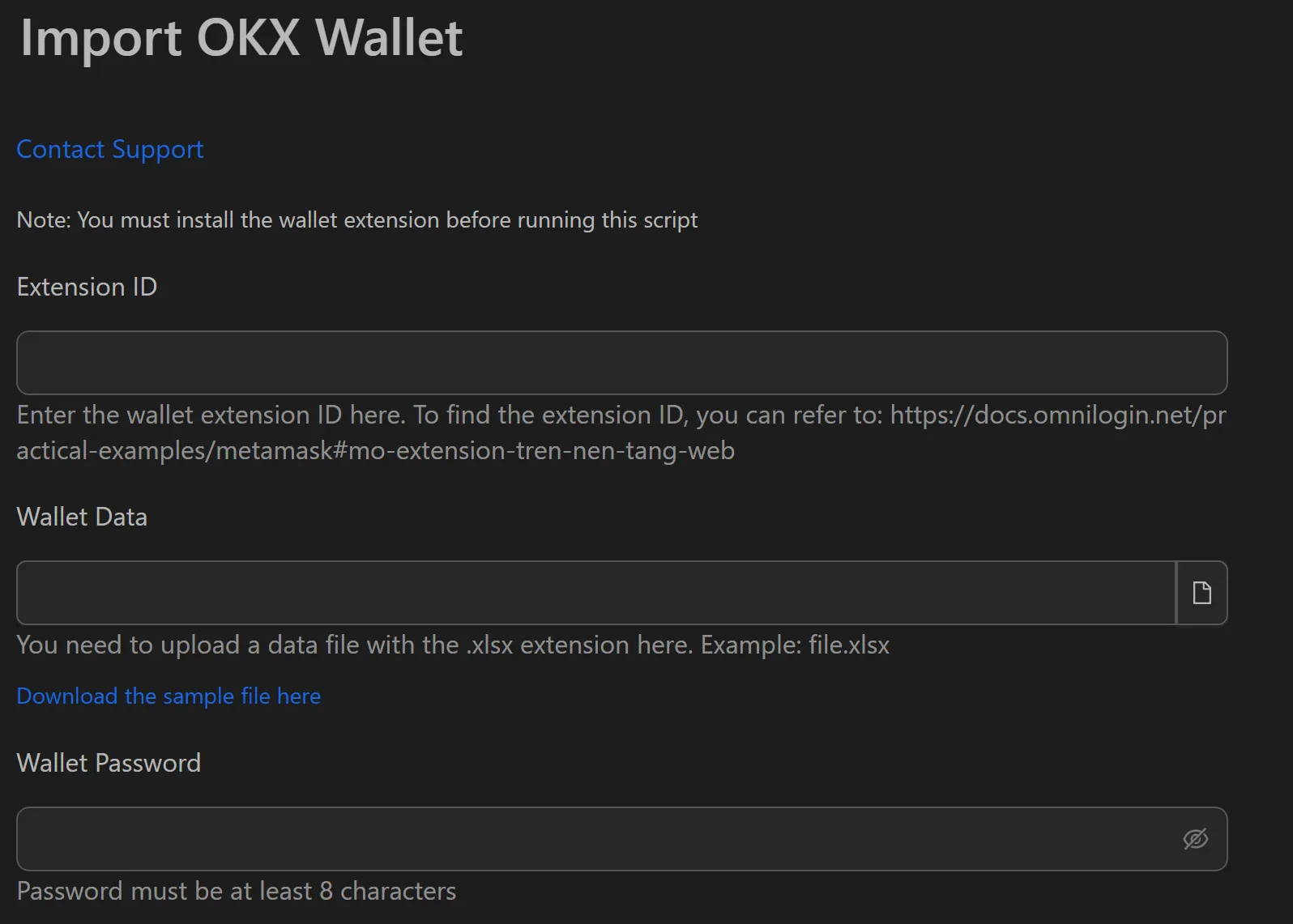
How to Import OKX Wallets in Bulk
- Install the OKX Wallet extension in each target browser profile.
- Prepare a data file (
.txtor.csv) with one seed phrase per line. - Open the OKX wallet import workflow in Omnilogin.
- Provide the path to the seed phrase file.
- Set the wallet password (common or per-wallet).
- Configure parallel threads for simultaneous imports.
- Click Run to start.
Features
- Bulk data entry -- reads hundreds of seed phrases from
.txtor.csvfiles - UI automation -- simulates human actions: opens extension, selects Import Wallet, pastes seed phrase, sets password
- Parallel processing -- multiple threads import wallets simultaneously, cutting total time dramatically
- Status logging -- each wallet shows
CompletedorErrorstatus in the management interface - Local security -- no seed phrase data is sent over the network
Use Cases
- Portfolio management -- group wallets (e.g., by family member or strategy) and manage them centrally
- Synchronized trading -- import 100+ wallets and execute swap orders across all of them during market moves
- DeFi operations -- prepare wallets for staking, farming, or liquidity provision at scale
Related: Import MetaMask | Import Rabby for other EVM wallet imports.