
Reload Page
If your profile list does not reflect recent changes - such as edits, new profiles, or deletions - click the Reload button to refresh the page and display the latest data.
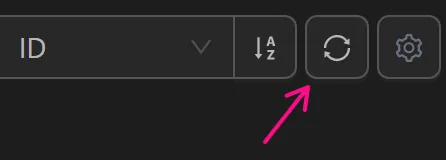
When to Reload
- After editing profile settings (proxy, tags, user agent) if the changes are not visible.
- After batch operations like importing profiles or running automation tasks.
- If the page has been open for a long time and may be showing stale data.