
Go Forward Block
The Go Forward block navigates the active tab to the next page in the browser history - equivalent to clicking the browser's forward button. Use it after a Go Back block to return to a page you previously navigated away from.
Example
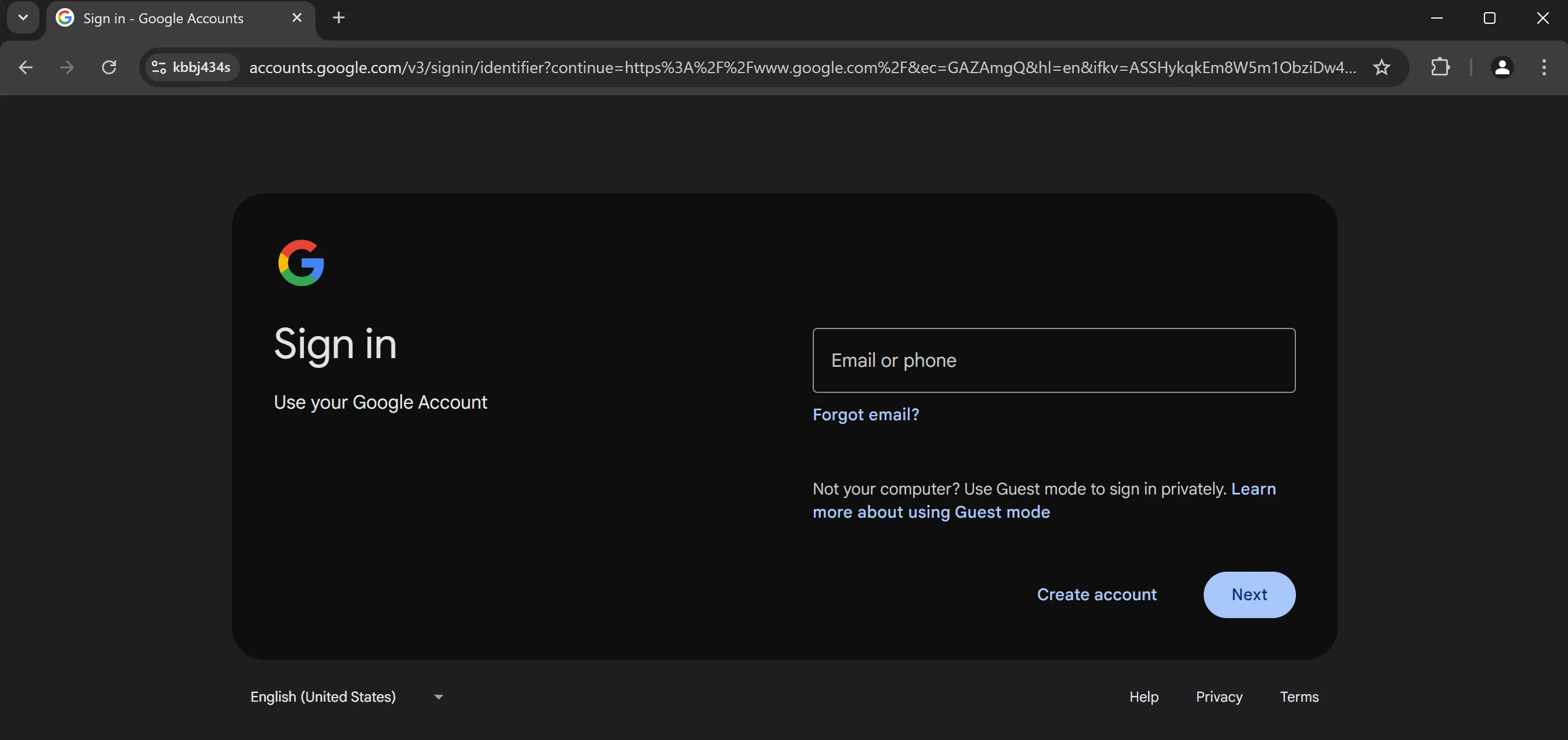
Suppose the starting page is the Google Sign-in page:
After going back to the main Google page:
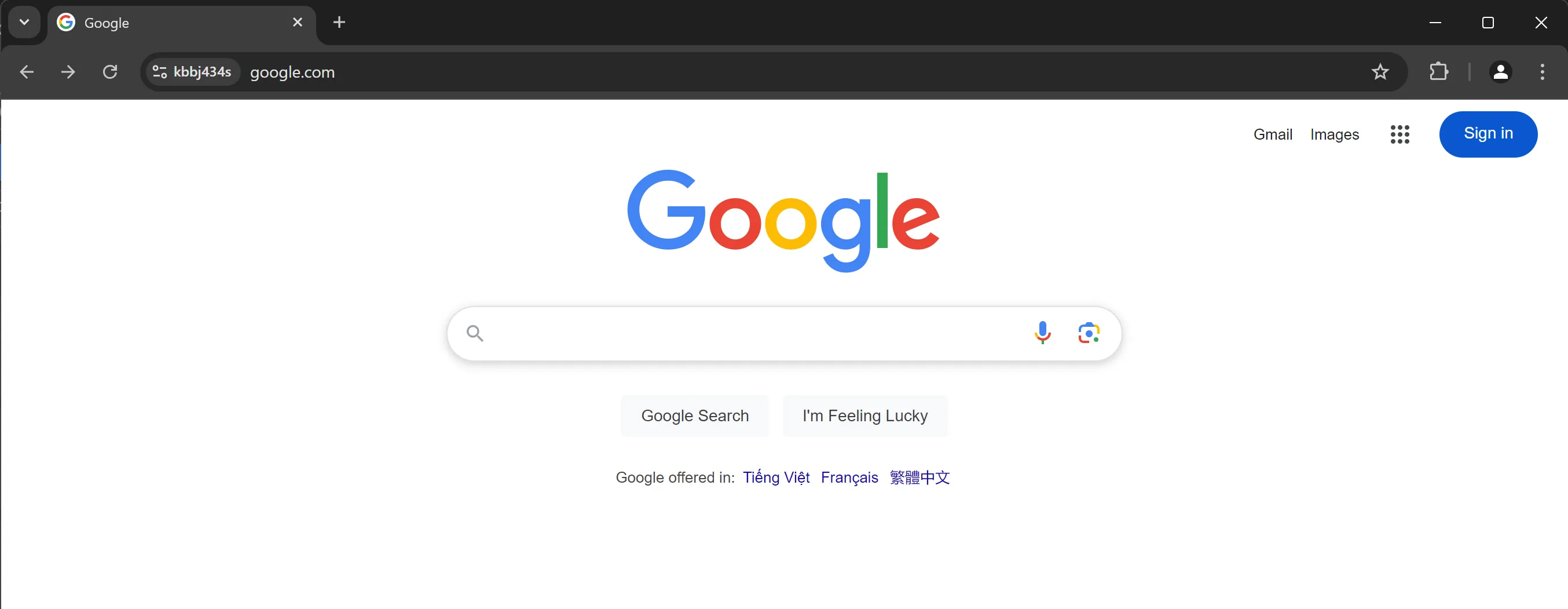
To return to the Google Sign-in page, use the Go Forward block:
Tips
- This block only works if there is a forward history entry - meaning you must have previously used
Go Backor the browser's back button. - Pair
Go BackandGo Forwardto navigate between two pages without opening new tabs.