
Bulk Create Keplr Wallets
Generate multiple Keplr wallets automatically for the Cosmos ecosystem. Each wallet includes a public address, private key, and seed phrase - all created locally on your machine with no data sent to external servers. Ideal for DeFi participation, DApp testing, and staking operations. For Solana wallets, see the Phantom wallet creator.
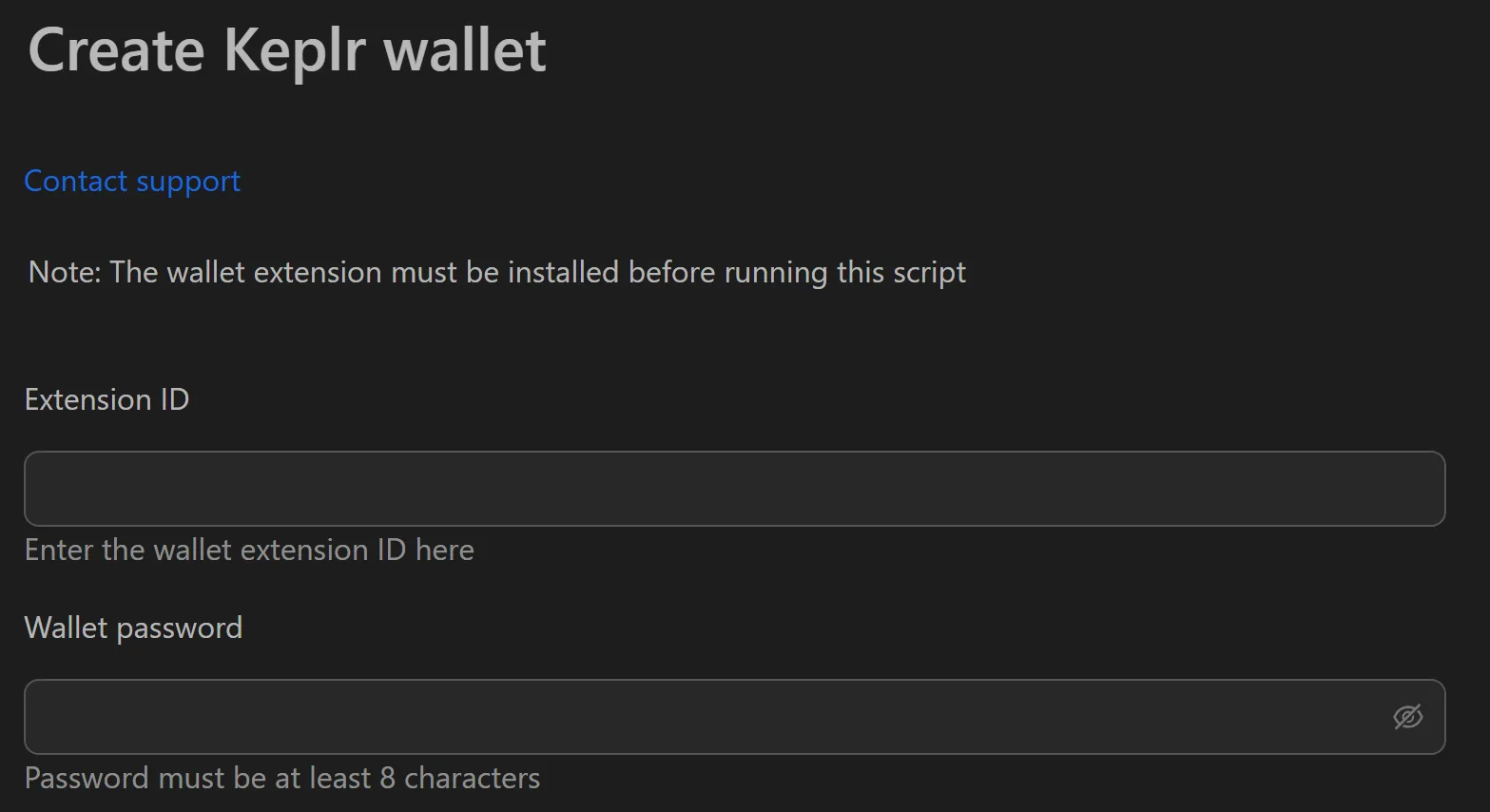
How to Create Keplr Wallets in Bulk
- Enter the number of wallets to create.
- Click Create Wallets.
- Review the results table (Index, Wallet Name, Address, Private Key, Seed Phrase).
- Click Export to Excel to save all wallet data as a spreadsheet.
- Store the exported file in a secure, encrypted location.
Key Features
- Instant bulk creation - Generate hundreds of wallets in seconds using standard Cosmos cryptographic libraries
- Complete data export - Each wallet includes Address, Private Key, and Seed Phrase in a structured table
- Excel export - One-click export to spreadsheet for sorting, filtering, and tracking
- 100% local processing - No seed phrases or private keys are ever sent over the internet
Use Cases
- Airdrop hunting - Create hundreds of wallets, track DApp interactions per wallet in the spreadsheet, and run systematic airdrop campaigns
- DApp development & testing - Generate 1000+ wallets to simulate concurrent users and stress-test smart contracts before launch
- Staking & node operations - Create separate wallets for rewards, governance, and staking as a security best practice
- Community events - Pre-generate wallets with testnet tokens for workshops and onboarding programs
Important: The exported Excel file contains sensitive data (seed phrases, private keys). Store it on an encrypted drive or offline USB - never upload to cloud storage.