
Note Block
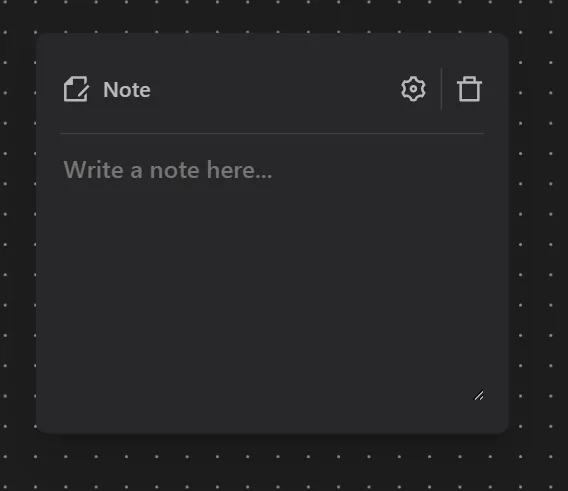
The Note block lets you add annotations directly to your workflow canvas. Use it to document what a section of your workflow does, leave reminders for yourself or teammates, or explain complex logic.
You can customize the note's color, font size, and dimensions to match your preferred layout.
When to Use Notes
- Complex workflows - Add notes next to groups of blocks to explain their purpose at a glance.
- Team collaboration - Leave instructions or context for other team members who may edit the workflow.
- Debugging - Mark areas of the workflow that need attention or are still under development.
Tips
- Use different colors to categorize notes - for example, yellow for warnings, green for completed sections, and red for known issues.
- Notes do not affect workflow execution; they are purely visual annotations.