
Auto-Login to X (Twitter) Accounts
Log into multiple X (formerly Twitter) accounts automatically using username, password, and 2FA. Each account runs in an isolated browser profile with its own fingerprint, preventing cross-account detection. Ideal for marketing, community management, and X farming workflows.
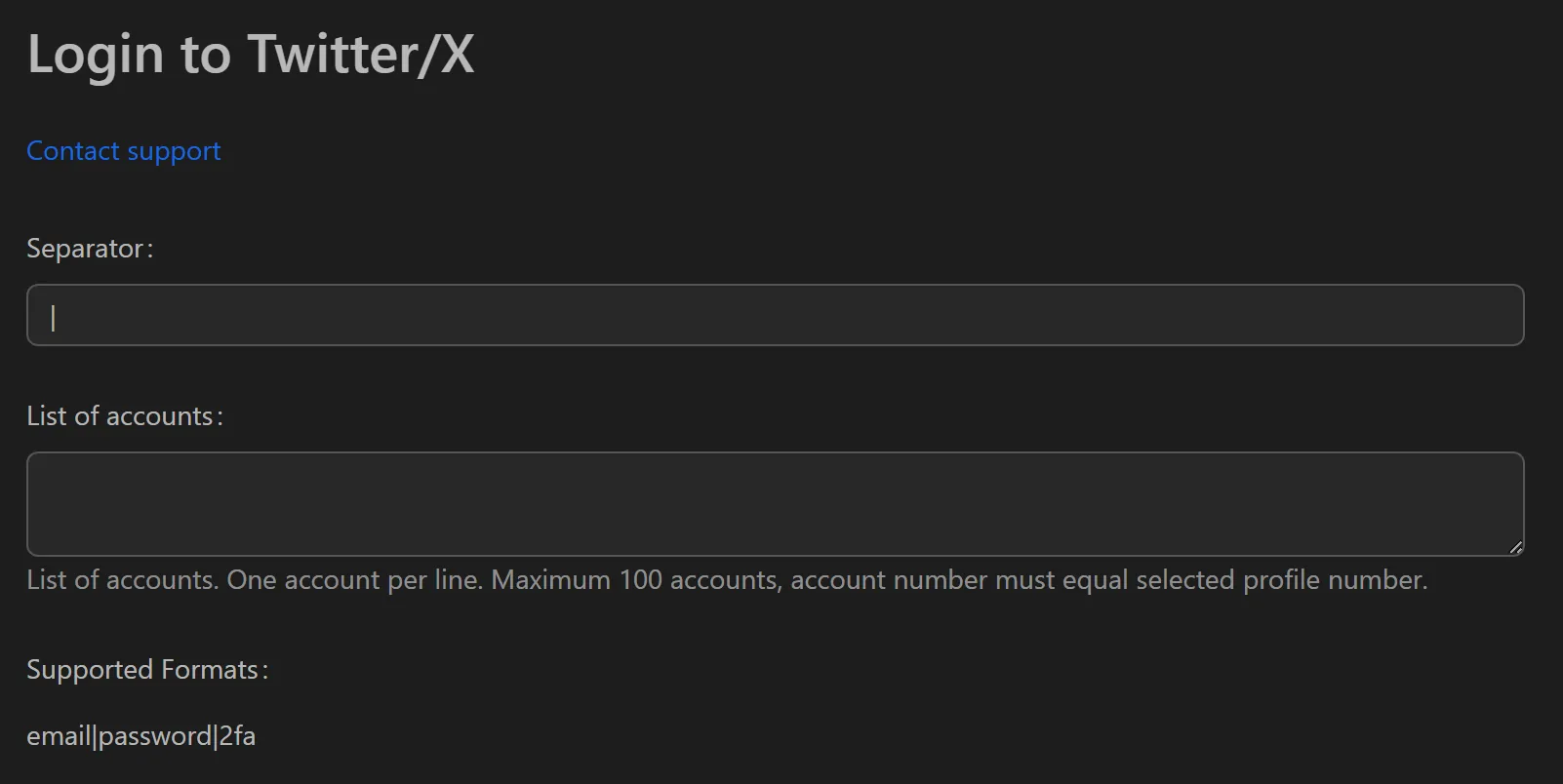
How to Auto-Login to X Accounts
- Add your X account credentials (username, password, 2FA secret) to the profile list.
- Assign a unique proxy to each profile.
- Select the profiles you want to log in.
- Click Run to start the bulk login process.
- Each account opens in its own isolated browser profile.
Key Features
- Separate browser profiles — Each account gets an independent browser with its own cookies, cache, history, and session data, appearing as a separate device to X
- Human-like action simulation — Clicks, typing, and scrolling mimic random human movements to avoid bot detection
- Proxy per account — Dedicated proxy for each profile creates distinct IP addresses and digital fingerprints
- 2FA support — Handles two-factor authentication automatically during login
Use Cases
- Account farming — Auto-login to new accounts daily, then run gentle actions (browsing, liking, following) to build account age and credibility before campaigns
- Marketing campaigns — Log into nurtured accounts in bulk to post content around target hashtags and drive trending topics
- Community management — Manage seeder accounts for crypto/NFT communities to maintain presence and create engagement across discussions
Note: Combine with the Discord auto-login tool for cross-platform community management.