
Automate Discord Comments and Replies
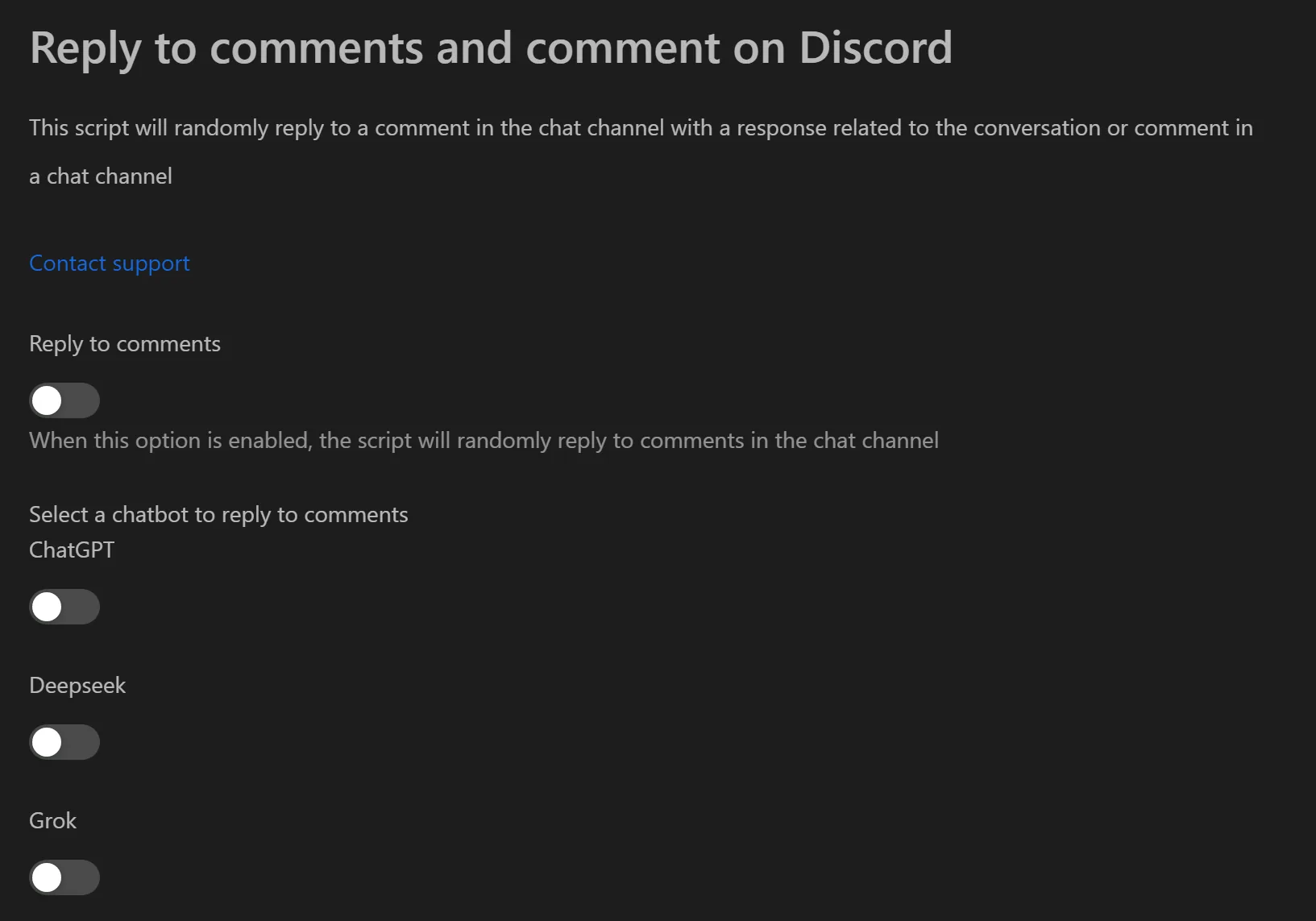
Send AI-powered comments and replies on Discord automatically. This tool uses ChatGPT, Grok, or DeepSeek to generate context-aware messages, helping you build credible presence across multiple accounts for airdrop hunting or community management.
Key Features
- Multi-AI model support — Choose between ChatGPT, Grok, or DeepSeek by providing your API key. Pick the model that fits each community's tone.
- AI persona shaping — Set a system prompt to define the bot's personality (e.g., "you are a knowledgeable project member who answers questions in a friendly tone").
- Context-aware replies — The bot reads recent messages (5-10) before responding, producing relevant replies instead of random spam.
- Two operating modes:
- Comment — Proactively sends new messages into the channel.
- Reply — Reads the channel and replies to an existing message.
- Flexible content sources:
- AI-generated content for unique, high-quality responses.
- File-based content (
.txt) for simple messages likegm/gnto save API costs.
- Natural behavior simulation — Random delays, random action counts, and multi-threading make activity harder to detect.
Practical Use Cases
Airdrop Role Farming
- Set mode to Reply.
- Select an AI model (e.g., ChatGPT).
- Set system prompt: "You are a knowledgeable member, answer newcomers' questions in a friendly and detailed manner."
- Run in support channels (
#help-chat,#questions). - Accounts accumulate quality activity and may earn higher roles (
active member,OG).
Community Engagement
- Set mode to Comment with AI.
- Set system prompt: "Ask interesting questions about the roadmap or upcoming features."
- Run with long delays in
#general-chat. - The bot seeds conversation topics that encourage real members to engage.
Event Seeding (AMAs, Launches)
- Set mode to Comment.
- Prepare questions in a
.txtfile. - Run with multiple accounts during the event to create organic-looking engagement.
Note: For X/Twitter engagement alongside Discord, see the X farming tool. To manage Gmail accounts tied to Discord, see Gmail care.