
Auto-Login to Outlook/Hotmail Accounts
Log into multiple Outlook, Hotmail, and Live.com accounts automatically. Each account runs in an isolated browser profile with a dedicated proxy, preventing Microsoft from detecting account connections. Essential for email marketing, MMO workflows, and service activation at scale.
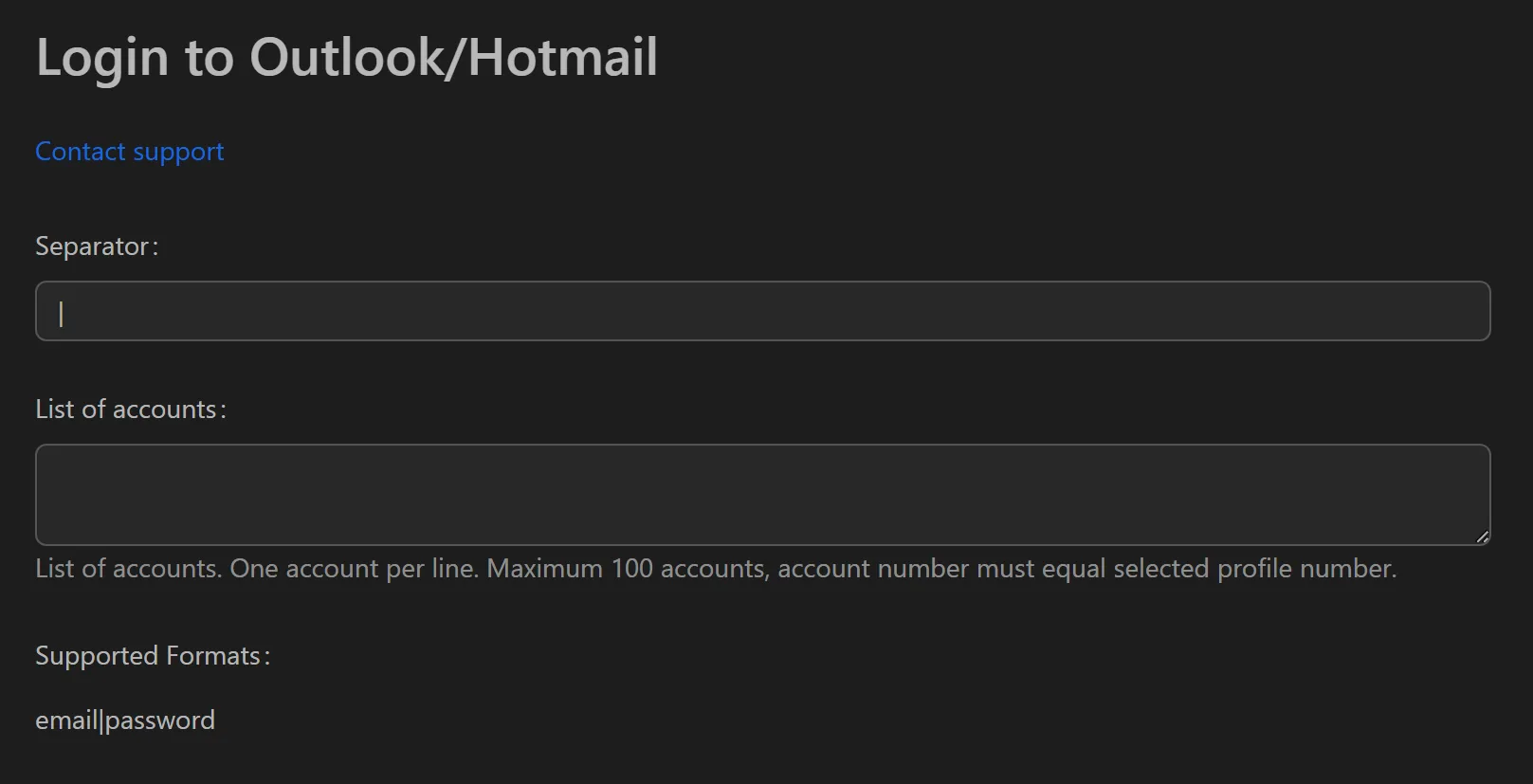
How to Auto-Login to Outlook/Hotmail Accounts
- Add your Microsoft account credentials to the profile list.
- Assign a unique proxy to each profile.
- Select the profiles to log in.
- Click Run to start the bulk login process.
- Export results with status for each account (success, wrong password, checkpoint).
Key Features
- Separate browser profiles — Each account gets independent cache, cookies, and session data, eliminating data cross-contamination between accounts
- Human-like behavior simulation — Actions vary in speed and click position to mimic natural interaction patterns
- Per-account proxy — Unique IP and fingerprint for each profile
- Status export — CSV/Excel report with login outcome for each account
Use Cases
Email Marketing & Sender Reputation
Use the tool to warm up accounts by logging in daily to send, receive, and reply to emails. This builds sender reputation over time, improving inbox placement rates for larger campaigns.
MMO Workflow Automation
Chain multiple workflows:
- Auto-login to 500 Hotmail accounts.
- Use logged-in sessions to register on Web3 platforms or social networks.
- Log back into inboxes to find and click verification links.
Security Auditing
Auto-login to employee Outlook accounts to verify 2FA status, check for suspicious forwarding rules, and audit security policies across the organization.
See also: Gmail auto-login for Google account management.