
Auto-Login to Gmail Accounts
Log into multiple Gmail accounts automatically in isolated browser profiles. Each account gets its own cookies, fingerprint, and proxy — preventing Google from linking accounts or triggering security checkpoints. Pairs well with Gmail account care for ongoing maintenance.
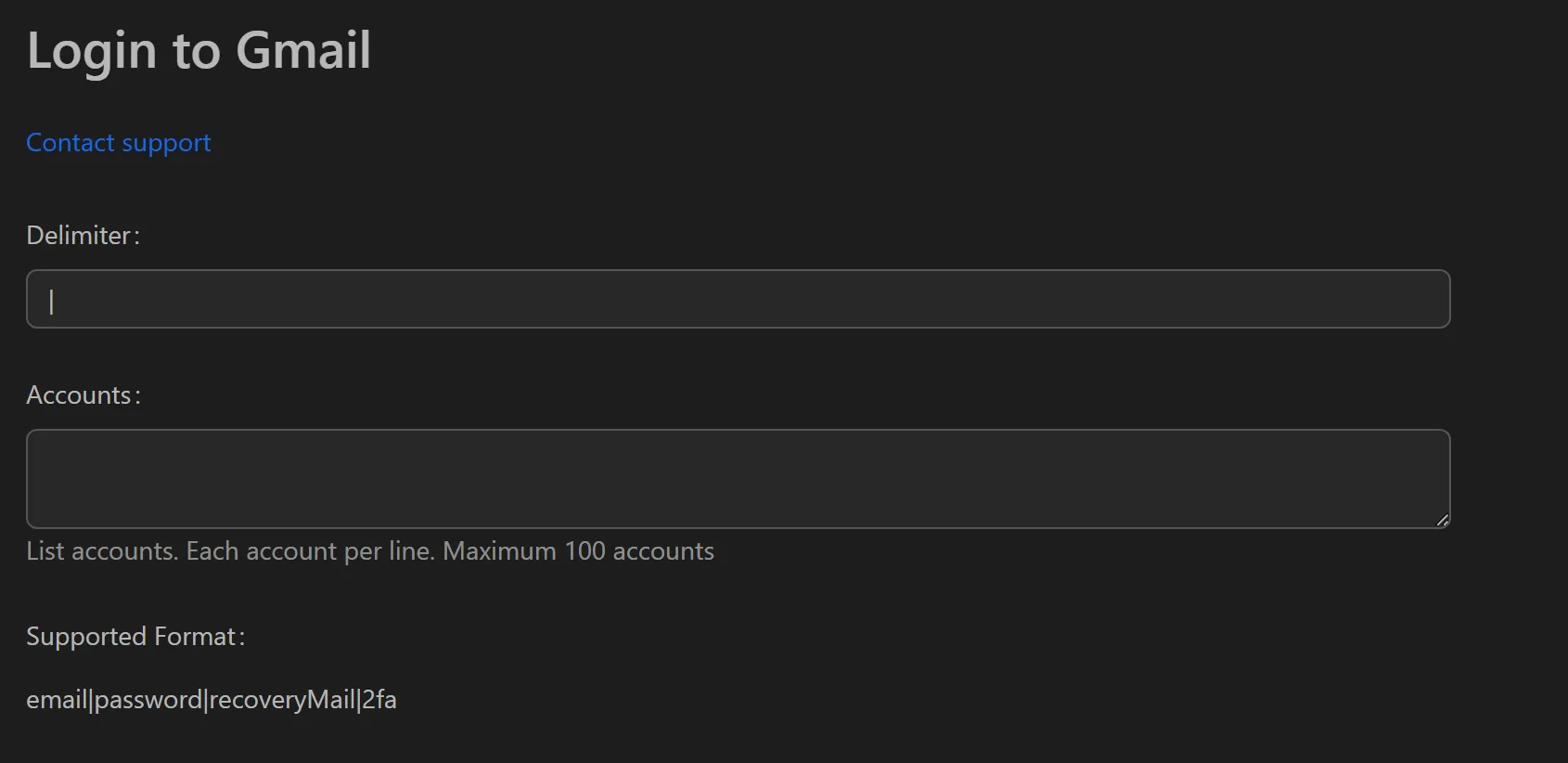
How to Auto-Login to Gmail Accounts
- Add your Gmail account credentials (email, password, recovery email, 2FA) to the profile list.
- Assign a unique proxy to each profile.
- Select the profiles to log in.
- Click Run to start the bulk login process.
- Export results to CSV/Excel with status for each account.
Key Features
- Bulk auto-login — Provide a list of accounts, and the tool handles the full login flow sequentially or in parallel, checking live/dead status in minutes
- Anti-detection technology — Each account runs in a private browser profile with no data leakage between accounts; actions (clicks, typing speed) are randomized to mimic human behavior
- Status export — After running, export a report with input info (mail, password, recoveryMail, 2FA) plus a Status column (login successful, incorrect password, verification required/checkpoint)
Exported Report Fields
| Input | Output |
|---|---|
| Email, Password, Recovery Email, 2FA | Status: Login successful / Incorrect password / Checkpoint |
Use Cases
- MMO operations — Manage large account sets for service registrations or airdrops, then export reports to identify active accounts
- Email marketing — Periodically check account health and export faulty accounts for recovery
- Business audits — Audit company email systems, verify logins, and report on accounts with security issues
Note: Also available: Outlook/Hotmail auto-login for Microsoft account management.