
Merch by Amazon Content Generator in Omnilogin
Omnilogin's Merch by Amazon (MBA) content generation tool creates optimized product listings -- titles, bullet points, descriptions, and keywords -- using AI or a custom keyword database. It handles SEO so you can focus on design.
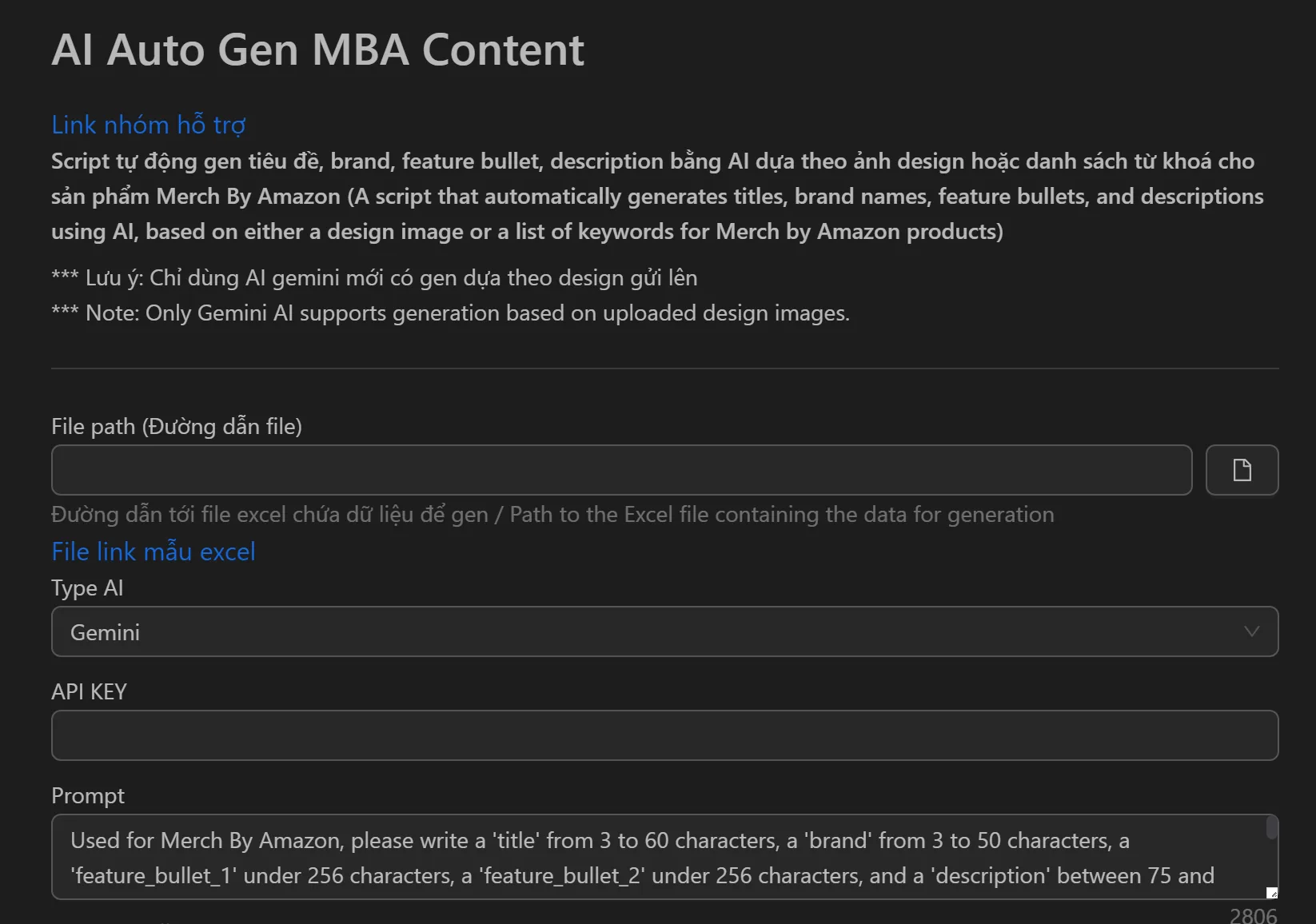
How to Generate MBA Content
- Open the MBA content generation tool in Omnilogin.
- Choose your input method:
- From a niche -- enter a theme (e.g., "t-shirt for cat-loving nurse")
- From seed keywords -- paste your researched keywords
- Configure output preferences (tone, keyword density).
- Click Generate to create the listing content.
- Review and copy the title, bullet points, description, and keywords to your MBA listing.
Key Features
- Multiple input methods -- generate from niche topics or seed keywords for flexible workflows
- AI-powered writing -- creates contextual, grammatically correct copy in various tones; avoids duplicate content
- Built-in keyword optimization -- pulls from keyword databases, suggests long-tail terms, and places high-value keywords in titles and first bullet points
- Unique output -- each generation produces original content to avoid Amazon duplicate penalties
Use Cases
- Scale uploads -- reduce listing time from 15-20 minutes to 1-2 minutes per design; go from 30 to 300+ designs per day
- Enter new niches -- generate expert-level copy for unfamiliar markets using AI analysis of top listings
- A/B test listings -- create multiple content versions for the same design to find the highest-converting copy
- Revive dead designs -- refresh titles and bullet points on unsold listings to give them new visibility
Tip: Combine with the MBA upload tool to streamline your end-to-end workflow. For trademark safety, see Check trademark for MBA.