
Auto-Login to Discord Accounts
Log into multiple Discord accounts quickly using tokens or username/password. Each account runs in an isolated browser profile with a dedicated proxy, preventing mass bans from same-IP detection. Works well alongside the X auto-login tool for cross-platform management.
Who Is This For?
- Community managers & marketers — Run seeding campaigns and manage interactions across multiple servers
- MMO professionals — Manage hundreds of accounts for airdrops, whitelists, and crypto projects
- Gamers — Switch between accounts for different guilds or characters
- Developers & testers — Test bot features under real-world conditions with multiple user accounts
How to Auto-Login to Discord Accounts
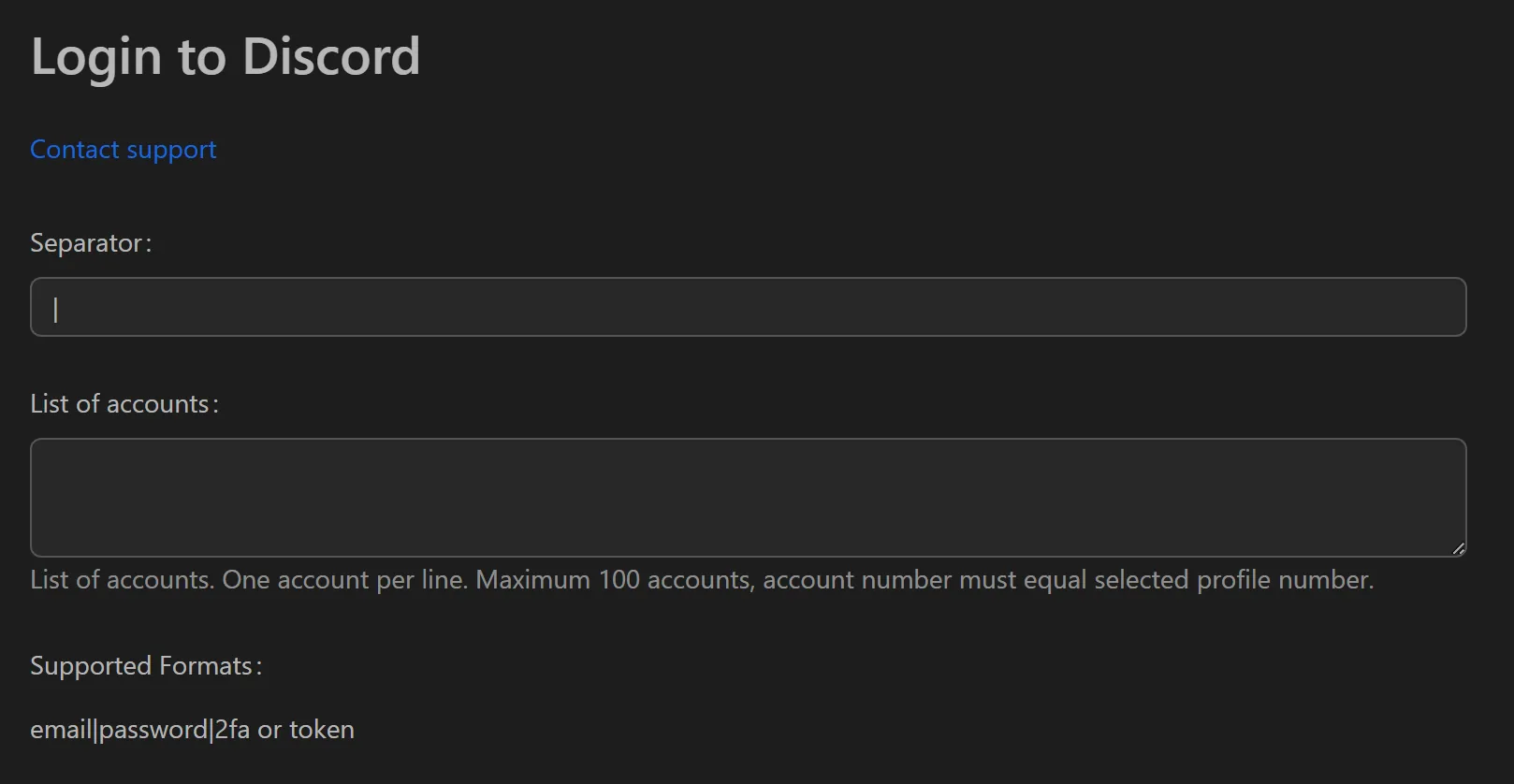
- Add account credentials: choose Token login (fastest, no password needed) or Username & Password login.
- Assign a unique proxy to each profile for separate IP addresses.
- Select the profiles to log in.
- Click Run to start the bulk login process.
- If Captcha appears, the workflow pauses automatically — solve manually or let your Captcha service handle it, then it resumes.
Key Features
- Dual login methods — Token-based login for speed, or username/password for initial setup
- Per-account proxy — Each account gets a different IP and digital fingerprint, appearing as independent users from different locations
- Smart Captcha handling — Workflow pauses on Captcha, waits for solving, and resumes automatically
- Centralized profile management — Store and organize account info (profileId, token, password, proxy) in one interface
Use Cases
- MMO account management — Log into account sets to check messages, receive roles, and participate in airdrop events
- Seeding & marketing — Switch between accounts to join conversations and promote products across servers
- Bulk status checks — Run login workflow to identify which accounts are active vs. disabled, saving time for follow-up tasks
Tip: For Discord reputation building after login, see the Discord reputation tool.