
Check Trademarks for Merch by Amazon
Scan keywords for trademark violations before listing on Merch by Amazon (MBA). A single trademark infringement can result in product removal, account strikes, or permanent suspension. This tool checks your entire keyword list in seconds. Use it alongside MBA content generation to validate designs before upload.
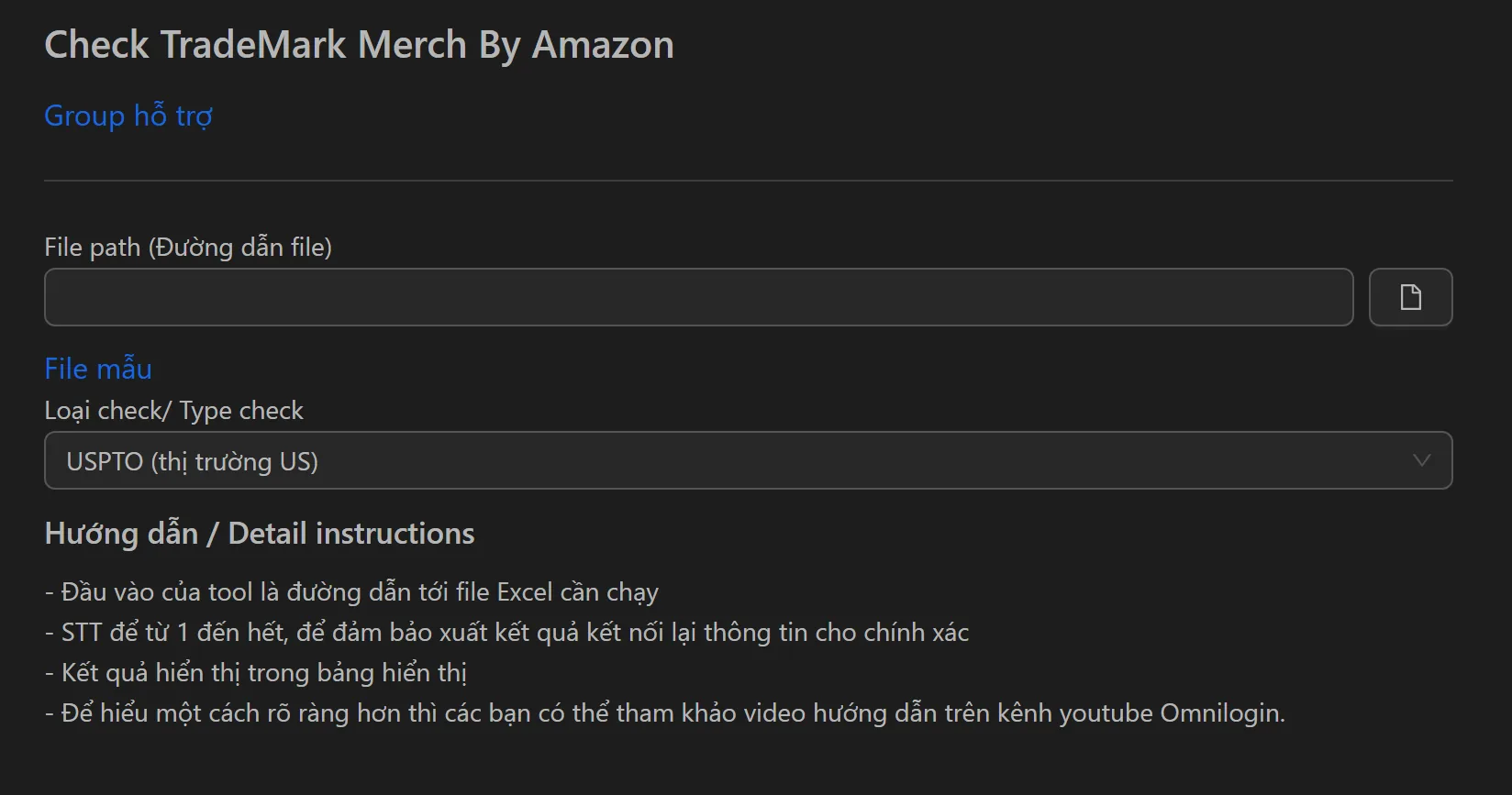
How to Check Trademarks on MBA
- Paste your keyword list into the input field (one keyword per line).
- Optionally add common words to the exclusion list (e.g.,
the,a,my,for) to skip safe terms. - Click Run to scan all keywords.
- Review results — flagged keywords have registered trademarks in the apparel category.
- Remove or replace flagged keywords before listing.
Key Features
- Bulk keyword scanning — Process hundreds of keywords in a single click instead of checking one by one on USPTO
- Smart exclusion list — Skip common safe words to focus on high-risk terms and get cleaner results
- Fast validation — Turns hours of manual trademark research into seconds
Why Trademark Checking Matters
- Prevent unintentional infringement — Many common-seeming words and phrases are trademarked for apparel
- Avoid copyright strikes — Strikes can lead to takedown notices, account suspension, or permanent termination
- Protect your MBA account — Suspended Merch accounts are nearly impossible to recover
Workflow Integration
- Before listing: Run every title, brand name, and description through the checker
- During research: Validate trending phrases and niche keywords before investing design time
- Speed up listings: Spend seconds on validation instead of hours, letting you catch trends and list products faster
Tip: After validating your keywords, use the Merch by Amazon upload tool to list products efficiently.