
Etsy Account Nurturing Tool in Omnilogin
Omnilogin's Etsy account nurturing tool simulates natural buyer behavior to keep accounts healthy. It automates browsing sessions with randomized timing, diverse keywords, and probability-based actions that look human.
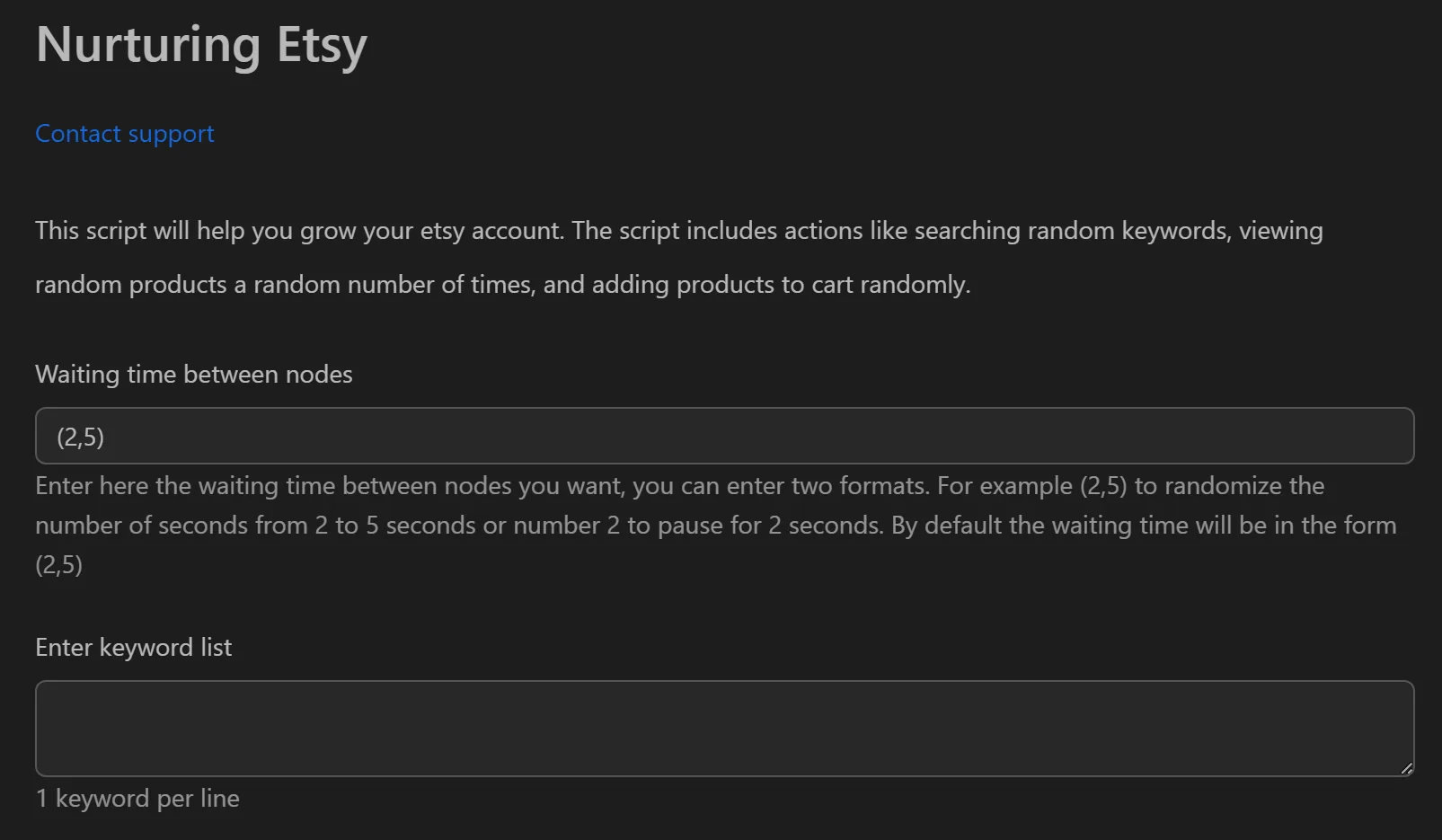
How to Nurture Etsy Accounts
- Open the Etsy nurturing tool in Omnilogin.
- Enter a list of keywords (one per line) relevant to your niche.
- Configure randomization settings:
- Number of keywords to search (e.g., 1-2 per session)
- Number of products to view per keyword (e.g., range)
- Add-to-cart rate (e.g., 10%)
- Set wait time between actions as a range (e.g., 2-5 seconds).
- Click Run to start the session.
Key Features
- Logical browsing chain -- follows natural flow: Search, View Product, Favorite, Add to Cart
- Random wait times -- pauses between actions vary within your set range, breaking robotic patterns
- Diverse sessions -- random keyword selection and variable product view counts ensure no two sessions match
- Probability-based cart actions -- set a percentage (e.g., 10%) so only some viewed products get added to cart, simulating casual browsing
Use Cases
- New POD/dropshipping stores -- warm up accounts with gentle activity before uploading products or running ads; reduces suspension risk
- Experienced seller maintenance -- keep a steady activity signal during periods focused on design or sourcing
- Multi-store management -- nurture each store in its own Omnilogin browser profile with separate proxy to prevent account linking
Note: For best results, run sessions consistently over weeks with conservative settings. See also eBay account nurturing and Gmail account care for cross-platform account health.